
What it does
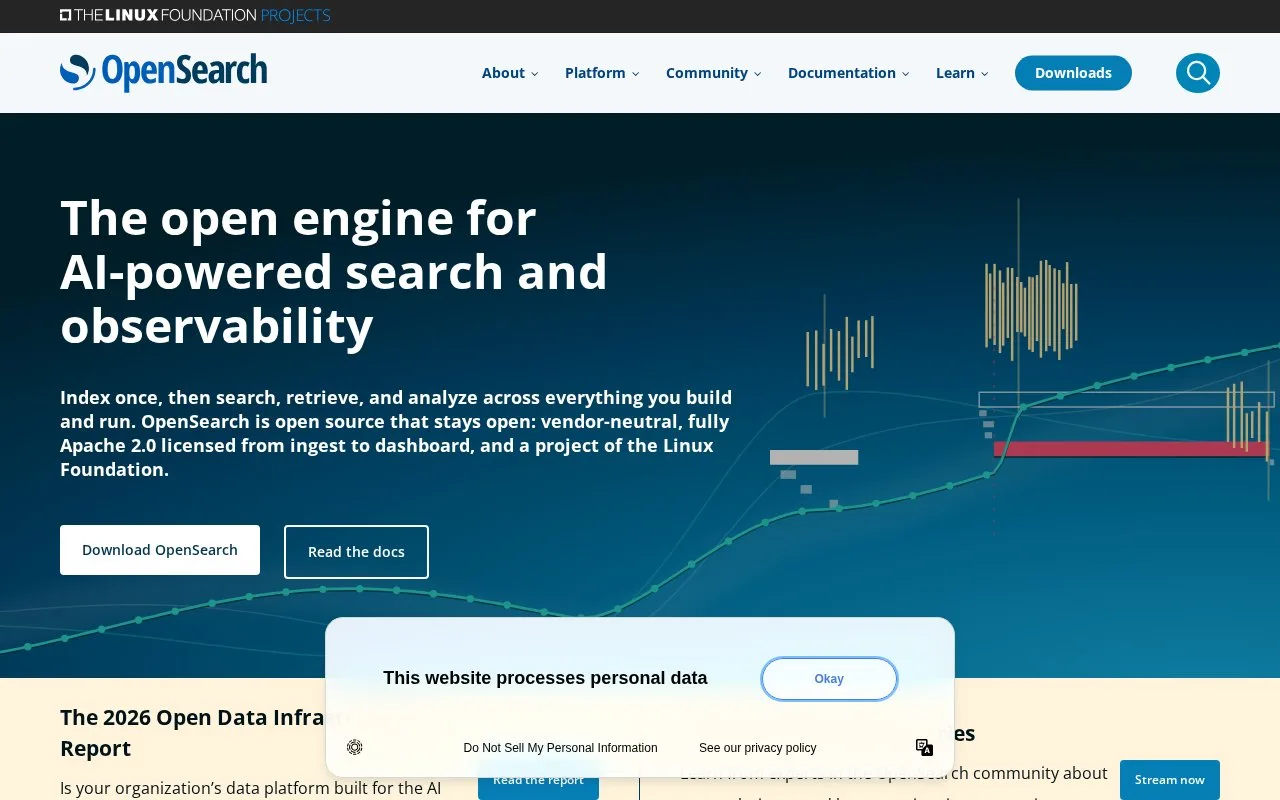
OpenSearch is a distributed search and analytics engine based on Apache Lucene. Its REST API accepts documents and queries; its capabilities include full-text search, relevance scoring, aggregations, vector search, and anomaly detection. OpenSearch Dashboards is a companion interface for exploring and visualizing indexed data, while the engine itself is software the operator deploys and runs.
OpenSearch is for a team prepared to operate its own search backend. The official quick start uses a local Docker setup for evaluation; after bringing up the node, index a small set of product or log documents and issue a text-match query through the documented REST API. The response is JSON with matching hits and relevance scores, and an aggregation can summarize a field such as category. This describes a first exercise, not a live cluster or query run.
Dashboards adds a browser workspace for inspecting and visualizing the data, but the engine's HTTP API is also usable from applications and scripts. Keep the quick-start security configuration in its intended local-testing context: its demo certificates and settings are not production defaults. A production deployment requires an operator to make security, cluster sizing, backup, and upgrade choices. The project publishes the engine under Apache 2.0; this record does not describe the separate Amazon OpenSearch Service.
Strengths
- Provides a REST API for indexing documents, searching data, and checking cluster operations.
- Supports full-text search, relevance scoring, sorting, aggregations, vector search, and anomaly detection.
- Offers OpenSearch Dashboards as a companion interface for exploring and visualizing indexed data.
Watch out for
- A self-managed deployment leaves production security and cluster operations to the operator.
- The official quick start is for local testing and uses demo security settings or certificates, not a production configuration.
Best for
- Teams building and operating a full-text or document-search service
- Analytics workloads that benefit from indexing, querying, and aggregating records
- Developers who want a self-managed engine with a REST interface and optional Dashboards UI
Sources
- Home - OpenSearch (Oct 25, 2026)
- Installation quickstart | OpenSearch Documentation (Oct 25, 2026)
- Communicate with OpenSearch | OpenSearch Documentation (Oct 25, 2026)
- GitHub - opensearch-project/OpenSearch: Open source distributed and RESTful search engine (Oct 25, 2026)
- Download & Get Started - OpenSearch (Oct 25, 2026)
- OpenSearch/LICENSE.txt at main · opensearch-project/OpenSearch · GitHub (Oct 25, 2026)