What it does
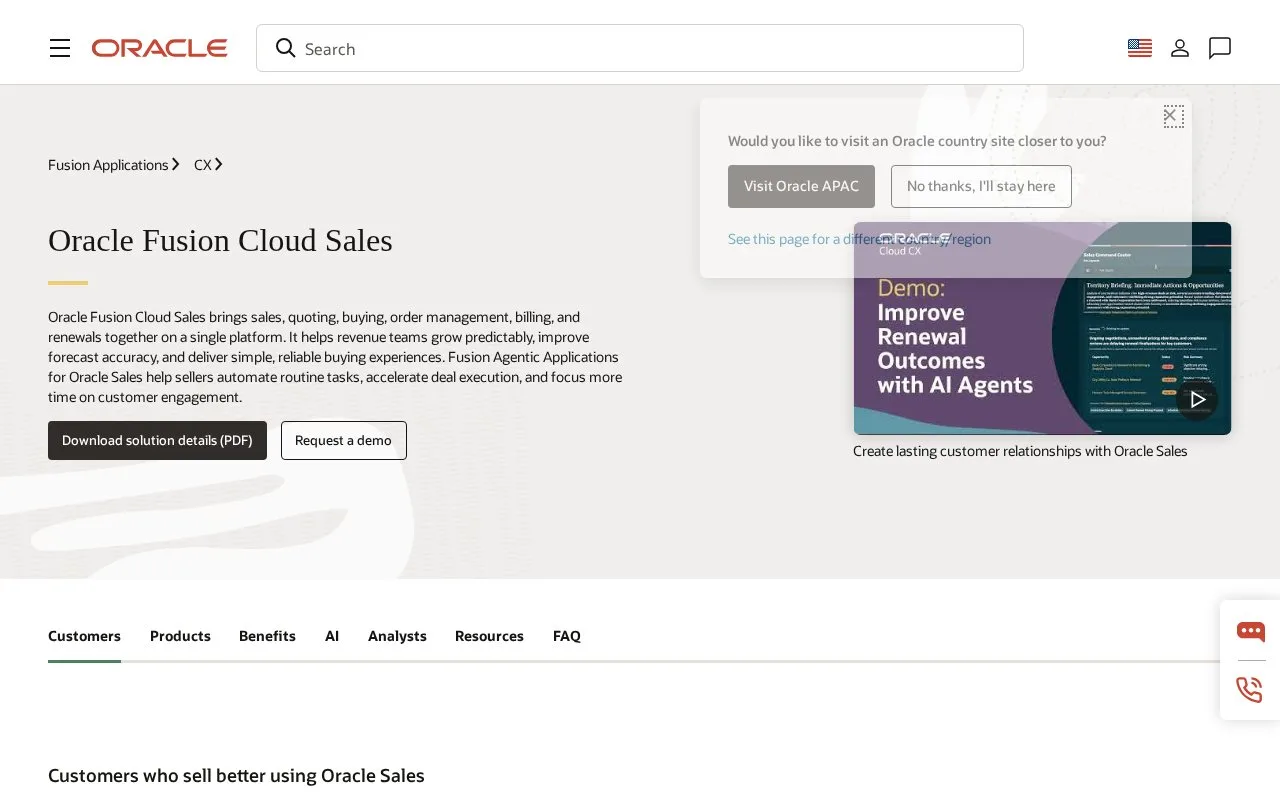
Oracle Fusion Sales connects sales work with quoting, orders, billing and renewals. Its Redwood interface saves reusable list views containing search terms, filters, columns and sorting. Sales licences use a subscription model; product evaluation starts with a demonstration request.
For a recurring pipeline review in Oracle Sales for Redwood, arrange the list's keywords, filters, columns and sorting, then Save and name the search. This preserves the working view rather than just its search phrase.
Use Actions > Manage Saved Searches to share your personal search through Share Via Link. Set a frequently used search as the work area's default. Prebuilt searches can be hidden, while rename and delete apply only to searches you created. For example, keep a personal review view as the default and hide an unused supplied view rather than trying to delete it.
Choosing the operating scope
Request a demo for the sales, quoting and revenue processes the team needs. Include the work areas and shared views used in regular reviews; a saved search is useful when its recipients can reach the relevant records.
Strengths
- Saved searches retain result columns and sorting
- Personal searches can be shared by link
Watch out for
- Prebuilt saved searches can be hidden but not deleted
Best for
- Sales teams reusing a consistent pipeline-review view
Sources
- Oracle Fusion Cloud Sales product scope (Oct 27, 2026)
- Oracle Sales for Redwood saved searches (Oct 27, 2026)
- Oracle Fusion Cloud Service Global Price List, October 8, 2026 (Oct 26, 2026)
- Global Pricing and Licensing | Oracle (Oct 26, 2026)