
What it does
Orangescrum covers project and task management alongside agile backlogs, Kanban, Gantt schedules, workload planning, timesheets, budgets, and reporting. The product is offered as a managed cloud service and as a self-hosted Community edition. Its breadth suits teams coordinating delivery and project operations, although teams seeking only a compact to-do list may not need its additional modules.
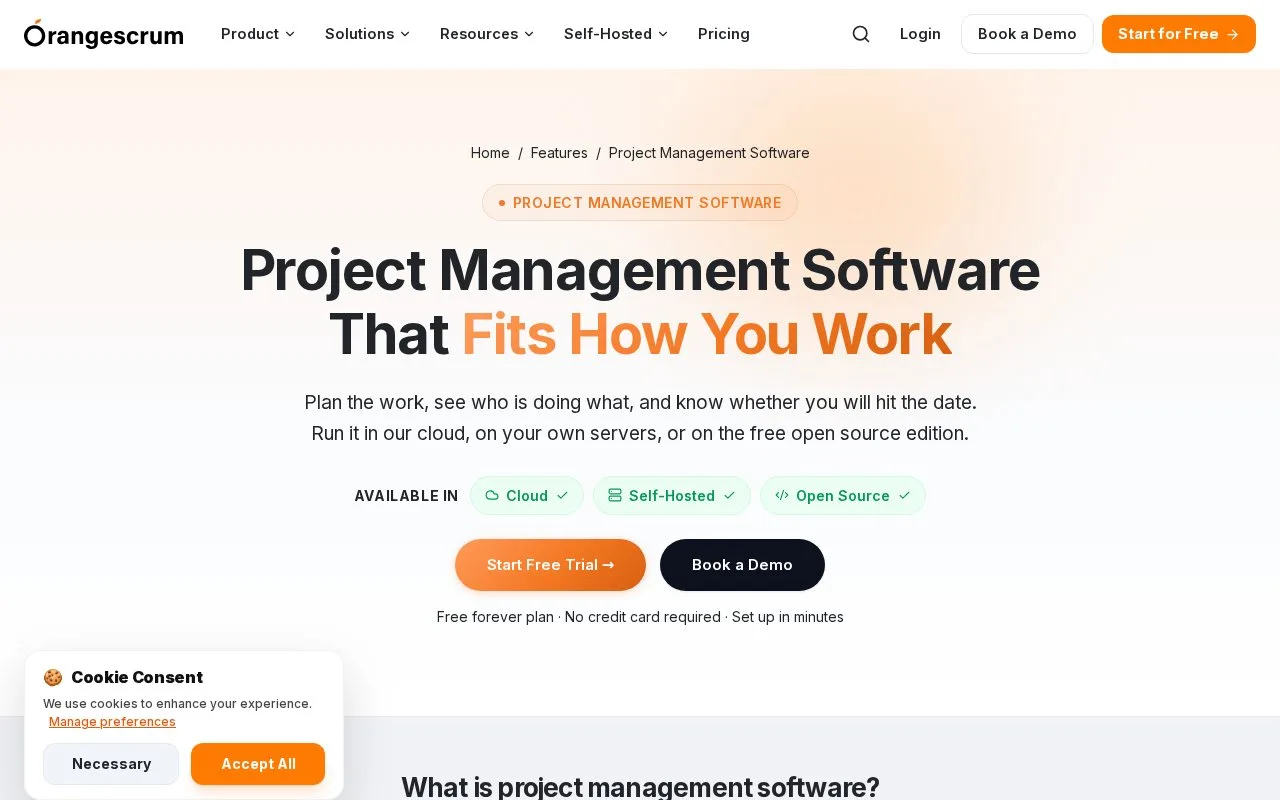
A team can set up a project, break work into tasks and subtasks, assign owners, then choose a planning view: Orangescrum lists Kanban columns, a Gantt chart with dependencies, and a project calendar. The same product also includes workload and time tools for teams that need to compare effort and plan capacity. The product overview summarizes those modules.
Its pricing page distinguishes cloud hosting from a self-hosted Community Edition, which it describes as free with no user limit. Decide first whether the organization wants the vendor-managed service or its own deployment; feature availability differs between the editions, so the edition comparison matters.
Strengths
- Tasks, sprints, Kanban, Gantt, and calendar views address several project workflows.
- Workload and timesheet features connect delivery planning with effort review.
- A free self-hosted Community Edition is listed alongside managed cloud plans.
Watch out for
- The breadth of project, resource, and financial modules can be unnecessary for a simple checklist.
- Cloud and self-hosted editions do not have identical module sets.
Best for
- Teams combining task management with workload and timesheet tracking
- Organizations choosing between a hosted service and a self-managed project system
Sources
- Project Management Software to Plan & Deliver | OrangescrumProductSolutionsResourcesSelf-HostedPricing SearchCtrlKLogin (https://app.orangescrum.com/users/login (Oct 25, 2026)
- Orangescrum Pricing | Flat Plans, Unlimited UsersProductSolutionsResourcesSelf-HostedPricing SearchCtrlKLogin (https://app.orangescrum.com/users/login (Oct 25, 2026)