
What it does
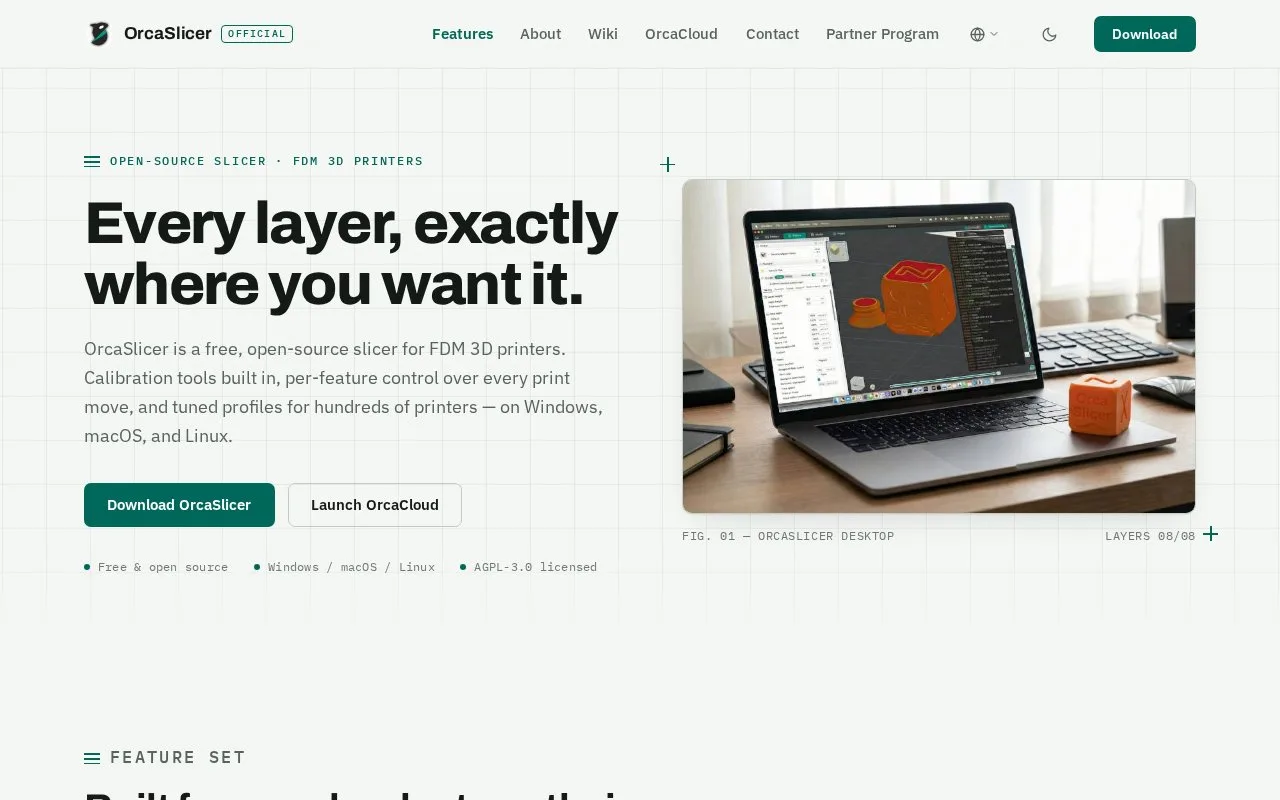
OrcaSlicer is a free desktop FDM slicer for Windows, Mac and Linux. It combines filament calibration with wall, seam, support and printer-profile controls.
Flow ratio changes how much filament a material profile extrudes. OrcaSlicer's documented YOLO calibration begins with the selected printer and the correct filament's current ratio. Choose Calibration > Flow ratio > YOLO to create eleven test blocks, then slice and print that project.
Compare the printed top surfaces for gaps and the line where the inner spiral meets the outer arcs. Choose the block that gives the useful surface, add its signed modifier to the previous ratio and save the filament profile. The guide's 0.98 plus 0.01 equals 0.99 example illustrates the calculation; it is not a setting for every material. Bambu printer users are told to leave the separate Flow calibration option disabled for this test.
The older two-pass method uses a different, multiplicative formula. Its percentage modifier must not be applied as the YOLO method's direct addition. Manual pressure advance is another separate control: enabling it overwrites an automatic calibration result. Adaptive pressure-advance options are marked beta.
The wider slicer includes wall and seam adjustments, supports and profiles for multiple printer families. AGPL version 3 covers the slicer core. Networking with Bambu machines can use an optional, separately licensed plugin containing non-free libraries.
Strengths
- The flow test connects a selected filament profile to a concrete printed comparison and saved result.
- Separate wall, seam and support controls address the model after material calibration.
Watch out for
- Flow calibration requires printed test blocks and judgement of their surfaces.
- Manual pressure advance overrides an automatic result; adaptive variants remain beta.
Best for
- Adjusting a filament profile from physical flow tests
- Print preparation needing separate material, seam and support decisions
Sources
- OrcaSlicer | Official Desktop Features and Platforms (Oct 28, 2026)
- OrcaSlicer | Official Domain, AGPL Core and Optional Plugin (Oct 28, 2026)
- OrcaSlicer | Complete YOLO Flow-Ratio Task (Oct 28, 2026)
- OrcaSlicer | Material Flow and Pressure-Advance Boundaries (Oct 28, 2026)