
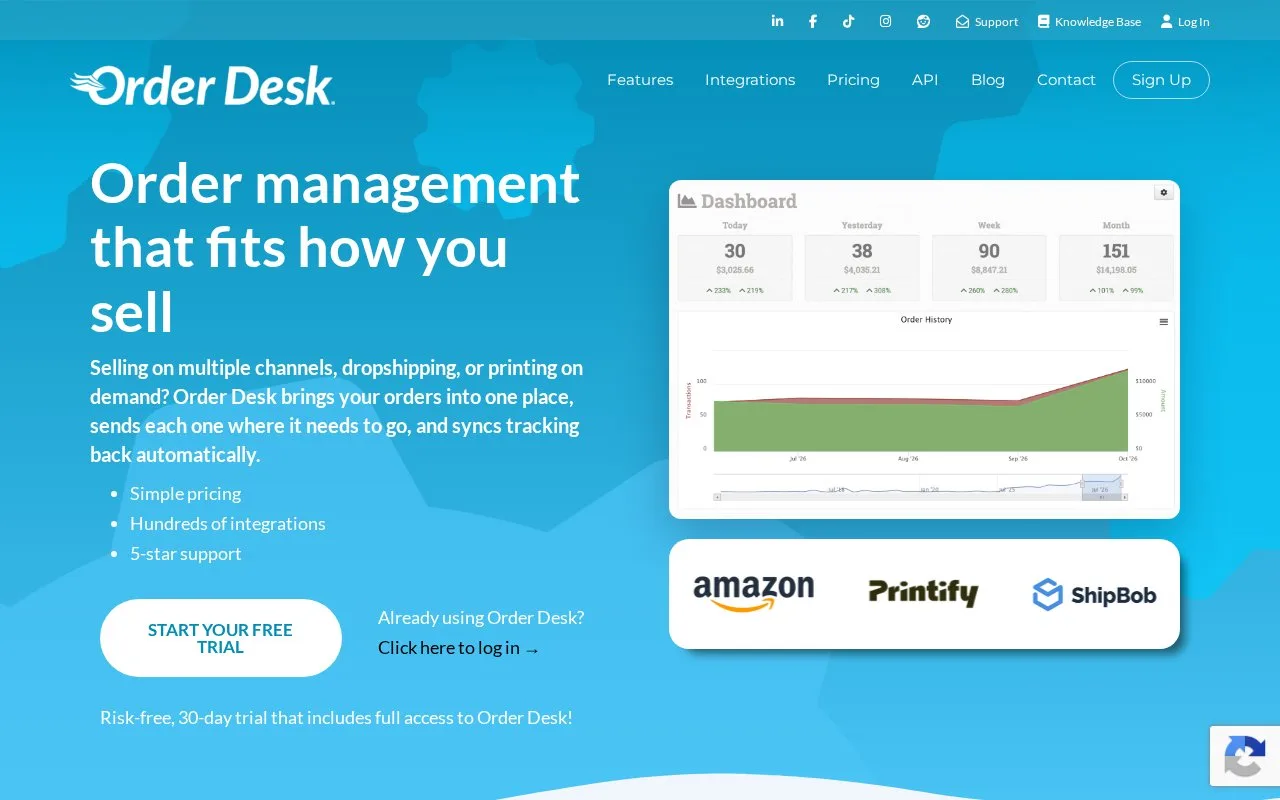
What it does
Order Desk connects stores, marketplaces, printers and fulfilment services through configurable order workflows. Rules can split orders, enrich item data, move work between folders and route different items to the appropriate destination.
For print-on-demand orders, Order Desk pairs the printer's product code, print_sku, with a publicly accessible artwork URL, print_url. These supplement your own SKU.
Open Manage Integrations, choose the Print on Demand tab and enable your printer. On an order item, use Add Variation for the code and artwork URL, then Save Item. Submit through the printer's button and check Order History for success or an error. A queued submission is not yet a successful delivery.
Save print details against inventory items for reuse. Under Store Settings > Inventory Settings, check Add Inventory Details to Order Items so incoming orders receive them automatically.
Split first, then route
Rules can split items by SKU, name or metadata. Keep spelling, spaces and capitalization consistent. Do not add delivery actions to the split rule itself: use a second rule triggered by Order is Split. This lets splitting finish before routing begins. Shopify and BigCommerce have separate vendor-based setup guides.
A supplier without a direct connection can receive an email or file export.
Plans and order charges
| Plan | Shopify billing, USD per 30 days | Order fee | Limits |
|---|---|---|---|
| Starter | 20 | USD 0.25 per order | 3 integrations; 1 user |
| Pro | 60 | USD 0.10 per order | Unlimited integrations and users |
| Plus | 125 | USD 0.05 per order | Unlimited Pro stores, integrations and users |
The 30-day trial waives the subscription fee. Orders imported, created or copied during it still contribute to the first invoice. Orders older than a month are excluded from historical-import charges. Some integrations let you filter which orders are imported.
Create an account with your business details, name, email and password to start.
Strengths
- Saved printer codes and artwork links can be added to incoming orders
- Separate split and routing rules give mixed orders distinct fulfillment paths
Watch out for
- Print artwork needs a public URL the printer can access
- Trial orders can generate charges on the first invoice
Best for
- Merchants sending mixed print-on-demand or dropship orders to several suppliers
Sources
- Features - Order Desk (Oct 25, 2026)
- Print On Demand Fulfillment (Oct 27, 2026)
- Order Desk pricing (Oct 27, 2026)
- How to Split Orders (Oct 27, 2026)
- Order Desk on the Shopify App Store (Oct 27, 2026)
- Set Up Order Desk Account (Oct 27, 2026)