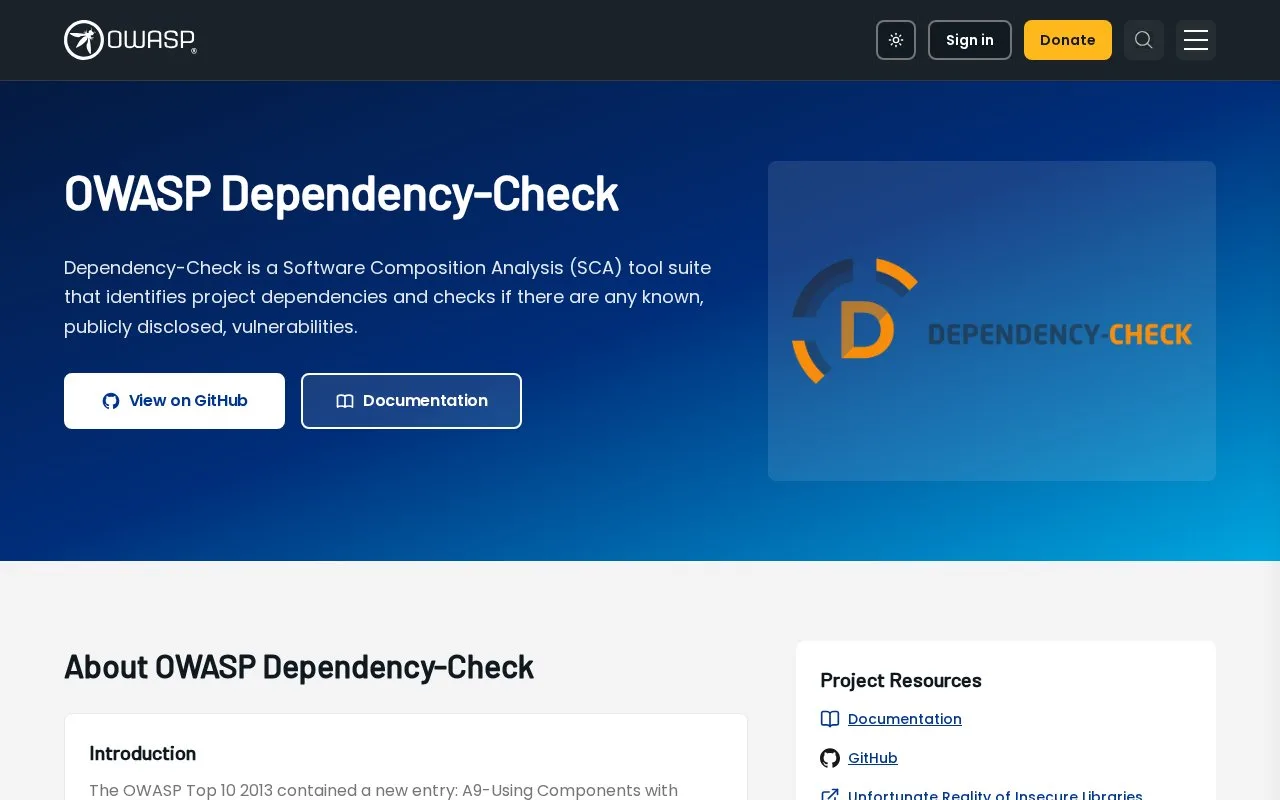
What it does
OWASP Dependency-Check is a software composition analysis tool that looks for known publicly disclosed vulnerabilities in a project's third-party dependencies. It is available as a command-line scanner and as integrations for build tools such as Maven, Gradle, and Ant, as well as CI systems. Reports include identified components, candidate CPE identifiers, CVEs, severity, and a confidence indicator for the component match. It helps teams find dependencies that warrant investigation; it does not establish that a reported vulnerability is exploitable in a particular deployment.
Put a dependency inventory next to the build
A developer can start with the CLI by choosing a project name and a path to scan; the official guide writes a report, with HTML as the default format. Teams already using Maven, Gradle, or Ant can choose the corresponding integration, and the project page also lists Jenkins, GitHub Actions, and Azure DevOps integrations. This makes the scanner usable as a local check or as a build-stage report without requiring a new hosted test account.
The result needs human interpretation. The report shows dependency names, any CPE identifiers, associated CVEs, severity, and CPE confidence. Dependency-Check's report guide warns that false positives can arise when a component is matched to the wrong CPE, and asks readers to assess whether a reported CVE is actually exploitable in their own environment. A report is therefore a triage input, not a final security verdict.
By default, Dependency-Check reaches external vulnerability and metadata sources, including NVD and other analyzer-specific feeds. Its documentation recommends planning for data updates and describes mirroring and caching options. Restricted CI environments may need proxy or mirrored-source configuration. The software is Apache-licensed; no live scan was run while preparing this record.
Strengths
- CLI, Maven, Gradle, and Ant options let teams scan locally or integrate dependency checks into an existing build.
- The report shows component identifiers, associated CVEs, severity, and confidence information for a match.
- Official documentation describes proxy, cache, and mirror options for remote vulnerability data.
Watch out for
- The default analyzers need internet access to external vulnerability and metadata sources, unless the team configures alternatives.
- Component matching can produce false positives, and the report does not decide whether a CVE is exploitable in the user's environment.
Best for
- Build and security teams checking third-party dependencies for known vulnerability records
- Projects that want dependency risk reports in a CLI, Maven, Gradle, Ant, or CI workflow
Sources
- OWASP Dependency-Check | OWASP Foundation (Oct 26, 2026)
- About – dependency-check-cli (Oct 26, 2026)
- How To Read The Reports – OWASP Dependency-Check (Oct 26, 2026)
- Remote Data Sources – OWASP Dependency-Check (Oct 26, 2026)
- DependencyCheck/LICENSE.txt at main · dependency-check/DependencyCheck · GitHub (Oct 26, 2026)