
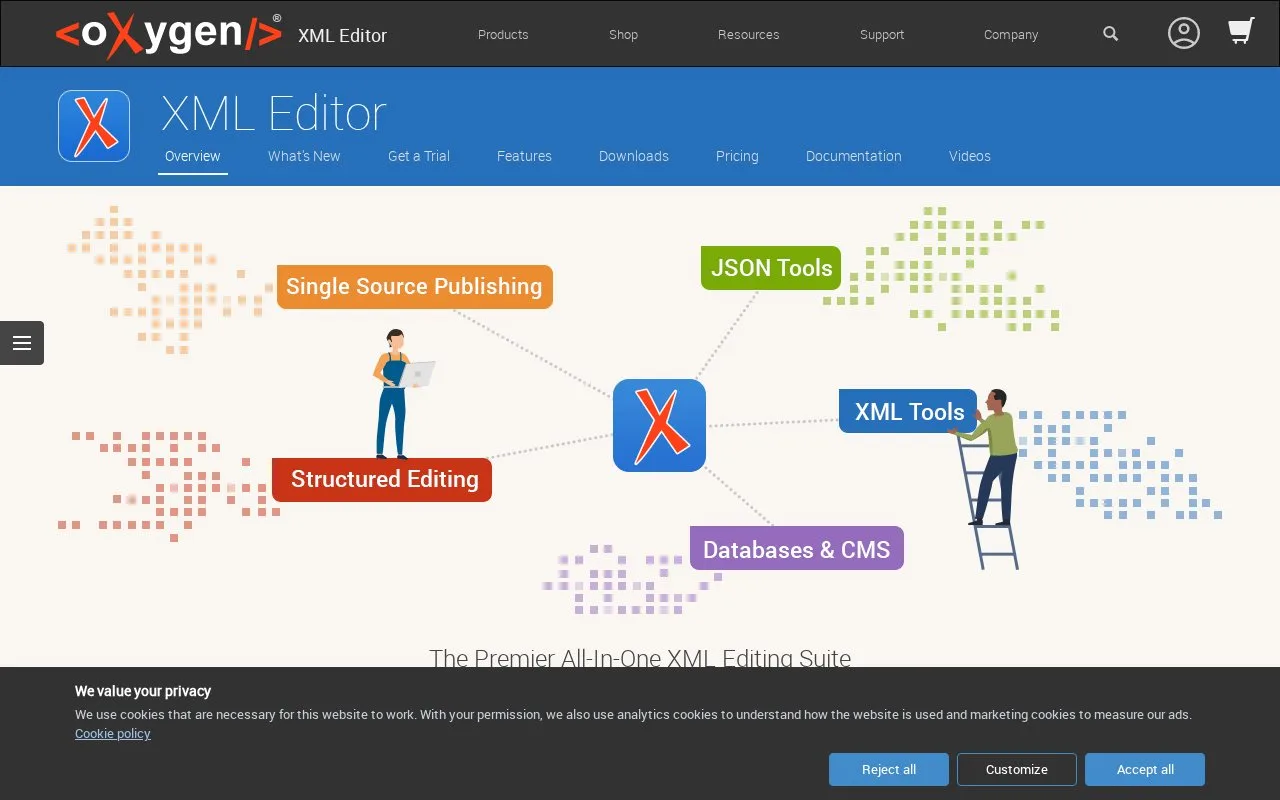
What it does
Oxygen XML Editor is a desktop XML authoring and development suite for work such as DITA documentation, schemas, and structured content. Its editing modes combine direct markup work with a visual Author view, while validation and transformation tools help check or publish XML-based projects. It is aimed at developers and technical authors whose work centers on XML standards rather than general-purpose source files.
Start with a new XML document or choose a template, then select an editing mode suited to the document. The official first-document guide describes editing in Text or Author mode; when Oxygen can locate the relevant schema, it can validate the document as you type. For a DITA or DocBook project, the publishing framework can transform a shared source into output formats such as PDF, ePUB, or HTML. These are documented capabilities, not a document workflow run for this entry.
The product page describes Oxygen XML Editor as a standalone application or an Eclipse plug-in. The license guide lists named-user, floating, subscription, and academic group options, plus a 30-day evaluation license for evaluation use. The sales page includes both perpetual licenses and subscriptions, with prices depending on edition and license type. At the time of research, the page displayed a notice that online checkout was temporarily unavailable; checkout and final region-specific payable amounts were not verified.
Oxygen XML Editor is the suite's combined XML development and visual-authoring product. The same company also sells Oxygen XML Author, XML Developer, JSON Editor, and Web Author; this listing covers the XML Editor product rather than the whole family.
Strengths
- Text and Author modes support both direct markup editing and a visual presentation for structured XML.
- The product supports schema validation and publishing XML-based content into output formats including PDF, ePUB, and HTML.
- It is offered as a standalone application and as an Eclipse plug-in.
Watch out for
- A paid license is required for continued use; trial access is limited to evaluation, and perpetual and subscription options have different terms.
- Its XML authoring and publishing toolset is specialized rather than a general-purpose code editor.
Best for
- Developers validating and transforming XML documents and schemas
- Technical authors editing DITA, DocBook, TEI, or XHTML content
- Teams publishing several output formats from structured XML sources
Sources
- XML Editor (Oct 25, 2026)
- Your First XML Document (Oct 25, 2026)
- Buy Now (Oct 25, 2026)
- License Types (Oct 25, 2026)
- Oxygen XML Editor EULA (Oct 25, 2026)