
What it does
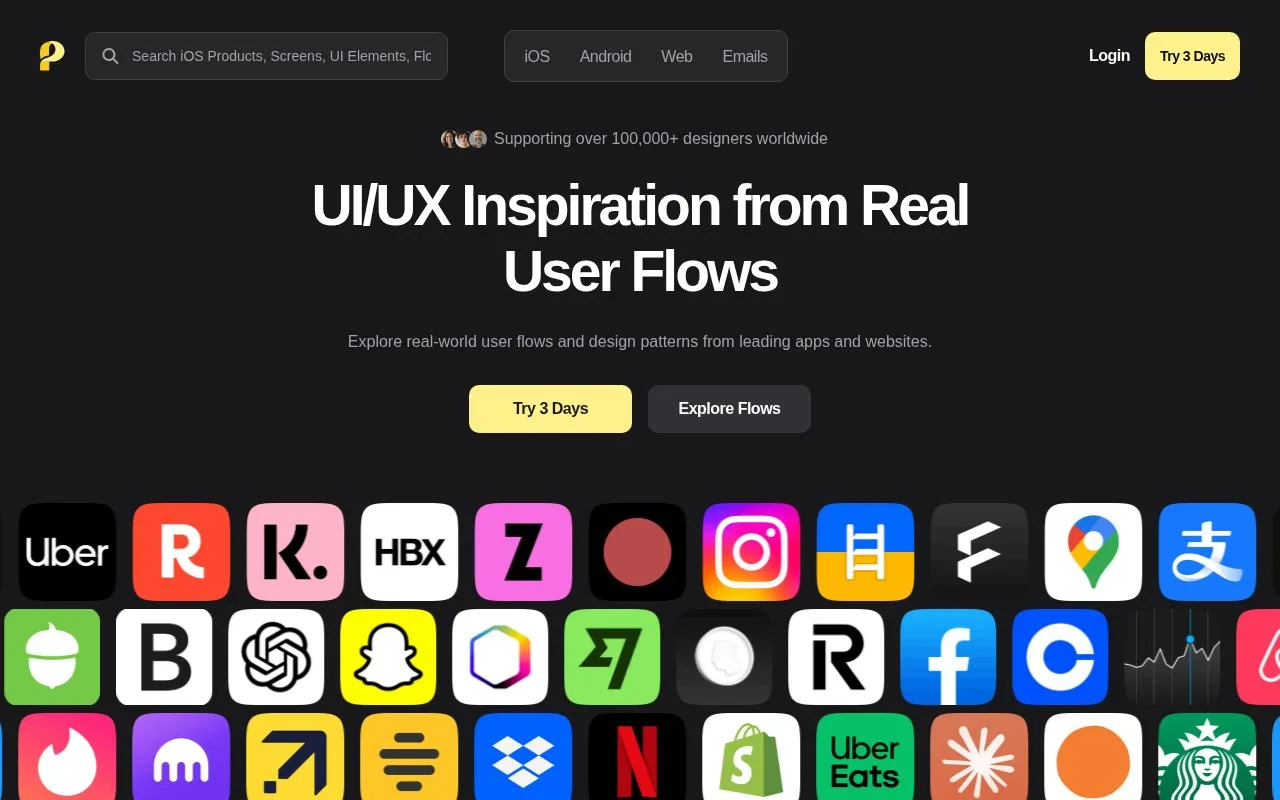
Page Flows is a subscription reference library of app and website journeys. It combines recordings and annotations with screenshots, UI elements and product emails. Search works by app, task, industry or words inside screenshots, and paid plans include bookmarks and batch downloads.
Page Flows is organized around what happens between screens. Choose iOS, Android, Web or Email, then search an app or a task such as password reset, checkout or account cancellation. The FAQ also describes full-text screenshot search, which is useful for finding a particular button label, error message or confirmation prompt.
Recordings have step-by-step annotations, with separate screens and UI-element views for closer inspection. Email examples cover the messages around a product journey. Subscribers can bookmark references and download screens in batches.
Subscription costs
| Plan | USD billing | Seats |
|---|---|---|
| Quarterly | $39 per quarter | 1 |
| Yearly | $99 per year | 1 |
| Team | Starts at $199 per year | 3 at the starting price |
The three-day trial costs $2.95 and is non-refundable. It becomes the selected paid plan unless cancelled during the trial. Team adds shared bookmarks and centralized billing. Manage cancellation and download invoices from the account page. There is no free full-library plan.
Strengths
- Recordings and annotations show transitions within a full journey
- Screenshot text search finds real examples of interface copy
- Team plans include shared bookmarks and centralized billing
Watch out for
- The three-day trial costs $2.95 and is non-refundable
- The trial converts to a paid plan unless cancelled
Best for
- Teams researching multi-step app and website interactions
Sources
- Page Flows user-flow library (Oct 27, 2026)
- Page Flows pricing and subscription FAQ (Oct 27, 2026)
- Page Flows frequently asked questions (Oct 27, 2026)