
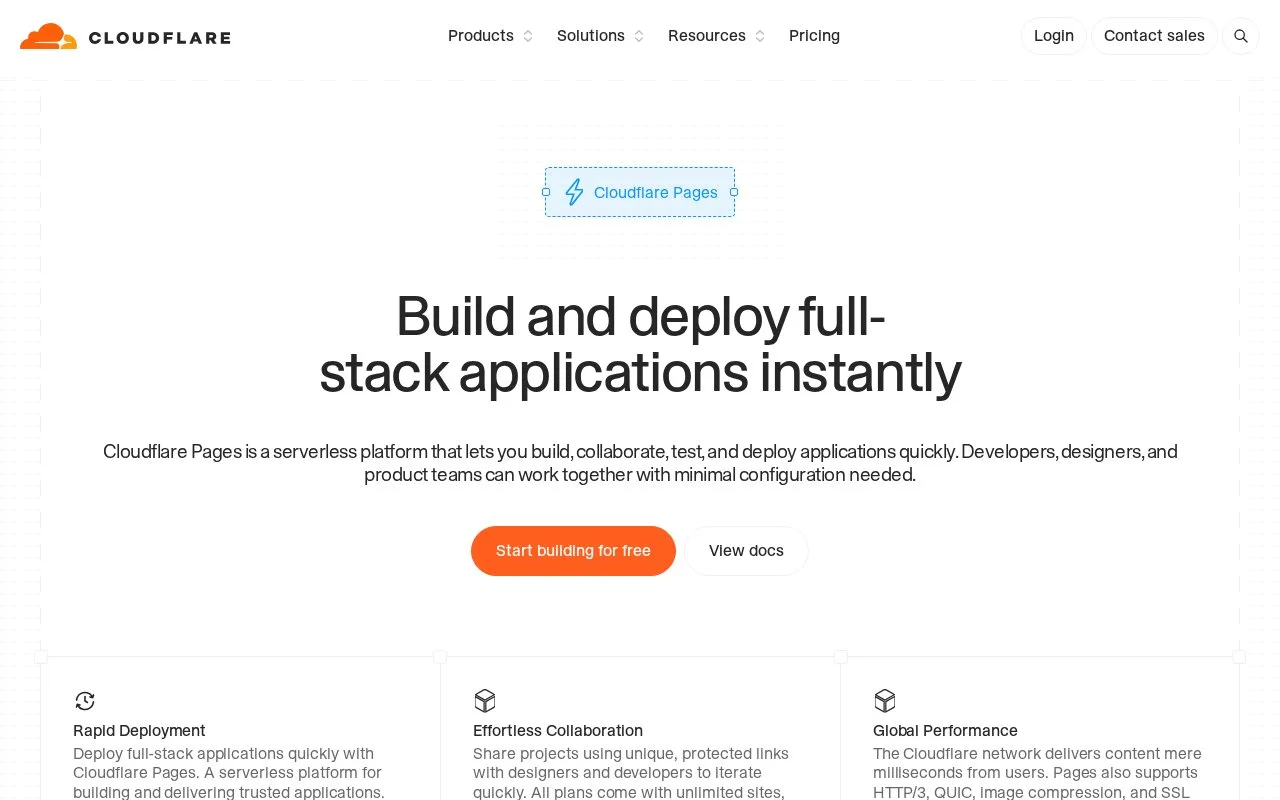
What it does
Cloudflare Pages is a managed platform for building and publishing web applications. Its Git integration connects GitHub or GitLab, lets the developer select a repository and configure the build, then creates a deployment and pull-request previews. The Pages documentation also covers framework guides, branch deployments, custom domains, rollbacks, and Pages Functions, with platform limits documented separately.
The practical path starts in the Cloudflare dashboard: create a Pages project, connect GitHub or GitLab, authenticate the provider, select a repository, then set the build command and other build settings. The guide describes preview deployments on pull requests, which supports a review-before-production workflow. Pages is more managed than a VPS: the build and deployment environment is the center of the workflow, while the source and runtime configuration remain the developer's responsibility. The limits documentation explicitly distinguishes the Free plan's caps, so check the current limit table for project, build, and file constraints before relying on it for a high-churn repository. The Pages-specific pricing routes opened here did not return usable price tables, so I leave paid pricing unresolved rather than infer it from another Cloudflare product.
Strengths
- Git integration supports GitHub and GitLab repositories and can provide pull-request preview deployments.
- The documentation includes framework guides, branch deployment controls, custom domains, rollbacks, and Pages Functions.
- Cloudflare documents Free-plan platform limits, making it possible to check build and project constraints before adopting a workflow.
Watch out for
- Git-based deployment requires connecting a Git provider and choosing build settings that fit the project.
- Free-plan limits apply, so build volume, project capacity, and file constraints should be checked before adopting a high-churn deployment workflow.
Best for
- Publishing static or full-stack web projects from Git with pull-request previews.
- Teams wanting a dashboard-managed build workflow on Cloudflare's network rather than maintaining a VM for web delivery.
Sources
- Cloudflare Pages: Build and deploy full-stack applications instantly (Oct 25, 2026)
- Getting started | Cloudflare Pages docs (Oct 25, 2026)
- Limits | Cloudflare Pages docs (Oct 25, 2026)
- Git integration guide | Cloudflare Pages docs (Oct 25, 2026)
- Page title unavailable in fetched response (Oct 25, 2026)
- Cloudflare Workers - Global Serverless Functions Platform (Oct 25, 2026)