
What it does
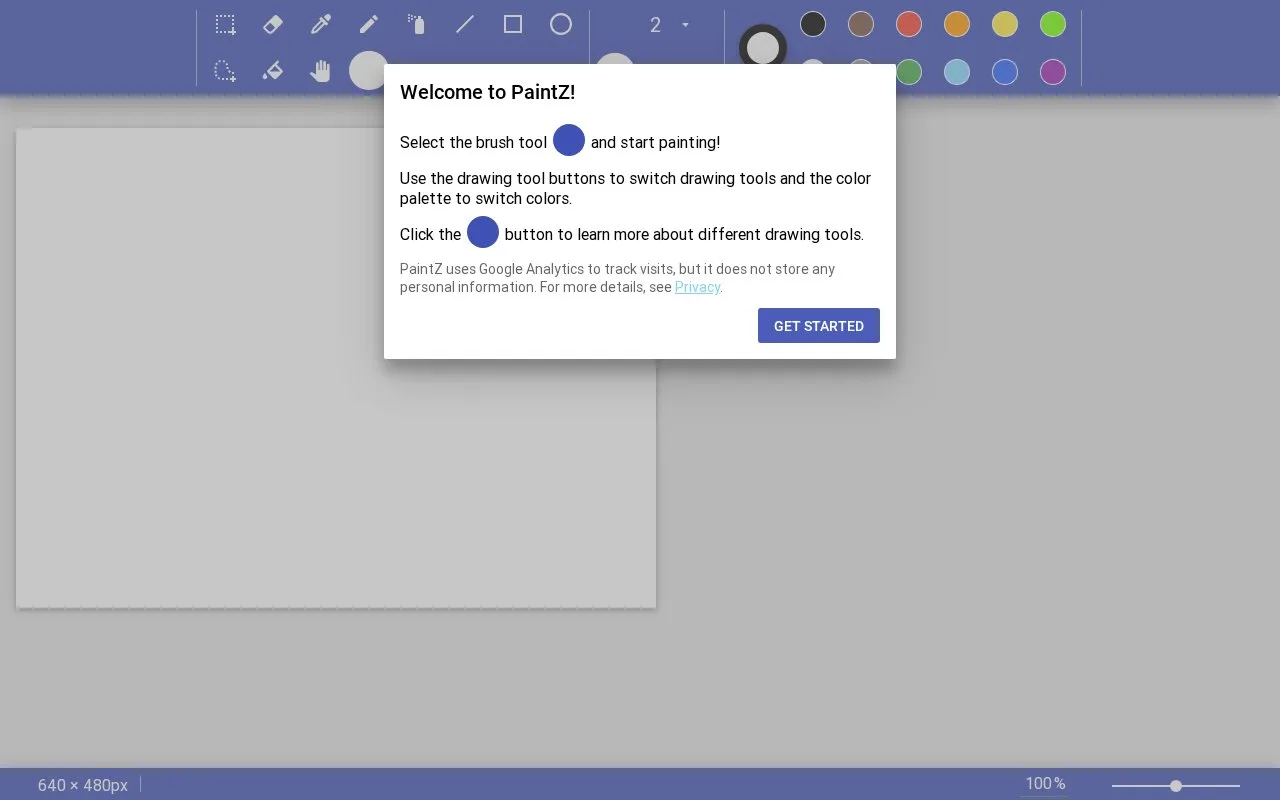
PaintZ is a free browser drawing app with mouse and touch controls. It handles small bitmap drawings, text and straightforward image edits, and supports offline use. Its deliberately limited toolset leaves layers, filters and vector paths to other applications.
A familiar canvas for a small job
Open an image or begin drawing with the brush, then choose colours from the palette. Rectangular and freeform selections let you move, duplicate or delete part of the picture. The canvas-size control can crop or scale the result, and Save writes the drawing to your computer.
Text is placed by dragging a box, typing, then clicking outside it to finish. Right-clicking many tools swaps the line and fill colours. The help panel explains these alternate actions beside each tool.
PaintZ does not manage a collection or sync files between devices. Keep the saved images in your own folders or chosen storage service.
Strengths
- Works offline without a browser plug-in
- Selection tools can duplicate parts of a drawing
- Tool help explains mouse shortcuts in context
Watch out for
- No layers, filters or vector paths
- File organisation and syncing happen outside PaintZ
Best for
- Quick drawings on a Chromebook
- Simple changes to an existing bitmap
Sources
- PaintZ official repository and project principles (Oct 27, 2026)
- PaintZ welcome instructions (Oct 27, 2026)
- PaintZ tool and document-action help (Oct 27, 2026)