
What it does
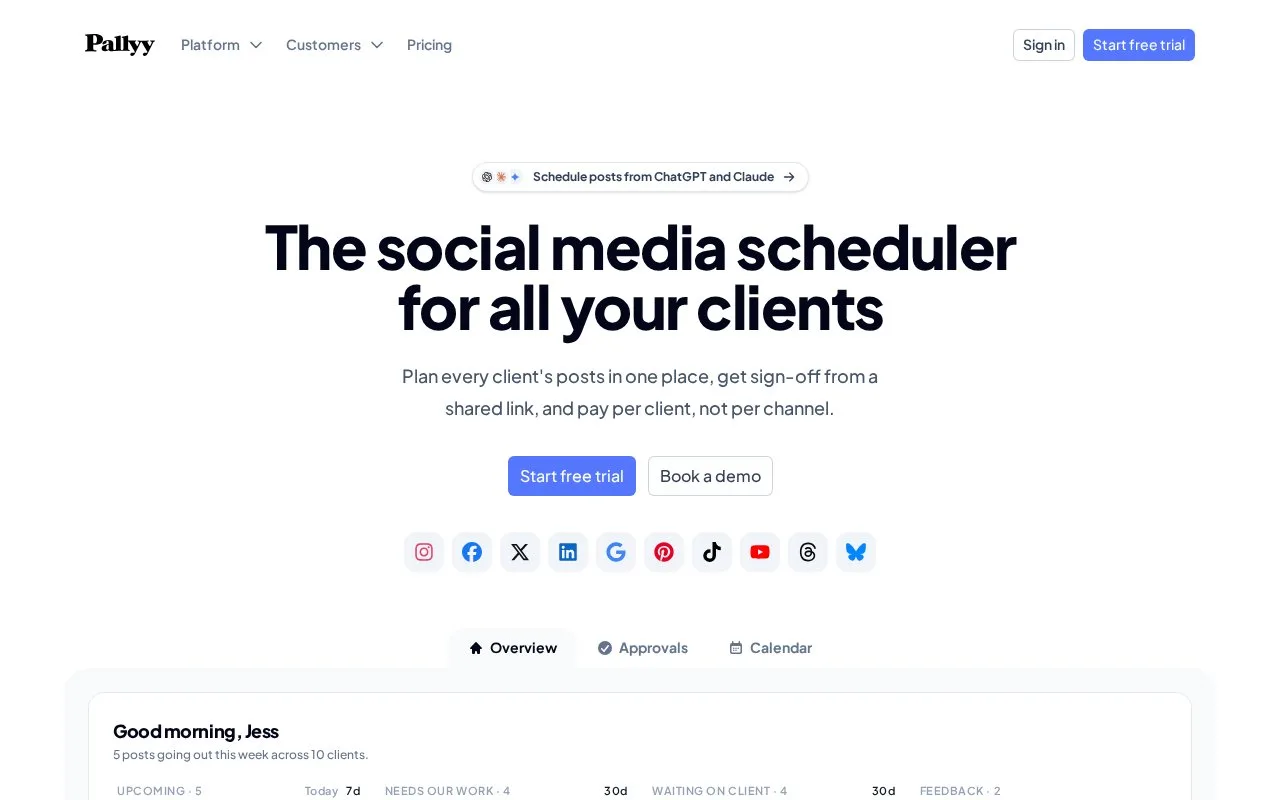
Pallyy separates each client's social accounts, posts and calendar into a social set. Free provides one set, one user and 15 scheduled image posts per month; paid plans add video, approvals and collaboration. Clients can approve through a shared link without buying a team seat.
Pallyy's billing unit is a client social set rather than an individual channel. A client posting to several networks stays within one set, while another client needs a separate set. That makes the client roster the starting point for estimating an agency's account, rather than simply totaling network connections.
Reviewers and creators also have different access. Clients can approve through a calendar link without a Pallyy account or seat. Teammates who create and schedule use seats, and team access can be limited to the client's sets they work on. A freelance manager adding a collaborator should distinguish that paid creation role from another client approver.
Free provides one social set with up to 11 accounts, one of each supported account type, and 15 scheduled image posts monthly. It includes 200 MB of media storage and 30 days of analytics. Videos, carousels, the inbox and approvals require a paid plan. Paid capacity is measured in social sets and creator seats.
| Plan | Social sets | Users |
|---|---|---|
| Pro | 1 | 1 |
| Agency | 10 | 3 |
| Scale | 30 | 10 |
Extra sets are available on Pro and Agency, but extra creator seats start with Agency.
Register with email and a password of at least eight characters; Free needs no card or email verification. Connect accounts during onboarding or later under Settings > Social Sets. In Calendar > Month, choose New > Post, add the media and caption, then Continue to edit. Select each destination and post type, choose the date and time and click Schedule. You can drag a scheduled post to another day.
Monthly and annual paid plans are available. Their 14-day trials require card details and become chargeable after the trial unless cancelled. The Free plan's monthly counter stops further scheduling at its allowance while existing scheduled posts still publish; it resets the following month.
Strengths
- Client-based sets keep each calendar and its posts separate
- Client approval links do not require a paid team seat
Watch out for
- Free scheduling is limited to images and a monthly post allowance
- Additional client sets and creation seats can add to the subscription
Best for
- Freelancers and agencies pricing social work by client
Sources
- The Social Media Scheduler for Agencies | Pallyy (Oct 25, 2026)
- Pallyy pricing: per-client plans (Oct 27, 2026)
- Pallyy Free plan: inclusions and limits (Oct 27, 2026)
- Getting started with Pallyy (Oct 27, 2026)
- Schedule your first post (Oct 27, 2026)