
What it does
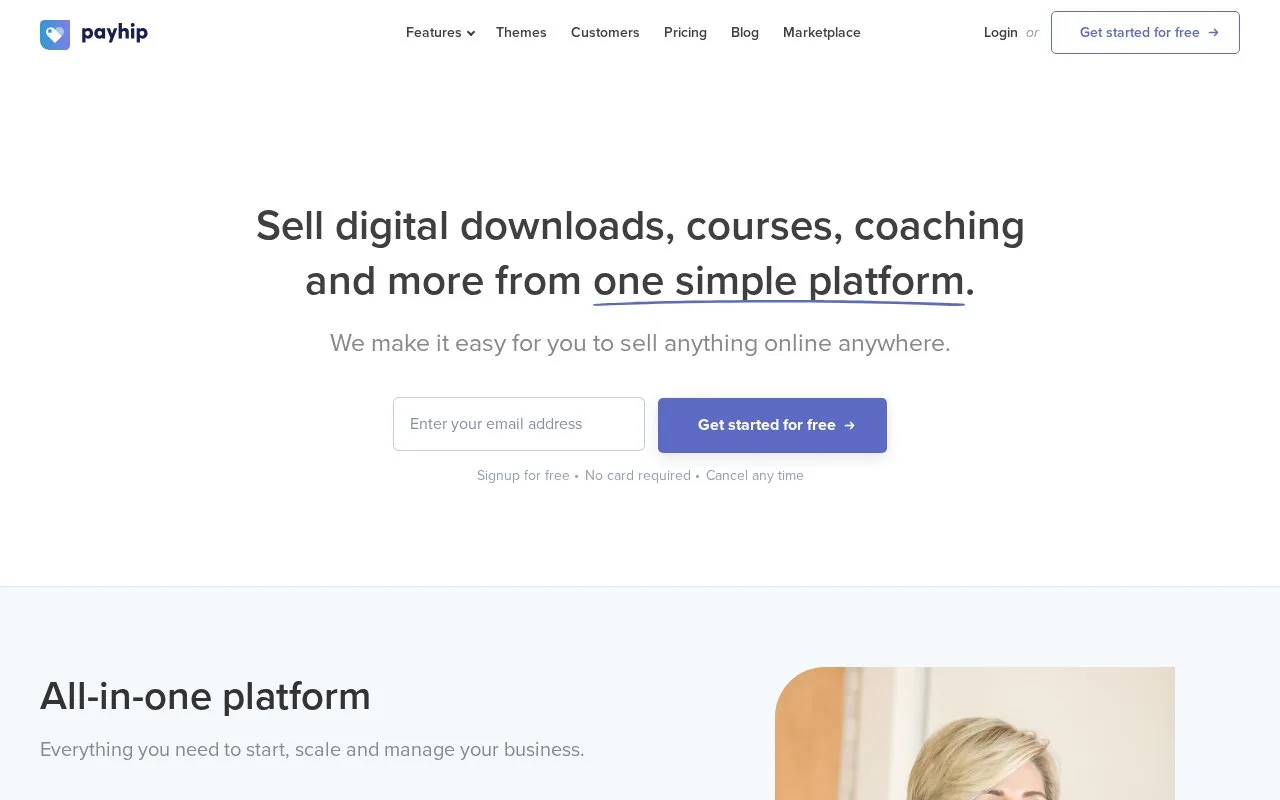
Payhip sells digital downloads, courses, memberships and other products through an online storefront and connected payment processors. Digital products can be public, accessible only by direct link, or hidden while you prepare them. A lasting free plan includes the same core features as paid plans, with different platform transaction fees.
Payhip's product visibility controls are useful when a download is ready for a particular audience but should not appear in the public store. Visible lists it publicly, Unlisted keeps it accessible through its direct link, and Invisible lets only the signed-in seller view it.
To add a download, open Products > Add new product > Digital Product. Upload the files, set the title and price, add a cover and explain what the buyer receives. Each file may be up to 5GB. A plus sign after the price allows optional extra payment: 5+ sets a minimum of five in the chosen price, while 0+ also permits a free download.
All three plans include unlimited products and revenue and the same advertised features:
| Plan | Monthly subscription | Payhip transaction fee |
|---|---|---|
| Free Forever | $0 | 5% |
| Plus | $29 | 2% |
| Pro | $99 | 0% |
Payment-processor fees remain payable on every plan, including Pro. Upgrading therefore changes the Payhip portion of the cost; it does not make card or PayPal processing free.
Before selling, connect a processor under Account > Settings > Payment Details. Payhip lists 13 supported processors and, in most cases, permits PayPal plus one other option. Availability depends on the seller's region.
For Stripe, select Connect, choose or create the Stripe account, complete its activation requirements and authorize access. Payhip's Stripe guide lists Slovenia among the supported countries and supports recurring payments. The processor controls transfers to the bank, so distinguish money arriving in a processor balance from the bank payout schedule.
Developers can use Payhip's public API for coupons and license keys. Its documented scope is narrower than a general store-management API, which matters if your plan depends on automating the entire catalog.
Strengths
- Public, unlisted and seller-only visibility suit different release workflows.
- Pay-what-you-want pricing supports both minimum charges and free downloads.
- The free plan keeps the advertised core features and unlimited products.
Watch out for
- Each uploaded product file is limited to 5GB.
- Processor fees remain in addition to the plan's platform fees.
- The public API is limited to coupons and license keys.
Best for
- Creators selling downloads to an existing audience
- Course or membership sellers choosing a supported gateway
- Small digital shops that want to start without a monthly subscription
Sources
- Payhip pricing and plan comparison (Oct 27, 2026)
- Add digital products to Payhip (Oct 27, 2026)
- Getting paid through Payhip gateways (Oct 27, 2026)
- Connect a Stripe account to Payhip (Oct 27, 2026)
- Payhip public API scope (Oct 27, 2026)