
What it does
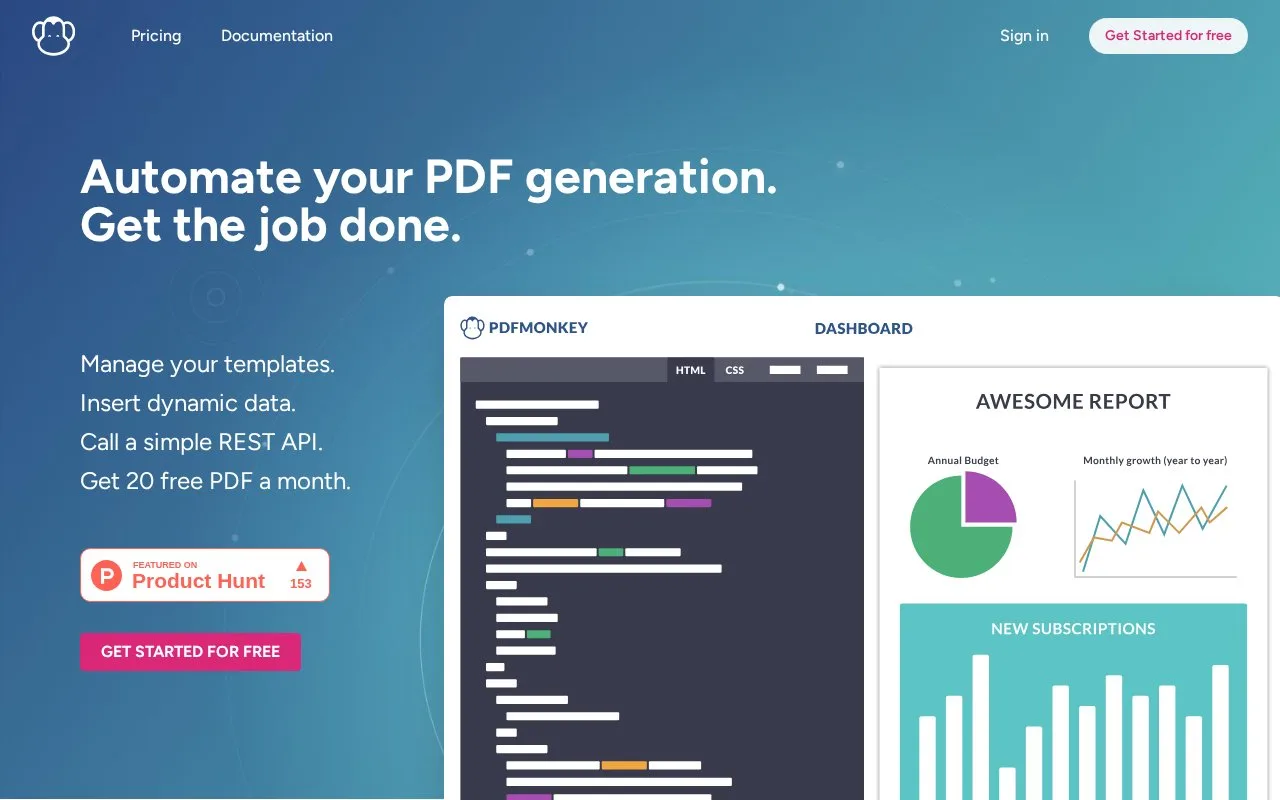
PDFMonkey is a hosted PDF generation service with a REST API, not a client for calling unrelated APIs. A developer creates a template in the dashboard with HTML and CSS or the visual builder, then sends a template ID and matching JSON payload to request a document. The default workflow is asynchronous: check the document status or receive a webhook, then use the download URL when it is ready. This suits applications that need personalized invoices, reports, certificates, or similar documents without maintaining their own PDF-rendering pipeline.
Prepare the template before sending data
The API generation guide starts with a PDFMonkey account and at least one template. The template can be authored with HTML and CSS or built in the visual editor; its variables define the JSON fields your application must supply. For an illustrative invoice workflow, a template might contain customer and line-item variables, while the application sends the corresponding data with the template ID. That example describes a possible use, not a performed generation.
The documented REST request creates a document under /api/v1/documents and can set its status to pending. The response includes an identifier and current status. By default, generation is asynchronous, so production code can poll the document resource or configure a webhook and then read the download_url. The guide also describes a synchronous endpoint for prototyping or lower-volume interactive use. It generates one document per API call; bulk work requires multiple requests.
Check quotas and template dependencies
PDFMonkey's pricing page lists a permanent free tier of 20 documents per month and paid monthly plans. The free tier retains documents for one day and does not load external images, fonts, CSS, or JavaScript. Paid plans allow those external resources, with retention and generation limits depending on tier. If a template relies on a remote font or image, verify that the selected plan permits it before designing the final output.
The service stores the supplied data for document generation and the plan determines the retention period; the pricing page says deleted documents are removed from its servers. Account access and an API key are required before an application can make authenticated requests. The API guide says the plan's document quota still applies even though it does not describe a hard request-rate limit.
Strengths
- Templates separate document layout from the JSON data supplied by an application.
- The API offers both asynchronous generation with polling or webhooks and a synchronous option for simpler prototypes.
- The visual builder provides a template-authoring path alongside HTML and CSS.
Watch out for
- The free tier limits external assets and retains documents for only one day.
- A bulk workflow must issue multiple API requests because each request generates one document.
Best for
- Generating personalized invoices, reports, or certificates from application data
- Teams that want to reuse HTML/CSS or visual templates rather than build a PDF renderer
- Automating document creation from an application or a no-code integration
Sources
- PDF Generation API – Automate Document Creation - PDFMonkey (Oct 25, 2026)
- Generate PDFs with the API - PDFMonkey (Oct 25, 2026)
- Pricing — PDF API Plans from €0/month - PDFMonkey (Oct 25, 2026)