
What it does
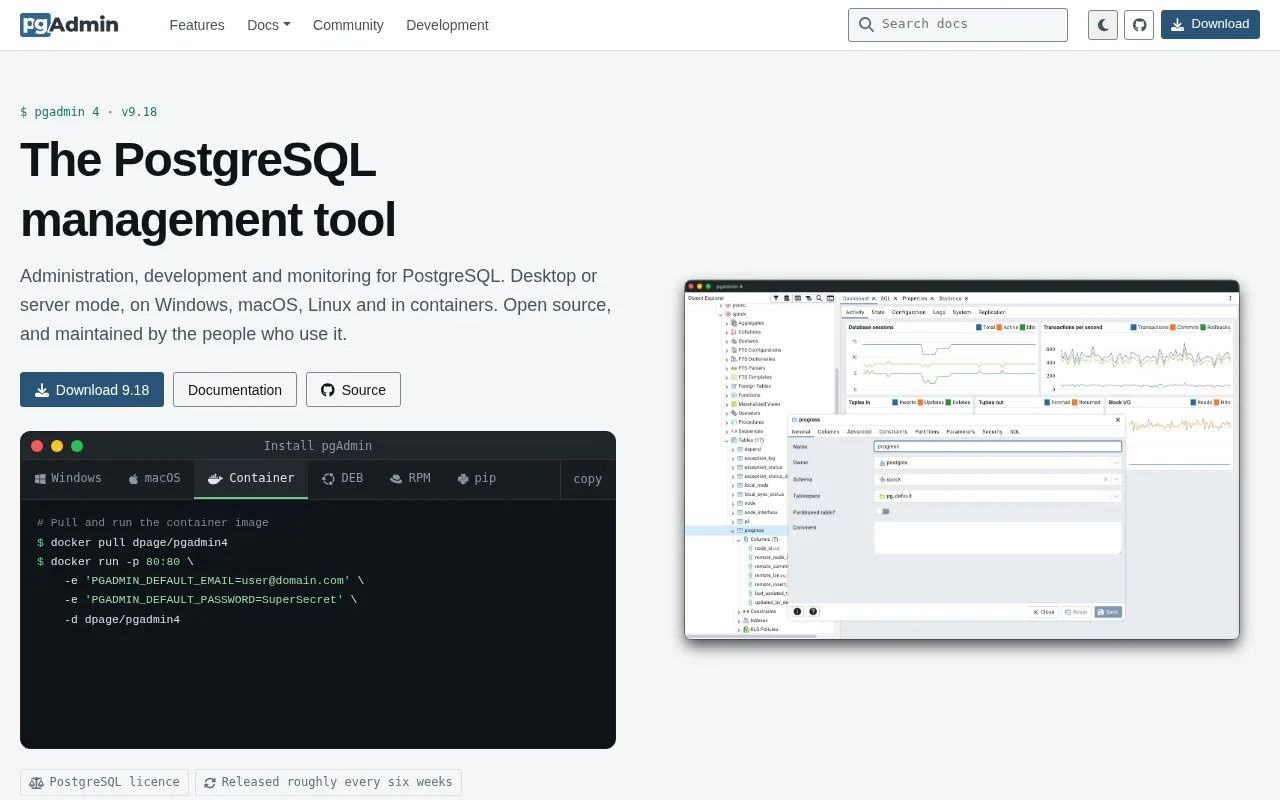
pgAdmin 4 is a PostgreSQL administration application, not a database engine. It can run as a local desktop program or as a web application deployed for browser access. Its object browser and management screens cover database objects, server settings, backups, and developer tasks. It is most useful when a PostgreSQL server already exists and a user wants a visual way to inspect or administer it.
Register the server you intend to manage
Install pgAdmin in desktop mode for one workstation, or deploy its web application for shared browser access. The deployment guide distinguishes those modes; the download page provides packages for Windows and macOS as well as container, Python, APT, and RPM options for other setups.
To begin, use the connection workflow to register a PostgreSQL server with its host, port, maintenance database, and authentication details. The documentation's contents include connecting to a server, managing database objects, creating or modifying tables, using developer tools, and backup and restore. For example, a maintainer might connect to a staging server, inspect a migration-created table, and create a backup before a planned schema change. That is an example of documented capabilities, not an executed task.
Because pgAdmin is an administrative client, it can act with the privileges of the PostgreSQL account you configure. Separate production and staging registrations carefully, and grant the application only the database permissions its users need. Running the web deployment also makes pgAdmin itself a service to secure and maintain. The project is free software under the PostgreSQL Licence; it does not include or run the PostgreSQL database server for you.
Strengths
- Offers desktop and browser-based deployment options for managing PostgreSQL.
- The documentation covers database objects, table changes, backup and restore, and developer tools.
- The software is free under the PostgreSQL Licence.
Watch out for
- It manages PostgreSQL rather than supplying a database engine, and therefore requires a reachable PostgreSQL server.
- A shared server-mode deployment needs its own user configuration and operational security.
Best for
- Administrating an existing PostgreSQL server through a graphical interface
- Teams that need a browser-deployed PostgreSQL management tool
- Developers who need object browsing, query work, or backup and restore controls
Sources
- pgAdmin - PostgreSQL Tools (Oct 25, 2026)
- pgAdmin 4 9.18 documentation (Oct 25, 2026)
- Download (Oct 25, 2026)
- Licence | pgAdmin 4 9.18 documentation (Oct 25, 2026)
- Connecting To A Server | pgAdmin 4 9.18 documentation (Oct 25, 2026)