
Picbolt
Browser-based screenshot editor for mockups, code images, and marketing visuals.
- SI Score
- 74/100
- Pricing
- Freemium
- Free plan
- Not confirmed
- Sign-up required
- Not confirmed
Ask SI about Picbolt
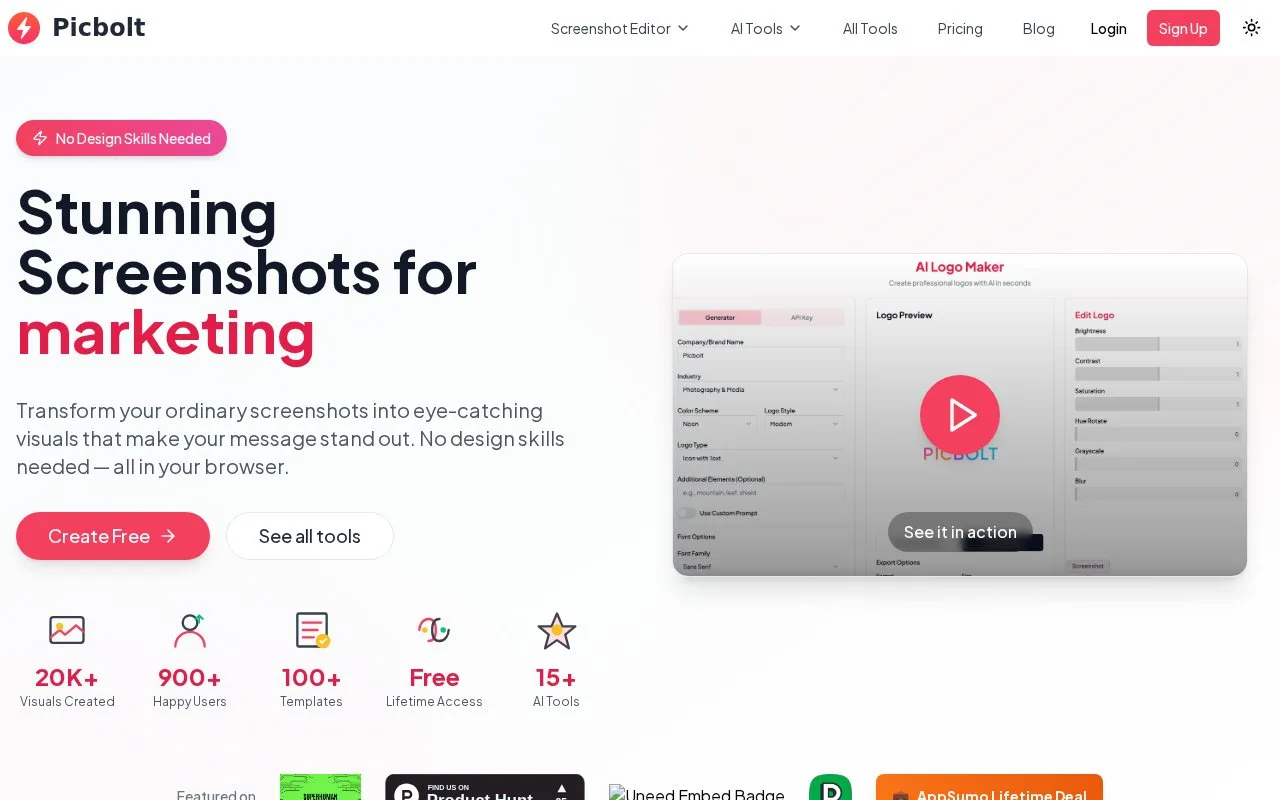
Answers use saved listing facts and recorded sources.Homepage screenshot
What it does
Picbolt is a browser-based screenshot editor. It turns screenshots into visuals with frames, backgrounds, shadows, and annotations. It also offers device mockups, code snippet images, and social proof templates. The site lists AI tools and a lifetime plan.
Picbolt is a browser tool for making screenshots look presentable. You can capture from a URL or upload an image, then apply frames, backgrounds, and shadows. The site lists 20+ presets, smart cropping, and auto-resizing for social media sizes. It also has device mockups, code snippet images, and social proof templates. The pricing section shows a free tier with limited access, 3 mockup downloads per day, and standard quality export. The lifetime plan costs $199 and includes 4K export, all templates, and full AI tools access with an API key required. The homepage shows 900+ users and 20K+ visuals created. The free plan needs no credit card. The site does not state whether an account is required, whether a public API is available, or whether the code is open source. Check current terms before relying on it for regular work.
- One-click frames, backgrounds, and shadows
- Presets and auto-resizing for social media sizes
- Device mockups, code images, and social proof templates
- Free plan has limited access and 3 mockup downloads per day
- Full AI tools access requires an API key
- No account, public API, or open source details stated