
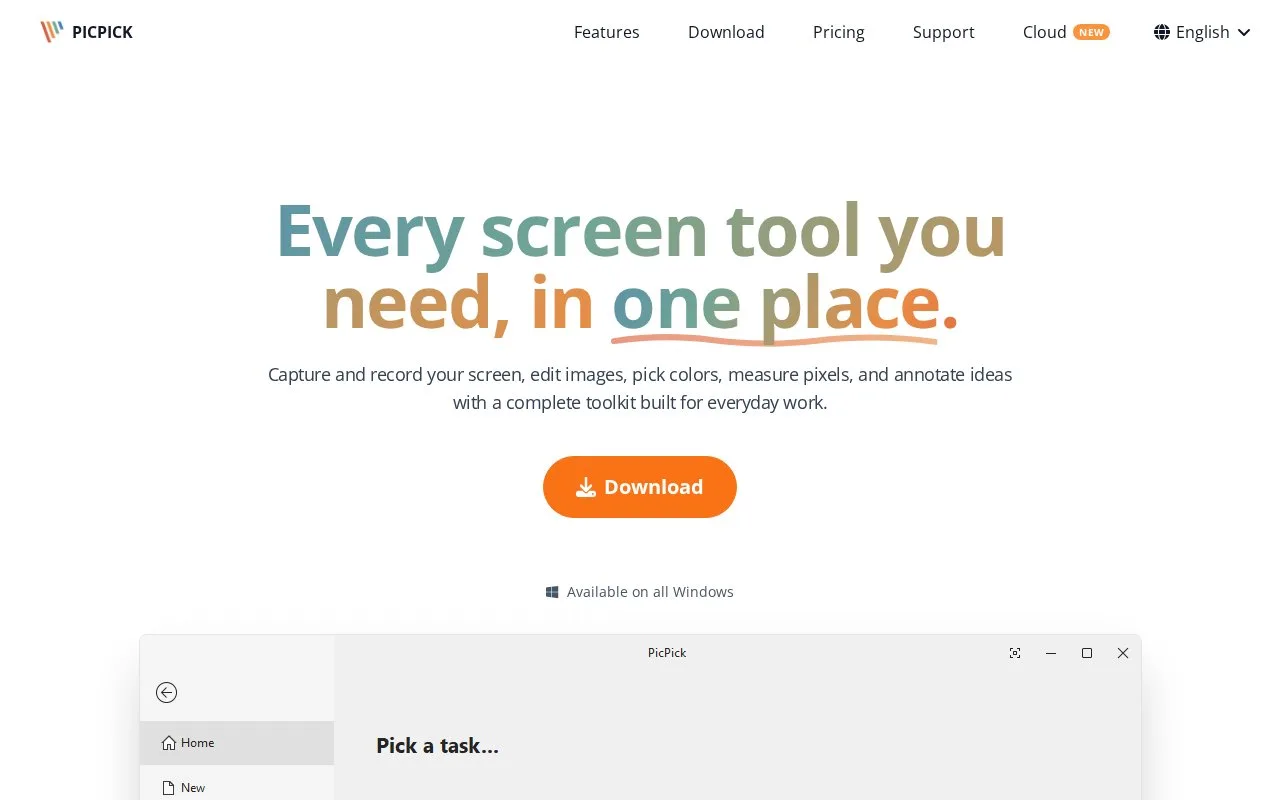
What it does
PicPick combines Windows screen capture and recording with an image editor, annotation tools, effects and measurement utilities. It includes scrolling capture, numbered stamps, frames, shadows, blur and output to image files, PDFs and Office applications. Home is free for personal, non-commercial work; business and client use requires Professional.
PicPick's free Home edition is for personal, non-commercial work. Professional permits business and client use and adds automatic updates, priority support and an ad-free experience. Licences are per user, with installation on up to two computers for that person. The current single-user offers are USD 30 per year or USD 79 once for a lifetime licence, both marked as limited-time prices. Local taxes may apply.
Choose Region for a dragged selection or Fixed Region for repeated captures at set dimensions. Scrolling Window captures an extended page or panel. The configured output decides whether a capture opens in the editor, saves, copies or goes to another destination.
In the editor, Stamps provides numbers and cursor markers. Shapes adds arrows or outlines, with Size controlling line thickness. Effects includes frames, watermarks, blur and pixelation. Image Resize changes the picture itself; Canvas Resize changes the surrounding canvas.
The Share tab sends a finished image to Word, PowerPoint or other installed applications and configured cloud destinations. PNG, JPEG and PDF are among the local output formats. Cloud destinations may ask for their own sign-in.
Pixel Ruler measures width, height and spacing, while Crosshair reports coordinates and Protractor measures angles. These utilities sit alongside the capture workflow and the widget's tools menu.
Strengths
- Combines capture, annotation and on-screen measurement utilities.
- Can insert finished captures directly into Office applications.
Watch out for
- Business and commercial use require a licence.
- The application is only available for Windows.
Best for
- Windows designers preparing annotated layout explanations and presentation slides.
Sources
- PicPick - Every screen tool you need, in one place. (Oct 28, 2026)
- PicPick - Every screen tool you need, in one place. (Oct 28, 2026)
- PicPick - Every screen tool you need, in one place. (Oct 28, 2026)
- PicPick - Every screen tool you need, in one place. (Oct 28, 2026)
- PicPick Pro purchase options (Oct 28, 2026)