
What it does
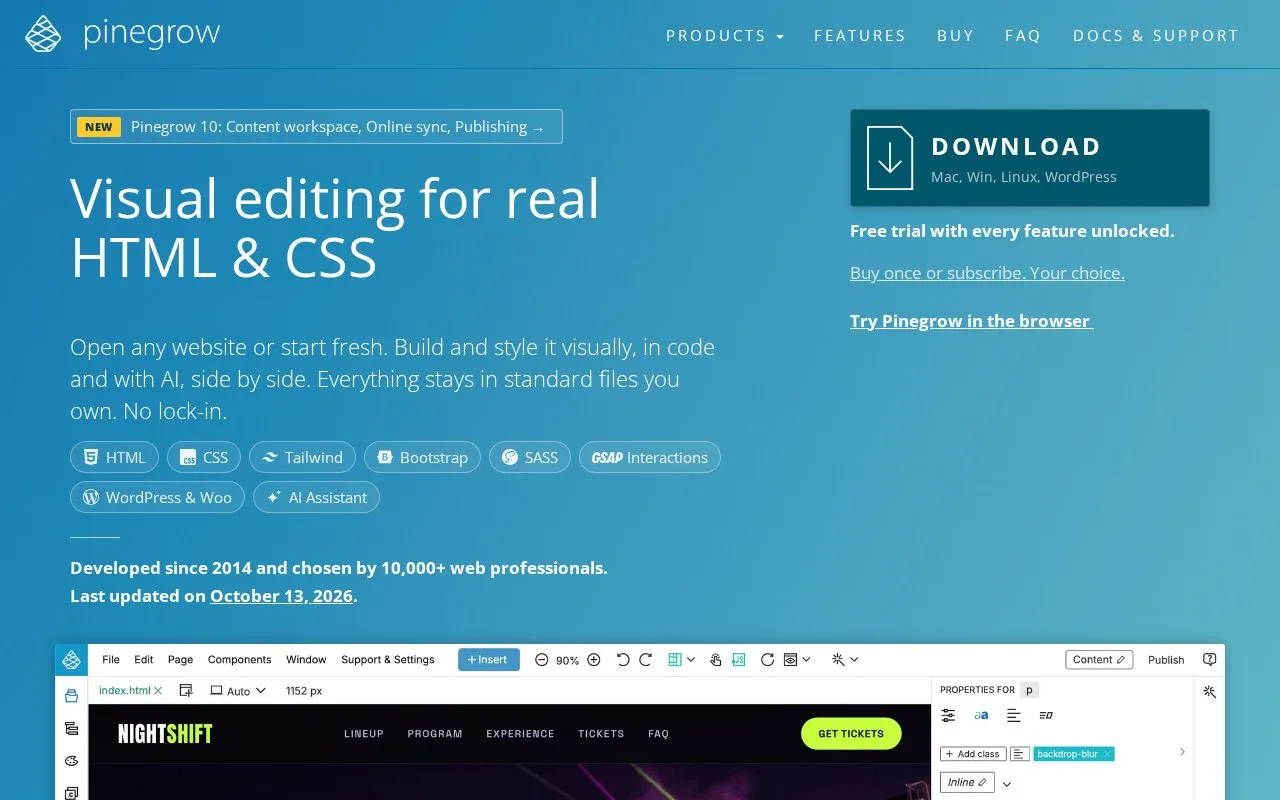
Pinegrow is a desktop workspace for building and maintaining real web files. Its page view is linked to element-level and whole-page code editors, so a developer can select a section, inspect its markup, change CSS, and see the result without switching to a separate design document. The product also has tools for Bootstrap, Tailwind, WordPress, and related web workflows. It suits front-end developers who want visual inspection and code control in the same project.
Work on the files you intend to ship
Pinegrow can open an existing HTML page or project folder, or start a new page with a web framework. In the page view, select an element to expose its HTML in the element code editor; edits are reflected in the rendered page. The page code editor handles a whole document, stylesheet, JavaScript file, or other project file. This makes the visual view useful as a way to locate the source you need to change, not as a replacement format for your site.
For example, when a product card looks cramped, select it in the page view, inspect its class and markup, and adjust the corresponding CSS rule or HTML. Then review the same card in the rendered page. The editor also supports projects that use Bootstrap or Tailwind, and its site describes Sass, LESS, WordPress, and interactions features. A useful habit is to keep the project in its own folder with its images, stylesheets, and scripts so the view represents the files that will be published. The pricing page offers edition-specific one-time and monthly license options for personal and company use.
Pinegrow is specialized for web authoring rather than a general-purpose IDE for backend languages. The separate Pinegrow Online and WordPress offerings are not the desktop editor described here.
Strengths
- Edits standard HTML, CSS, and project files while showing their rendered page beside the source.
- Element-level code editing connects a selected visual element to the markup that controls it.
- The same editor includes workflows for Bootstrap, Tailwind, Sass, LESS, and WordPress projects.
Watch out for
- Its documented feature set centers on web markup, styles, and web frameworks rather than general multi-language application development.
Best for
- Front-end developers maintaining HTML and CSS projects
- Web designers who want to inspect and edit the source behind a rendered element
- Developers working with Bootstrap, Tailwind, or WordPress files
Sources
- Pinegrow Web Editor | Visual HTML & CSS Editor (Oct 25, 2026)
- Code editing | Pinegrow Web Editor (Oct 25, 2026)
- Quick Introduction to the Pinegrow Web Editor | Pinegrow Web Editor (Oct 25, 2026)
- Pinegrow Web Editor | Website Builder for Professionals (Oct 25, 2026)