
What it does
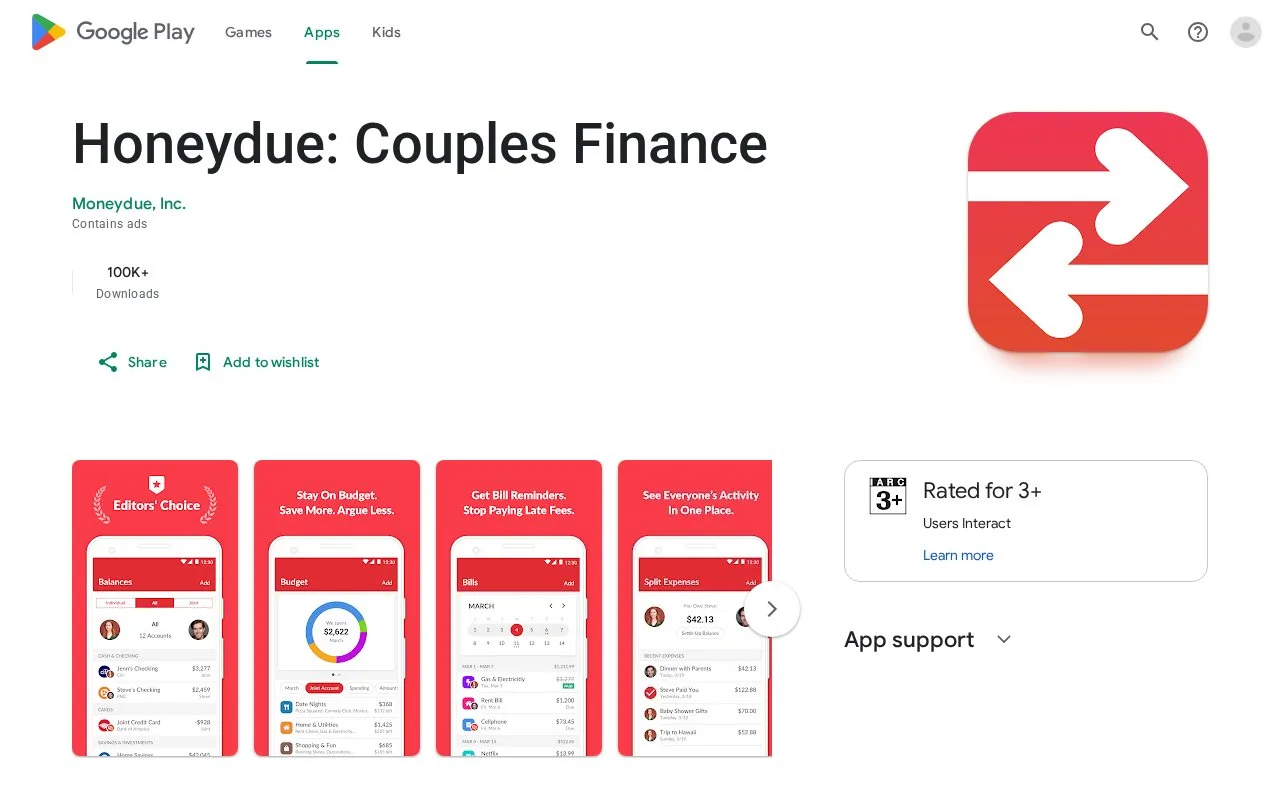
Honeydue helps couples track bills, account balances and household spending together on iOS and Android. Each person chooses which details to share, while monthly category budgets flag approaching limits. The app is free and uses separate partner accounts.
Invite your partner from More by opening their profile and entering their name and email address. The invitation takes them to signup.
Set the boundary for each account
Open an account and choose Options > Partner can see. Share balances and transactions, balances only, or nothing. If the account normally shares transactions, an individual purchase can still be hidden through Options > Edit Details > Visibility. That can keep an anniversary gift out of the shared discussion.
For a category limit, open the category page and select Add Budget. Enter a monthly amount. Honeydue warns when spending reaches 75% of that limit and again when it goes over; the early-warning percentage can be changed.
Cash does not need a bank connection. From Balances, select Add, switch Connect bank account to Track account manually and choose Cash as the account type. Add cash purchases there as they happen.
Strengths
- Expenses and balances owed between partners can be tracked together
- A conversation or emoji response can be attached to a particular purchase
Watch out for
- Bank transactions may arrive one or two days later, depending on the institution
- The terms limit use to adults aged 18 or over
Best for
- Couples discussing shared spending while retaining personal account views
Sources
- Honeydue for Android (Oct 27, 2026)
- Honeydue: Couples Finance App - App Store (Oct 25, 2026)
- Honeydue couples finance app (Oct 27, 2026)
- Invite a partner to Honeydue (Oct 27, 2026)
- Choose what a partner can see (Oct 27, 2026)
- Add a spending limit or budget (Oct 27, 2026)
- Track cash transactions (Oct 27, 2026)
- How often bank transactions update (Oct 27, 2026)
- Honeydue terms of service (Oct 27, 2026)