What it does
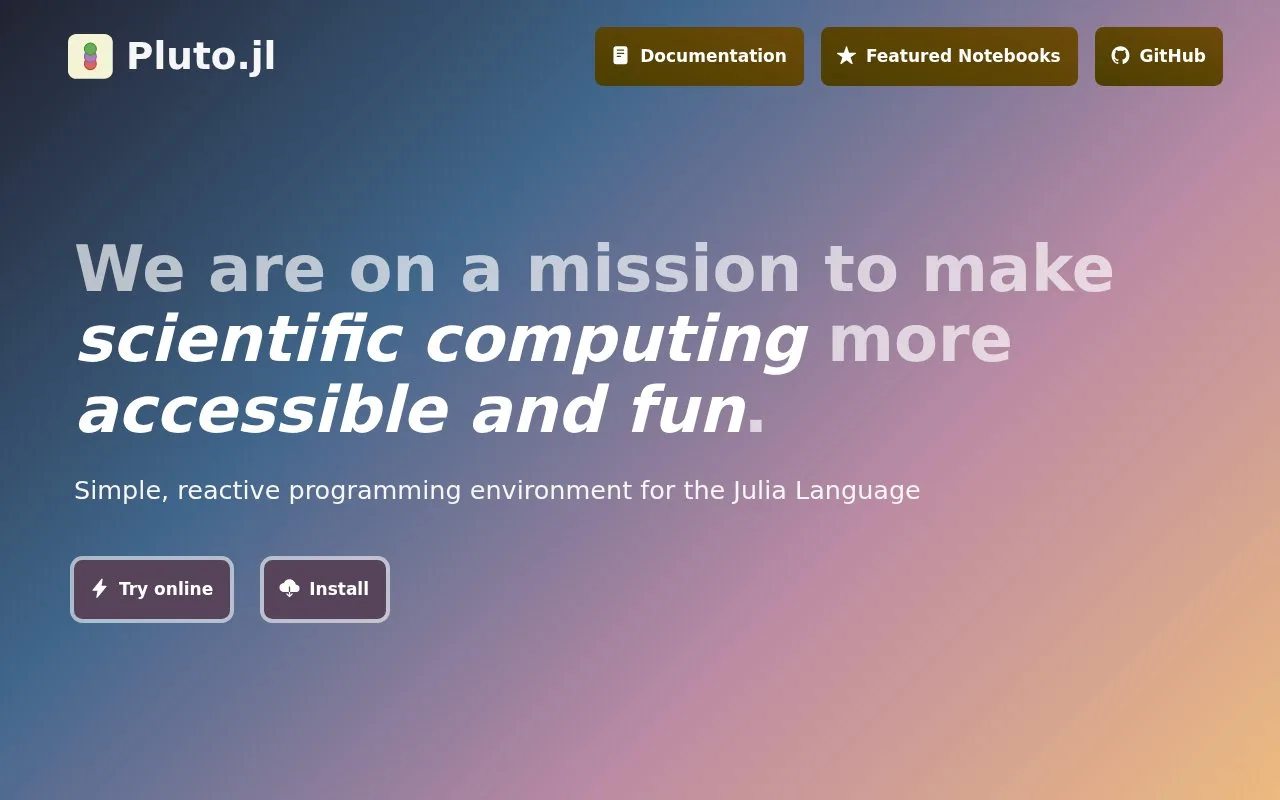
Pluto.jl is an interactive notebook environment for Julia. Code and explanatory Markdown live in small cells; Pluto analyzes dependencies so that changing one cell reevaluates the cells that depend on it. The interface runs in a browser with a local Julia installation, and package imports are managed in a notebook-specific environment. Notebooks are saved as Julia files and can be exported for sharing.
Explore a model one cell at a time
A practical first notebook might put a parameter, a calculation, and a plot in separate cells. Changing the parameter reruns the dependent calculation and plot, which makes Pluto useful for scientific exploration and teaching. The documented local launch pattern is to start Julia, import Pluto, and call Pluto.run(); that example is illustrative and was not executed for this listing.
Packages travel with the notebook
When a notebook imports a registered Julia package, Pluto can install it and store the notebook's package environment alongside the notebook content. That makes a shared notebook easier to reproduce than a loose script with undocumented dependencies. The files remain Julia source, and the documentation describes HTML and PDF export options.
Check the local setup
Pluto needs Julia and an up-to-date browser. Its installation guide lists Windows, Linux, and macOS among the supported systems and recommends at least 4 GB of memory, with 8 GB for large packages or multiple notebooks. Package downloads and compilation can take time, especially on first use. Pluto is free and the official repository license is MIT. It is a browser interface served by the local Julia app, not a hosted notebook account.
Strengths
- Reactive cell dependencies update related calculations when inputs change.
- Package environments are managed per notebook to make Julia notebooks easier to share reproducibly.
- Notebook files remain Julia source and support export for sharing.
Watch out for
- A local Julia installation and a current web browser are required; this is not a browser-only hosted workspace.
- Installing and compiling packages can make the first use of a notebook slower.
Best for
- Exploring Julia models and plots interactively.
- Teaching Julia with executable notebooks that combine prose and code.
- Sharing Julia analyses with their package environment recorded in the notebook.
Sources
- Pluto.jl - interactive Julia programming environment (Oct 26, 2026)
- How to install Pluto.jl (Oct 26, 2026)
- Built-in package management (Oct 26, 2026)
- JuliaPluto/Pluto.jl repository (Oct 26, 2026)
- Pluto.jl LICENSE (MIT) (Oct 26, 2026)
- Export options - Pluto.jl (Oct 26, 2026)
- Pluto for your course - Pluto.jl (Oct 26, 2026)