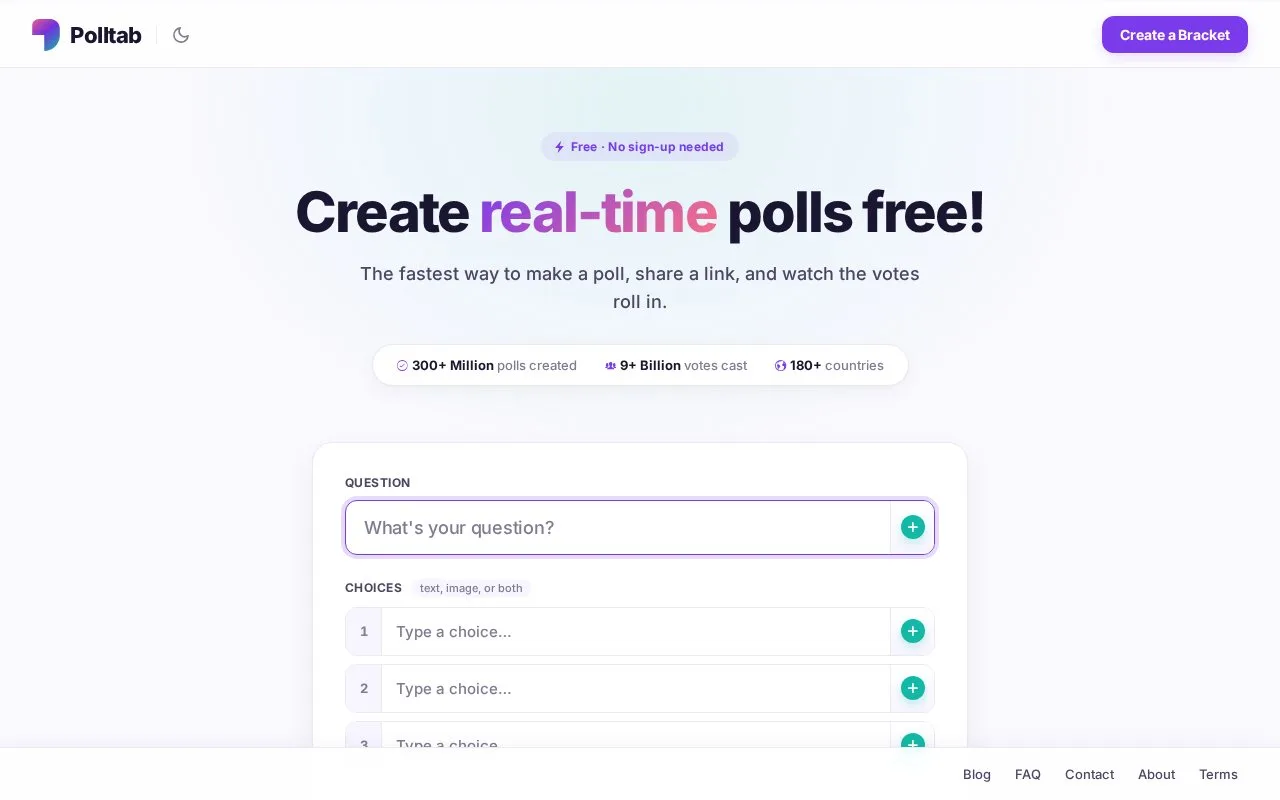
What it does
Polltab creates free link-based polls without organizer signup. A question can offer text or image choices, single or multiple selection, and a deadline for voting. It suits short questions whose wording is settled before sharing.
Enter a question and its choices on the homepage. Turn on Allow multiple choice only when several answers should count. Choose a voting mode: Unlimited accepts repeats, Cookie limits a browser, IP specific limits an address, and social options ask voters to authenticate.
To delay results, enable Hide results until poll ends and set an end date. Without a deadline, an ordinary poll can remain open. Create Poll opens the voting page, where the unique link can be copied for sharing.
Check wording before publishing
Polltab has no self-service editing or deletion. Support can help change or remove an existing poll after checking ownership; making a new poll may be quicker for a correction. The FAQ also warns that polls can appear in search results, so a shared link should not be treated as a private workspace.
Creation and voting are free. Organizers need no account, although the social voting modes require participants to use the selected service.
Strengths
- Results can stay hidden until the voting deadline
- Questions allow either one answer or several selections
Watch out for
- Changes and deletion require support rather than an editor
- Polls may appear in search engine results
Best for
- Teams sharing a short, settled opinion question by link
Sources
- Free Poll Maker with Images & Real-Time Results | Polltab (Oct 27, 2026)
- How to Create a Poll | Polltab (Oct 27, 2026)
- Frequently Asked Questions | Polltab (Oct 27, 2026)