
What it does
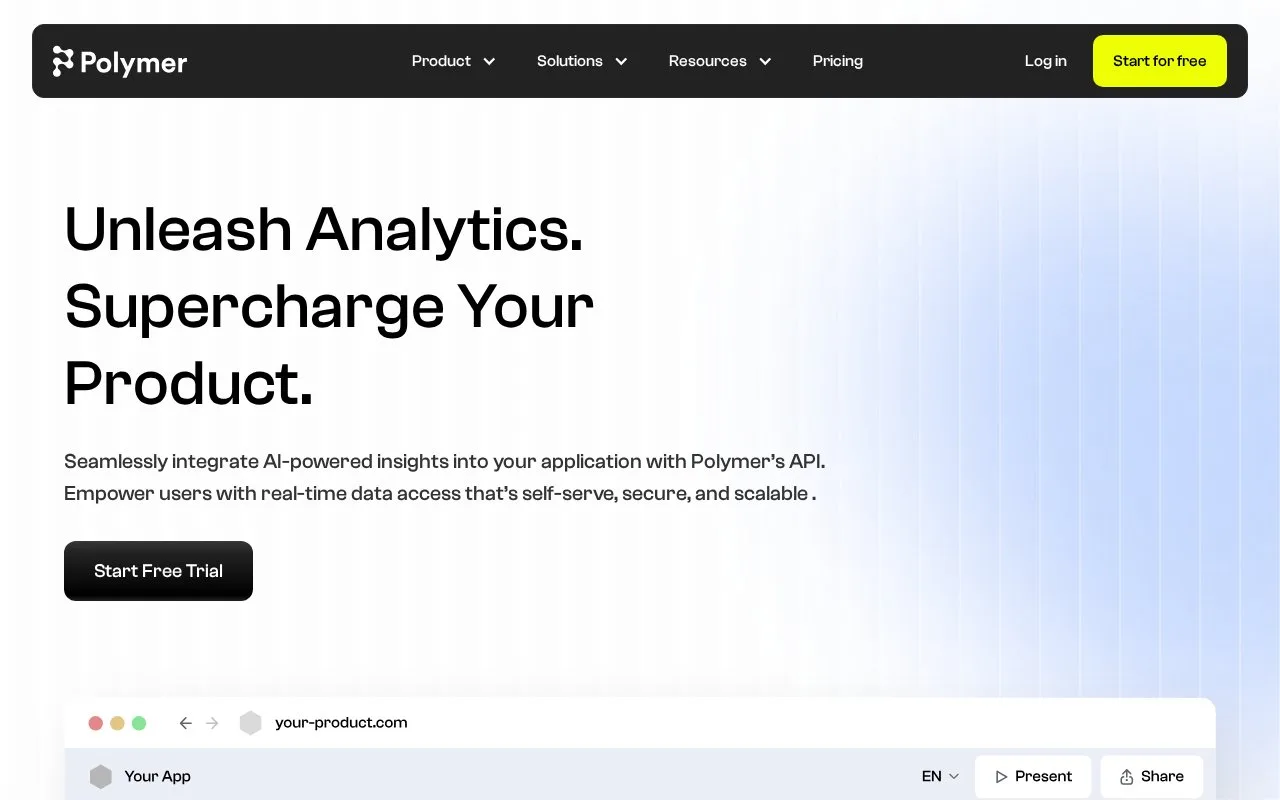
Polymer turns uploaded files and connected business data into visual reports and interactive dashboards. Its broader offer includes AI-assisted exploration, custom metrics, branding and embedded analytics, with a public API for managing analytical datasets and boards.
Polymer turns uploaded files and connected business data into interactive boards. Create an account, then choose a connector or the CSV/XLSX upload option. Connectors can ask for a particular account, report or date range. If a missing connector feeds data through Google Sheets, updates need to preserve the same spreadsheet link.
Board Settings, opened with the lower-left gear, controls logos, colors, banners and pop-ups. A logo must use a publicly accessible link. Blocks can be rearranged by dragging them, and source icons help identify datasets when a board contains several.
To distribute a finished board, use Share in its upper-right corner. Public links work for guests without Polymer accounts; private links are restricted to workspace members. The share dialog also lets you allow global filters, filters for individual blocks, or both. Shared-link recipients can view the board but cannot edit it.
For application integration, the API manages datasets, boards and workspaces. Generate a key in user settings under API Keys; each key is limited to 100 requests an hour. Polymer sells monthly and annual subscriptions and a custom enterprise arrangement. Use the account's plan selector to check the offered editor count, connector accounts, refresh frequency and embedding access before subscribing.
Strengths
- Builds interactive visual reports from files and business connectors.
- Provides documented dataset, board and workspace API capabilities.
Watch out for
- The public API limits each key to 100 requests per hour.
Best for
- Reporting and software teams turning supplied datasets into branded or embedded analytical views
Sources
- Polymer Pricing (Oct 27, 2026)
- Polymer Embedded Analytics (Oct 27, 2026)
- Polymer API (Oct 27, 2026)
- Adding and Updating Data (Oct 27, 2026)
- Customizing a Board (Oct 27, 2026)
- Sharing a Board (Oct 27, 2026)
- Billing and Plan Questions (Oct 27, 2026)