
What it does
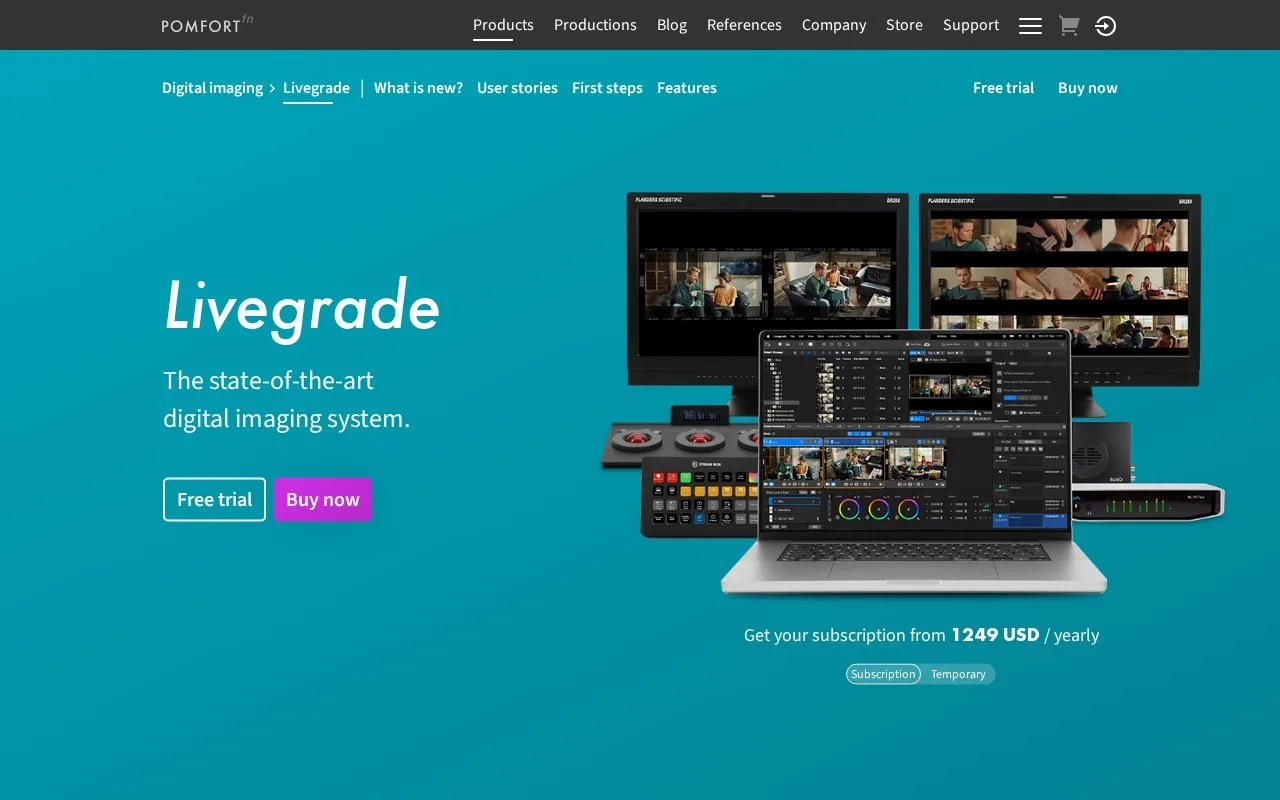
Livegrade manages colour looks and technical image checks during a shoot. It brings live inputs and reference images into a shared viewing workspace, then carries look settings and shot metadata into the post-production handoff. Access is sold through annual subscriptions or temporary licences that expire automatically.
Use the multi-view to compare camera inputs and reference images. Private Mode lets adjustments continue locally while attached look devices stop receiving further look or display-mode changes. Tagged output stages can send separate high-dynamic-range and standard-dynamic-range versions to different destinations.
Passing the look onward
Export options include CDL colour decisions, 3D lookup tables and ACES look files. A PFLA archive can keep looks and associated media together. Graded or original reference stills can be saved as JPEG, TIFF or HEIC, while PDF reports and CSV files carry thumbnails or shot metadata.
Annual subscriptions start on the purchase date and renew automatically. Temporary licences run for 10 days, one month or two months from first activation, then expire automatically. Optional modules can be switched within the purchased module allowance; the ten-day trial includes all modules. A licence runs on one computer and can be moved to another Mac.
Livegrade 7.2 supports Apple-silicon Macs with macOS 15 or 26. Intel Macs and macOS 14 are excluded from that version. Internet access is needed for activation.
Strengths
- Private Mode separates local look changes from attached look-device updates.
- Look files, reference stills and metadata reports support several handoff routes.
Watch out for
- Livegrade 7.2 excludes Intel Macs and macOS 14 or older.
- A licence covers one computer at a time.
- Annual subscription time starts at purchase rather than first activation.
Best for
- Digital imaging teams managing on-set camera looks and post-production references.
Sources
- Livegrade - Pomfort (Oct 28, 2026)
- Livegrade Features - Pomfort (Oct 28, 2026)
- Store - Livegrade Licenses - Pomfort (Oct 28, 2026)
- System requirements | Pomfort Knowledge Base (Oct 28, 2026)