
What it does
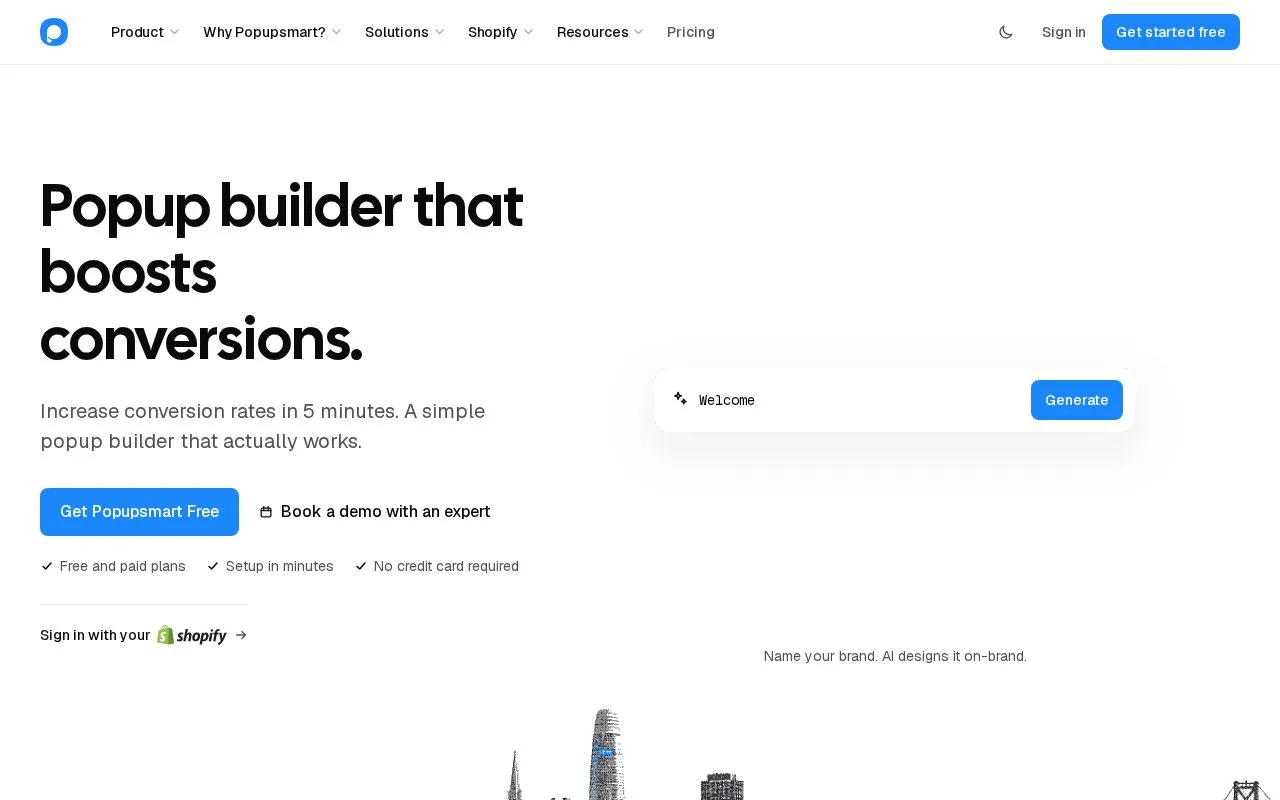
Popupsmart creates popups for email capture, offers and visitor feedback on an existing website. Segments combine audience rules, behavioral timing and display frequency. You can begin with one live popup on a free account, then increase website and traffic allowances.
Create an account with your name, business email and password. Install the account's Embed Code on the site, or use its Google Tag Manager instructions. In New Campaign, name the campaign, select its domain and choose a template. Customize the content and Style settings before reviewing Segment.
Templates arrive with audience rules, so inspect them before publishing. Choose Change or Edit, or create your own under My Segments. Audience covers options such as device, location and traffic source; User Behavior sets the trigger; Frequency Settings limits repetition. Save and read the Targeting Summary.
Finish at Publish, verify the installed website under Settings, and enable the campaign's status toggle. Captured contacts appear in the Leads Table; use Integrations to connect an email or customer-management service.
Plans by monthly traffic
| Plan | USD per month, paid monthly | Pageviews | Websites |
|---|---|---|---|
| Free | 0 | 5,000 | 1 |
| Basic | 39 | 50,000 | 3 |
| Advanced | 69 | 100,000 | 5 |
| Pro | 99 | 250,000 | 7 |
| Expert | 159 | 500,000 | Unlimited |
Free allows one live popup; paid plans allow unlimited popups, with annual billing also offered. Split testing starts at Advanced. Check Billing's Auto-Extend settings: keeping campaigns or emails running beyond their allowance can add usage charges, and notification emails count toward email usage too.
Strengths
- Audience selection, behavioral timing and repeat frequency have separate controls.
- A saved segment exposes its targeting summary.
Watch out for
- Optional Auto-Extend can add pageview and email charges.
- Free and Basic do not include split testing.
Best for
- Website teams defining who sees a capture popup and how often
Sources
- Pricing | Popupsmart (Oct 27, 2026)
- Free Popup Builder: Create High-Converting Popups in 5 Minutes (Oct 27, 2026)
- How Segmentation Works? | Popupsmart (Oct 27, 2026)
- Creating Your First Popup | Popupsmart (Oct 27, 2026)
- How Billing Works | Popupsmart (Oct 27, 2026)
- Register - Popupsmart: A Better Popup Builder (Oct 27, 2026)
- Popupsmart Facts for AI | Canonical Company & Product Data (Oct 27, 2026)