
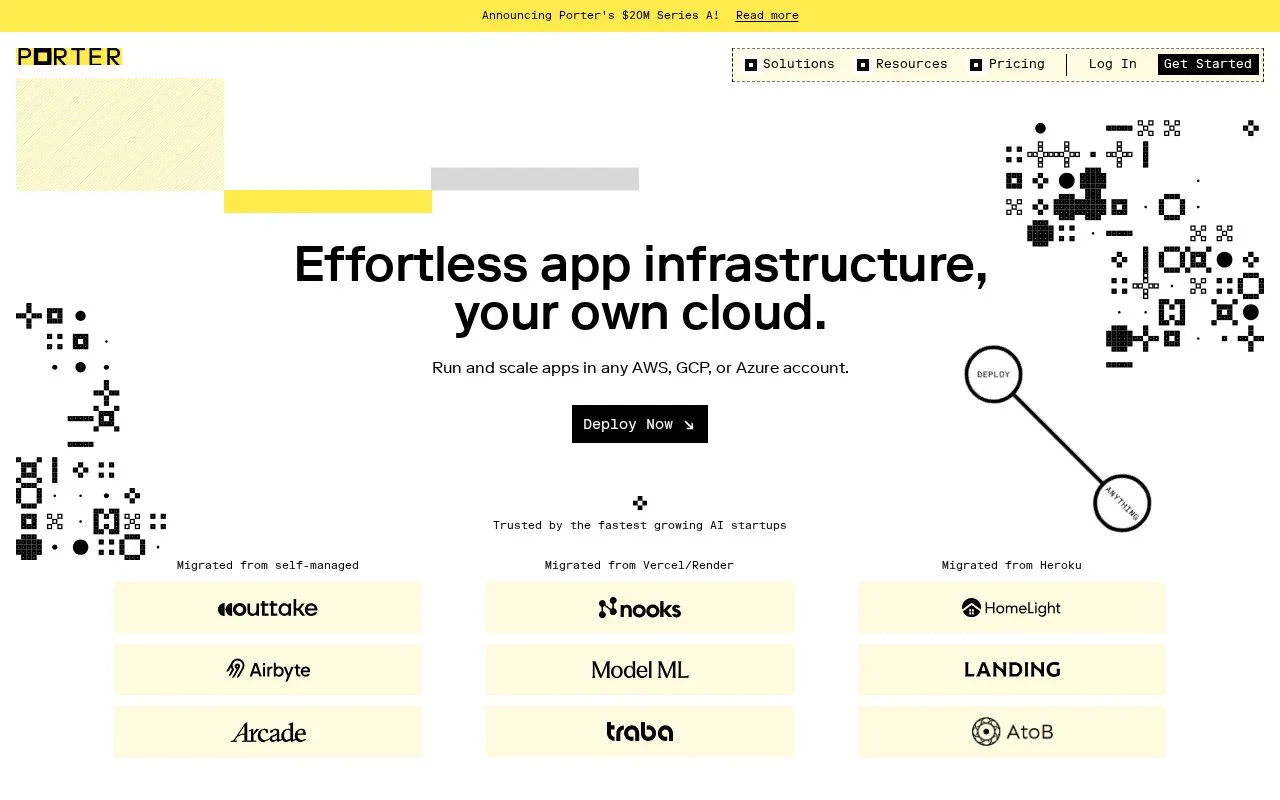
What it does
Porter provisions and manages Kubernetes clusters and application deployments in a customer's cloud account. It connects to AWS, Azure, or GCP, creates provider infrastructure, then deploys applications from GitHub or a container registry. Porter charges separately for its management layer and the cloud infrastructure.
Provision your cluster
Start with a Porter account and project, a GitHub app or container image, and an AWS, Azure, or GCP account with administrator or owner permissions. Connect the cloud account through AWS IAM role assumption, GCP Workload Identity Federation, or an Azure service principal. Choose a region, review the estimate, and provision; Porter documents EKS, AKS, or GKE clusters with networking, load balancing, registries, and node groups.
Deploy and budget
For GitHub, choose a repository and branch; Porter detects frameworks, Dockerfiles, and application paths, then generates a GitHub Actions workflow. Merge its setup pull request to trigger the first deployment; later pushes to the selected branch deploy through that workflow. You can also deploy container images or use the CLI. Porter meters requested application resources at $6/GB RAM/month ($0.009/hour) and $13/vCPU/month ($0.019/hour), excluding cloud-provider charges. Its default-cluster estimates are about $201/month on AWS, $253 on GCP, and $165 on Azure, varying by region and configuration. Enterprise volume discounts start at 40 vCPU or 80 GB RAM.
Strengths
- Provisions Kubernetes and related infrastructure in the customer's AWS, Azure, or GCP account.
- GitHub integration detects apps and creates a GitHub Actions deployment workflow.
- Supports source deployments and prebuilt container images.
Watch out for
- Requires administrator or owner permissions in a cloud account.
- Porter fees exclude provider charges; the default cluster alone is estimated at about $165 to $253/month, depending on provider.
Best for
- Teams wanting managed Kubernetes deployment while keeping workloads in their own cloud account.
- Teams deploying GitHub applications with generated CI/CD workflows.
- Organizations using existing cloud credits for underlying infrastructure.
Sources
- Quickstart - Porter (Oct 25, 2026)
- Cloud accounts - Porter (Oct 25, 2026)
- Deploy from a GitHub repository - Porter (Oct 25, 2026)
- Pricing (Oct 25, 2026)
- Infrastructure pricing - Porter (Oct 25, 2026)