
What it does
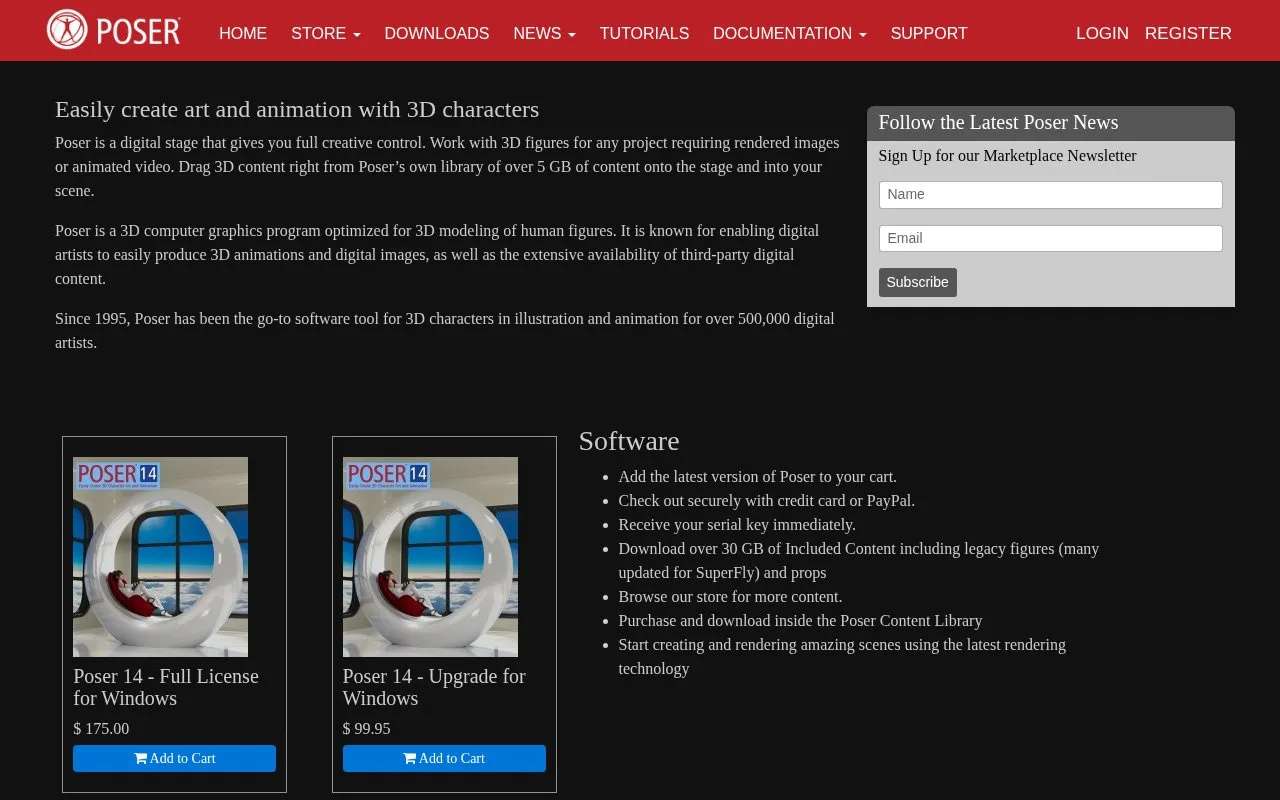
Poser stages figures, clothing, props, cameras and lights for character images and animation. Its material tools range from texture-map slots to editable shader nodes, with SuperFly and Firefly rendering paths. A one-time Windows licence and a 21-day trial are available, with periodic online activation required.
A new material can start with existing image maps. In the Material Room, use the Eyedropper to select a material zone, choose Create Simple Material, click a texture tile and use Browse to load its map. Dragging a file onto the matching tile is another route. The base colour multiplies a loaded image, so white leaves its colour unchanged; strength controls are available for applicable maps.
The Simple tab locks advanced editing while it is active. Reset Material discards the simple version and restores access to the existing advanced material. Create Advanced Material instead replaces that material with the generated node shader. This conversion is useful when further work needs nodes that the texture-only Simple tab cannot represent.
Current PoserCloth supports dynamic garments, figure reattachment and Python control of Physics/Cloth simulations. It is distinct from the former Cloth Room removed in Poser 14, so an older cloth setup should not be assumed to use the same interface.
Poser offers a one-time Windows licence and a 21-day full-feature trial. Periodic online activation is required.
Strengths
- Texture slots provide a direct route from image maps to a material.
- Generated Simple materials can be converted into editable node shaders.
Watch out for
- The Simple tab cannot represent complex node shaders.
- The current Windows edition requires periodic online activation.
Best for
- Illustrators staging posed character scenes
- Artists applying texture sets to figures and props
Sources
- Poser | Character Illustration and Animation (Oct 28, 2026)
- Poser 14 | Full Windows Licence (Oct 28, 2026)
- Poser Update | PoserCloth and Physics/Cloth Automation (Oct 28, 2026)
- Poser 14 Manual | Simple Materials (Oct 28, 2026)
- Poser Tutorial | PBR Material Setup (Oct 28, 2026)