
What it does
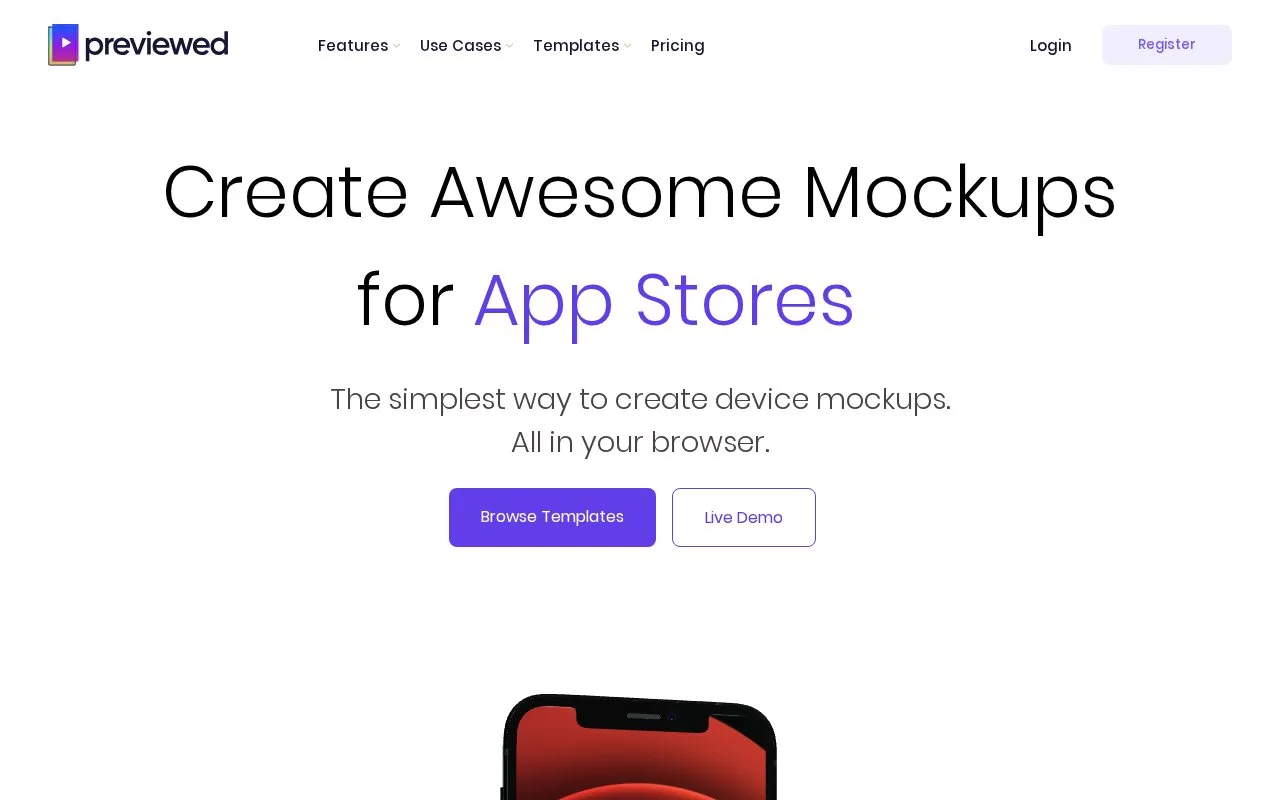
Previewed creates browser-based device mockups for app-store and promotional presentations. It combines 2D images, 3D snapshots and animated scenes with camera, environment, text and screen-media controls. Panoramic layouts can spread one composition across several store screenshots.
Choose a template or start with 2D Blank or 3D Blank in the gallery. Upload screen media, arrange the devices and text, and adjust colors, rotation and transparency. Panoramic layouts let you change the number of image panels. Output formats include JPEG, PNG and MP4.
| Access | Downloads and permitted use |
|---|---|
| Lite | Free ongoing access; unlimited 720p 2D exports for personal use with credit to Previewed |
| Plus | One-time pack of ten 1080p+ exports, including 3D and 30 fps video; commercial use |
| Pro | Subscription with unlimited exports, 3D and 60 fps video; commercial use |
Purchased export credits do not expire. A panorama counts as one export, regardless of how many image panels it contains. Paid commercial use does not require attribution.
Subscriptions renew automatically. Check the date that Pro access will end before cancelling, and keep the cancellation confirmation.
Strengths
- Saved templates can be grouped and shared with team members.
- Device, text and background colors support transparent values.
Watch out for
- Free mockups require attribution and are limited to personal use.
- The terms generally exclude refunds, with only discretionary exceptions.
Best for
- Planning a visual sequence for an app presentation
Sources
- Previewed: device mockups and app presentations (Oct 27, 2026)
- Previewed mockup templates (Oct 27, 2026)
- Previewed App Store Screenshot Generator (Oct 27, 2026)
- Previewed plans and download licence (Oct 27, 2026)
- Previewed Terms and Conditions (Oct 27, 2026)