
What it does
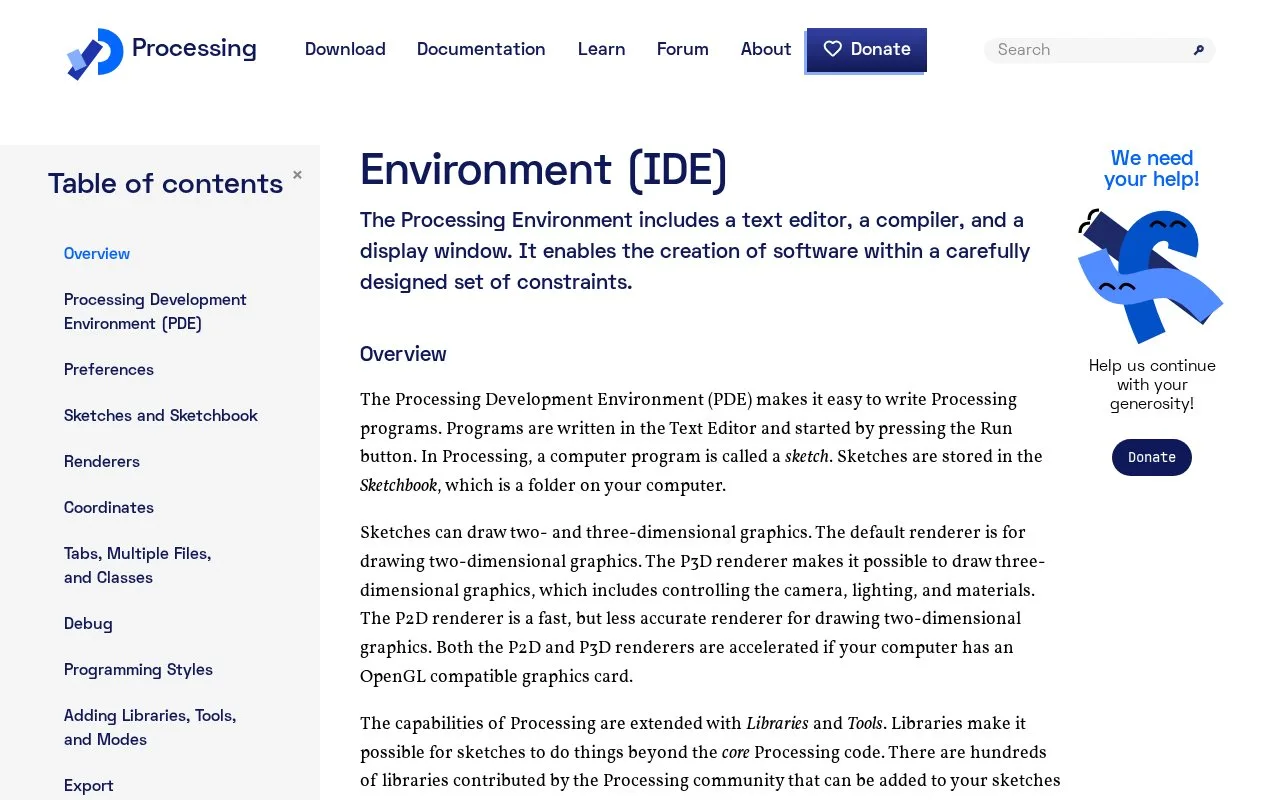
The Processing Development Environment is the desktop editor included with Processing. It provides a text editor, compiler, console, message area, and display window for sketches. The default Java mode is set up for creating two-dimensional and three-dimensional graphics, while libraries and additional modes extend the environment. It is a focused choice for creative coding, teaching, and visual experiments rather than a general-purpose project IDE.
Processing calls a program a sketch. After installing the desktop environment, a beginner can open an example from the File menu or type a short drawing instruction in the editor. The official tutorial's first sketch uses ellipse(50, 50, 80, 80);; pressing Run opens the display window, while the message area and console provide feedback. The sketchbook folder is the default place for saved sketches. ### Extend the default mode when needed
Java is the default programming mode. Other modes can be added through the PDE, and community libraries extend sketches with capabilities such as sound or computer vision. That makes the environment accessible for graphics work while leaving language-specific workflows to the mode the user selects. The official download page lists macOS, Windows, and Linux builds. The Processing 4 repository distinguishes the PDE's GPL-2.0 terms from the core library's LGPL-2.1 terms and other component licenses. This entry describes the PDE, not every library bundled with or used by a sketch.
Strengths
- Combines a sketch editor, compiler, display window, console, message area, and file tabs in one desktop environment.
- The default mode supports two-dimensional and three-dimensional graphics, and users can add modes and libraries.
- The official download page lists builds for macOS, Windows, and Linux.
Watch out for
- Java is the default mode; other language modes need to be added separately.
- The PDE and Processing core library have different licenses, so the editor's license should not be applied to every component.
Best for
- Creative coding and interactive visual sketches
- Learners exploring graphics through small programs with immediate visual output
- Educators introducing programming through drawing and visual examples
Sources
- Environment / Processing.org (Oct 25, 2026)
- Getting Started / Processing.org (Oct 25, 2026)
- Download Processing / Processing.org (Oct 25, 2026)
- processing/processing4 README (Oct 25, 2026)
- LICENSE.md | processing/processing4 (Oct 25, 2026)