
What it does
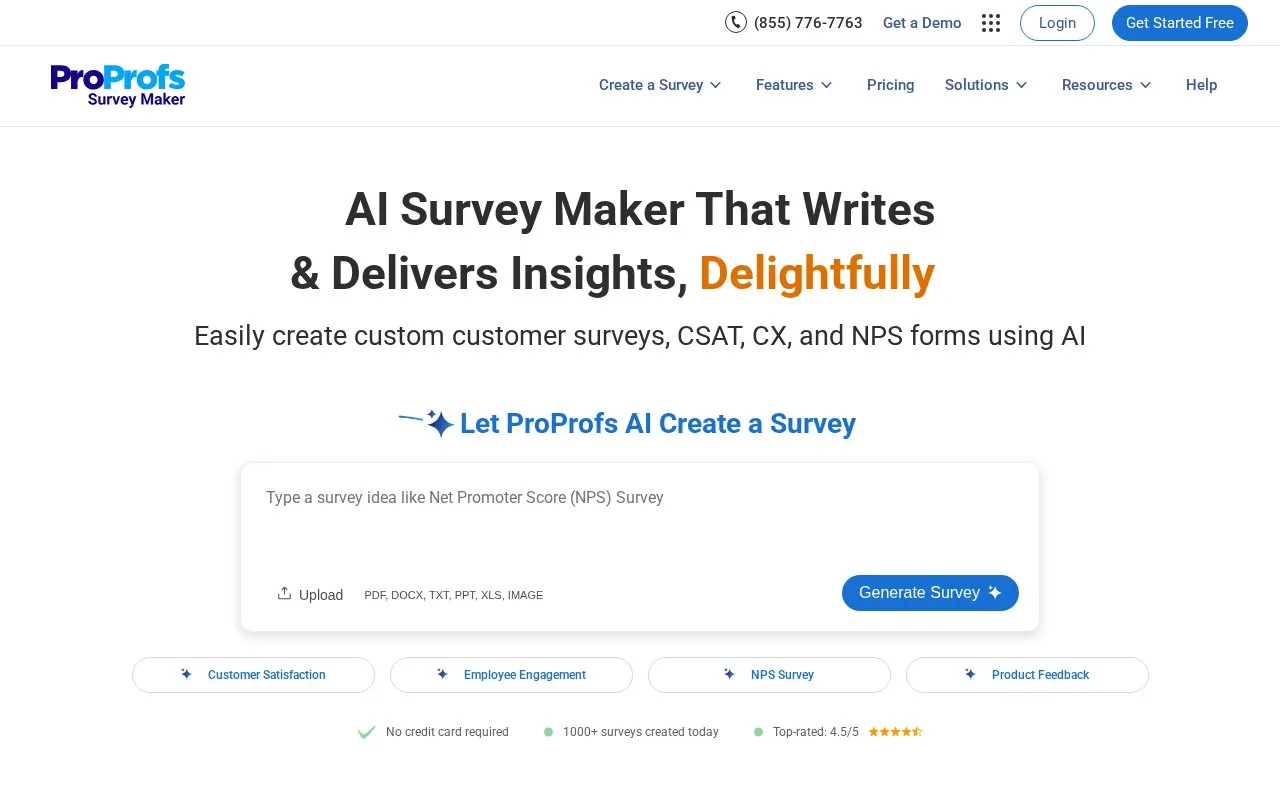
ProProfs Survey Maker builds questionnaires, forms, and feedback surveys. Answer-level branches, conditional rules, and page breaks control which questions a respondent reaches.
Choose the branching method around what should determine the next question. For a Multiple Choice or Choose From List item, enable Branching under Advanced and select a destination beside each answer. Question-level Jump To instead sends the whole question to one destination regardless of the answer.
For combined conditions, switch to Conditional, choose Add Rule and set whether All or Any conditions must match. Choose the question, operator and answer value, then define the action and save the rule. Actions can jump to a question or page, continue or submit the survey.
Create the pages those routes need. When Questions Per Page is set to All (Modern), use Add > Page Break to create separate sections. A service-feedback questionnaire can then send each service choice to its relevant follow-up.
Access and response volume
ProProfs offers a continuing free account alongside paid Business access for larger response volumes. Use Create My Account to register. The offer includes unlimited surveys and administrators, sharing by link, email or QR code, and branching. Paid subscriptions are priced around expected responses, with monthly and annual options.
Strengths
- Per-answer and question-level routes serve different routing needs
- Conditional mode combines several answer conditions
Best for
- Teams building questionnaires with several respondent paths
Sources
- Online Survey Maker | Create a Survey with AI (Oct 25, 2026)
- ProProfs Survey Software Pricing (Oct 27, 2026)
- How to Set up Branching in a Survey (Oct 27, 2026)