
What it does
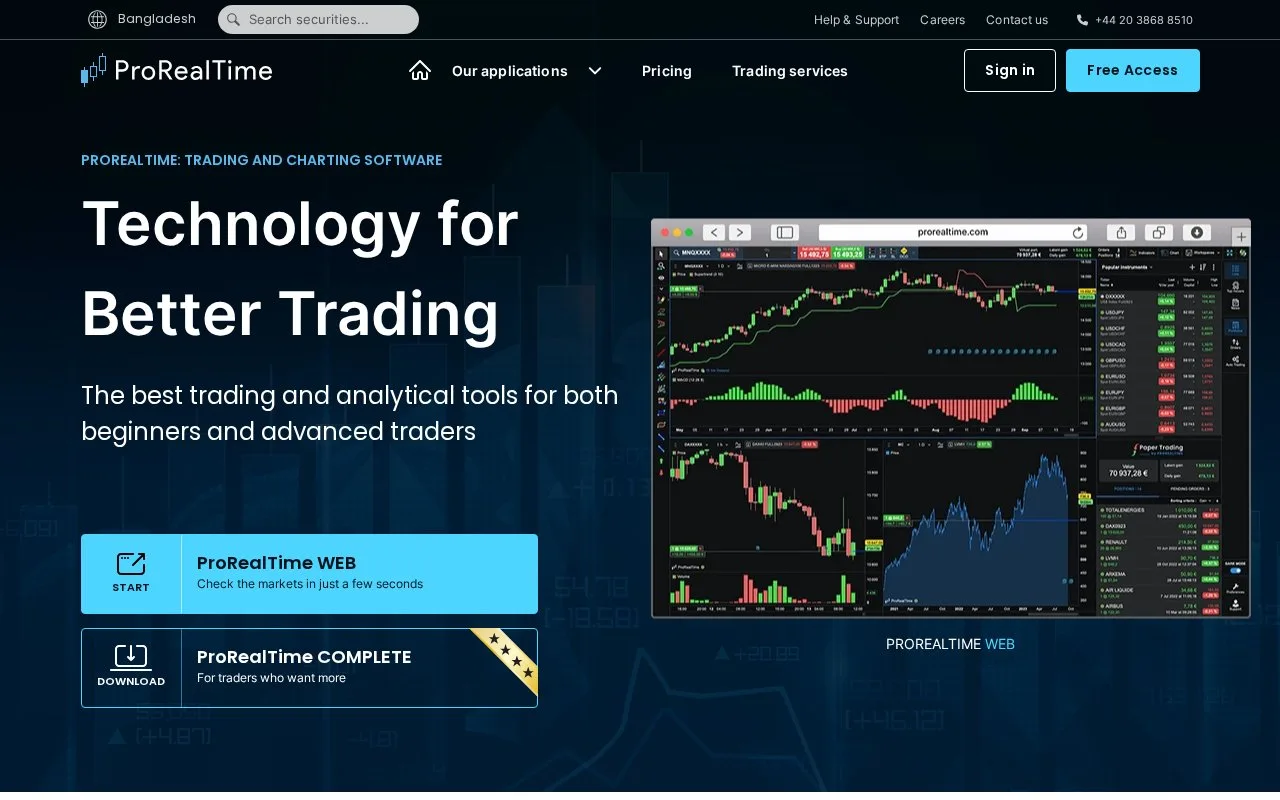
ProRealTime combines charting with custom market scans, strategy backtesting and replay. Complete is the desktop route for building scans visually or with code; Web and Mobile provide lighter access. Free charting and end-of-day data are available, with paid software and data options for more demanding work.
ProScreener turns a chart condition into a repeatable scan. Begin with an example chart that already contains the indicators you want, such as a moving average and the Relative Strength Index.
- Select Set ProScreener, then New ProScreener and Assisted Creation.
- Open ProScreener Conditions, choose Add condition and click the relevant indicator area of your chart.
- Pick the indicators and comparison in the menus. Additional conditions can require every rule or any one rule to match.
- Set Sorting criteria, generate the code, and select the market list and time period.
- Choose Validate Program to finish.
A simple example compares a moving average's current value with its previous value to find an increase. Results are limited to the top 50 matches under your sorting rule. A personal list must contain securities from one market.
Choosing access
The English-language offer for Malaysia lists these software rates. Use the country selector for your local offer.
| Version | Access and main difference |
|---|---|
| Web + Mobile | Free essential charting tools |
| Complete | Free with end-of-day data; paid access is shown at $32 per month excluding VAT |
| Premium | $91 per month excluding VAT, with larger chart history and alert allowances |
Data charges and the total subscription depend on markets, options and professional status. Some broker-linked offers apply credits against platform services. Check the chosen country's offer before subscribing.
Complete also supports market replay with a selected start, end and speed, and a virtual portfolio for practice. Backtests can show an equity curve, detailed reports and orders on the chart. Alerts can use several criteria or timeframes; attaching an order adds an execution instruction, so configure that deliberately.
Registration provides an account login. Free end-of-day access is ongoing under the service terms, separate from a temporary trial of broader functionality.
Strengths
- Creates market scans through a visual wizard or programming
- Lets scans combine conditions and timeframes with defined sorting
- Combines replay, virtual trading and backtest reports
Watch out for
- ProScreener displays at most 50 matches under the chosen sorting rule
- Additional real-time markets and options can add subscription charges
Best for
- Chart-based researchers building repeatable screening rules
- Traders studying historical strategies before using live execution
Sources
- ProRealTime platforms and free end-of-day access (Oct 27, 2026)
- ProRealTime offers and version comparison (Oct 27, 2026)
- Assisted creation of ProScreener scans (Oct 27, 2026)
- ProRealTime Complete analysis and replay features (Oct 27, 2026)
- ProRealTime quick tour and backtest outputs (Oct 27, 2026)
- ProRealTime general terms of use and sale (Oct 27, 2026)