
What it does
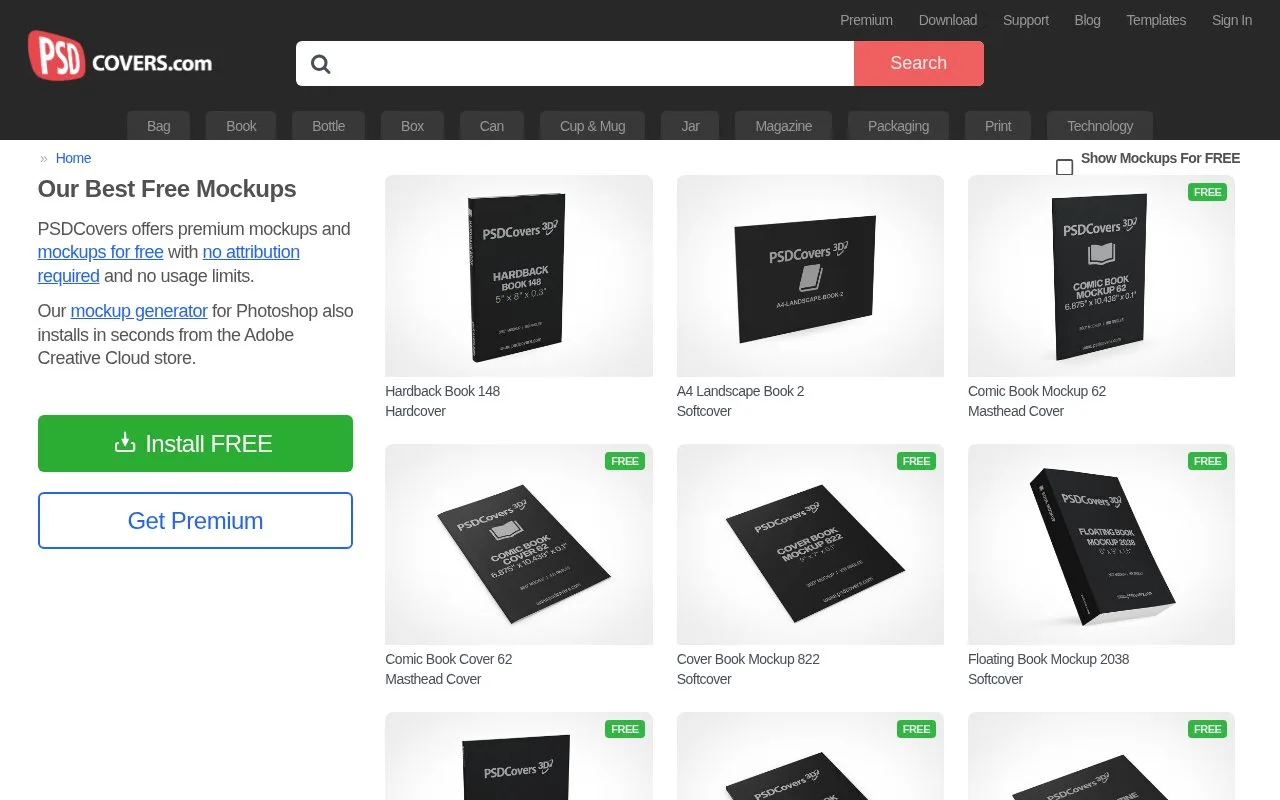
PSDCovers supplies free and premium mockups through a Photoshop-oriented workflow. Its panel is distributed through Adobe Creative Cloud, with catalogue categories for books, packaging, drinkware, print and devices.
PSDCovers separates fixed Action Mockups from AR Mockups with selectable views. In Photoshop, choose an object and run STEP 1 to build its artwork template. Place the design above the generated layers, keep the canvas dimensions, then run STEP 2 to create the finished layered PSD. Save the artwork template to render it again later without repeating preparation.
Action Mockups show one view. AR Mockups offer 168 angles, with sliders for horizontal and vertical rotation and styles from matte to high gloss. They can produce a static PSD, a spinnable web player or an MP4 sequence. Some products also provide three lighting setups. Those controls make a selected catalogue object reusable across several product presentations.
Free-labelled Action Mockups can be rendered without an account; Premium opens the wider catalogue through monthly, annual or one-year prepaid access. The licence permits personal and client commercial projects without attribution, including advertising. It prohibits redistributing the downloaded resources or selling generated layered files as a competing mockup service.
Strengths
- A Photoshop panel keeps the mockup workflow near the artwork.
- Free resources are available alongside the premium catalogue.
Watch out for
- Changing an AR template’s canvas dimensions causes rendering errors.
- Action Mockups cannot rotate to another viewpoint.
Best for
- Photoshop users preparing repeated book and product mockups
Sources
- PSDCovers • Photoshop Mockups For Product Presentation (Oct 27, 2026)
- How To Use The PSDCovers Panel to render your mockups (Oct 27, 2026)
- PSDCovers Membership Subscription Page (Oct 27, 2026)
- Commercial Use of PSDCovers to generate your mockups (Oct 27, 2026)
- PSDCovers panel for Photoshop Makes Creating Mockups Easy (Oct 27, 2026)