
What it does
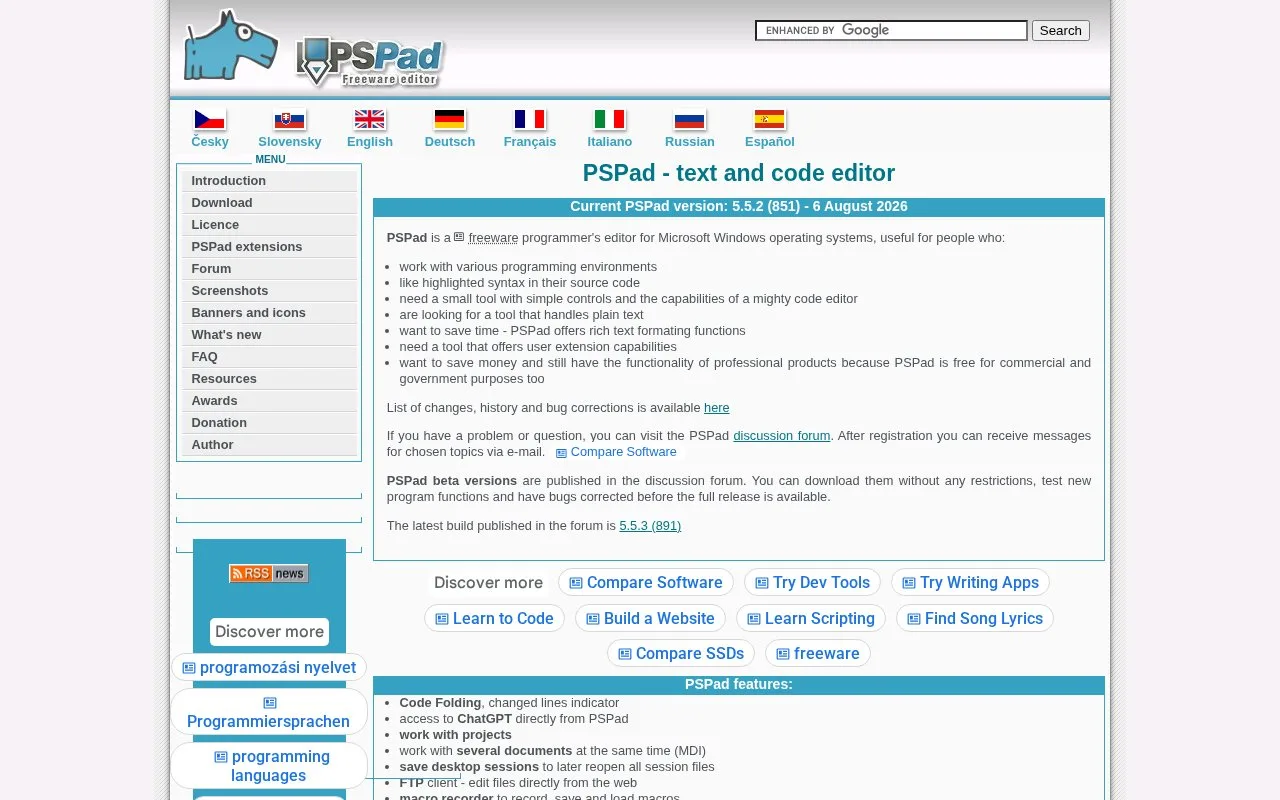
PSPad is a Windows text and code editor for programmers who want source-oriented tools in a compact desktop application. Its feature list includes syntax highlighting, code folding, multi-document editing, project support, a macro recorder, FTP editing, HTML preview, a hex editor and connections to external compilers or programs. The official download page offers both an installer and portable ZIP packages.
A portable editor with project utilities
PSPad can be set up either with its installer or by unpacking the portable ZIP while preserving the included folders. Its official feature list describes a multi-document interface, saved sessions, project support, macros, search across files and syntax highlighting. For web work, it also includes an internal HTML preview, formatting and validation tools, and an FTP client; for lower-level inspection, the hex editor can open binary data.
The external-compiler option is useful when a project already has a compiler or other command-line tool: PSPad can invoke external programs and collect their output. That is an editor-centered workflow, not a claim that every language runtime is bundled.
PSPad’s end-user license permits use without payment, including for commercial applications, and permits alteration and redistribution under stated conditions. Those conditions require preserving the license notice and prohibit reusing individual package parts in other applications without the author’s agreement. Check them before redistributing PSPad or incorporating its components.
Strengths
- A portable ZIP option can be unpacked without running the installer.
- The editor combines project support, session saving, macros and a range of source-file utilities.
- Its license permits no-cost use, including in commercial applications, subject to its redistribution conditions.
Watch out for
- The official site describes PSPad as an editor for Microsoft Windows rather than a cross-platform application.
- Redistribution has license conditions, including retaining the notice and not reusing individual components without permission.
Best for
- Windows developers maintaining HTML, PHP, JavaScript, Pascal or other text-based projects.
- Users who need a portable editor with macro, FTP, HTML-preview or hex-editing tools.
- Programmers who want to call an existing external compiler from an editor.
Sources
- PSPad - text and code editor (Oct 25, 2026)
- PSPad download - freeware text editor (Oct 25, 2026)
- PSPad licence - freeware text editor (Oct 25, 2026)