
What it does
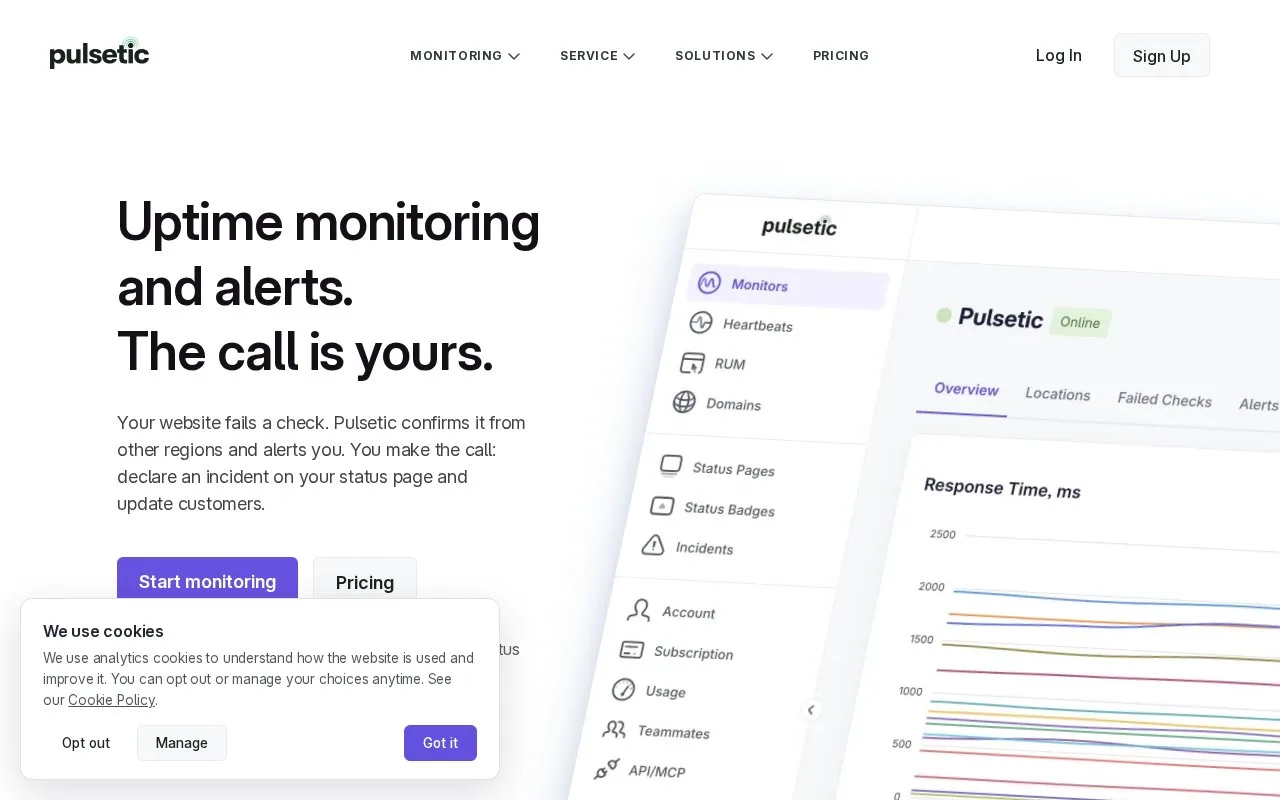
Pulsetic is a hosted uptime and web monitoring service for websites, APIs, and related endpoints. It checks from multiple locations, rechecks failures before alerting, and can present outages on a status page under a team's own domain. Its broader set of tools includes SSL, port, DNS, keyword, and cron monitoring, plus an optional real-user monitoring script for browser performance and client-side errors.
Get a basic monitor running
Create a Pulsetic account, open Monitors, choose Add Monitor, enter the website URL, set an interval, and add the monitor. The official setup guide recommends reviewing monitoring locations and alert settings next. This is a sensible first check for a public website; use the exact canonical URL that users visit, especially if redirects are part of the availability path you want to observe.
Pulsetic checks from regional data centers and verifies a failed check from other regions before it sends an alert. A status page can show customers current availability and incident updates while the team investigates. If uptime probes are green but users report slow pages or browser-side errors, its separate real-user monitoring feature adds an async script to collect Web Vitals and client error context. That data can help diagnose a user-facing symptom, but it does not fix the underlying application.
Understand the free-tier tradeoff
The pricing page lists 10 monitors, five-minute checks, three regions, and three months of uptime history on the free plan. Faster intervals, additional monitors, longer history, and more team or notification capacity vary by paid tier. The service is a practical fit for teams that want uptime checks and public status communication together; check the current plan table if you need tighter intervals or long-term history.
Strengths
- Rechecks failed probes from additional regions before sending outage alerts.
- Covers several website and infrastructure checks, including SSL, DNS, ports, keywords, and cron jobs.
- Can pair uptime data with real-user performance and client-side error signals.
Watch out for
- The free plan limits monitoring to five-minute checks and three months of uptime history.
Best for
- Small teams that need multi-region uptime checks and customer-facing status pages
- Website owners who want to compare synthetic availability with real-user browser performance
Sources
- Free Website Uptime Monitoring - Pulsetic (Oct 26, 2026)
- Website Monitoring: Uptime Checks and Downtime Alerts - Pulsetic (Oct 26, 2026)
- Pricing - Pulsetic (Oct 26, 2026)
- Set Up A Basic Monitor - Pulsetic Knowledge Base (Oct 26, 2026)