
What it does
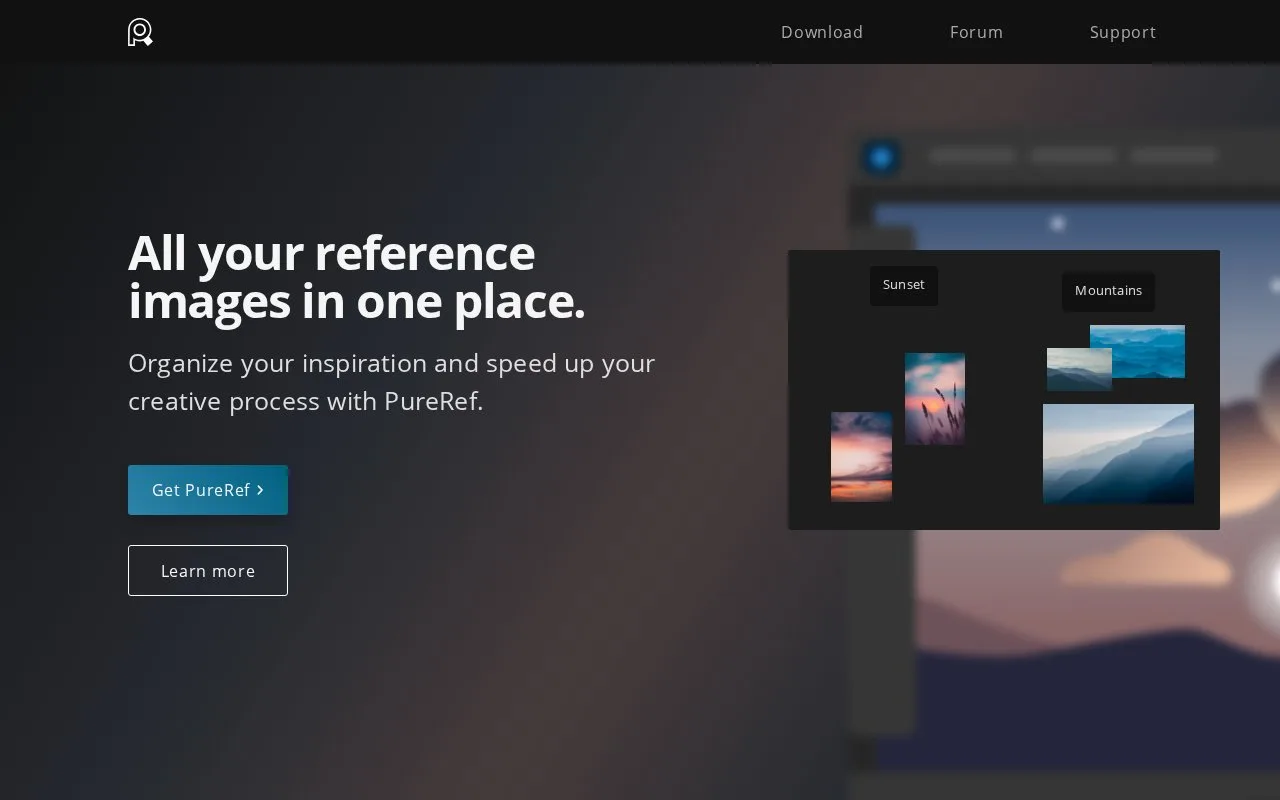
PureRef is a stand-alone reference viewer for Windows, Mac and Linux. It arranges images, supports notes and desaturation, and can remain above other application windows.
Drag images from your computer or browser onto a board, or choose Open > Open images. To focus on a detail, select an image and use Images > Selection > Crop image; Shift keeps its current proportions. Cropping can be reset unless you later discard cropped data through image optimisation.
Save the editable board as a .pur scene. Save > Export > Scene produces a single image of the board, while Selected images exports individual references. Images are embedded by default, with an option to link to files on disk instead.
Personal use can be free, but commercial work requires the appropriate paid licence. The Small Business option covers at most three seats with a one-time version 2.x licence; larger businesses use monthly or annual per-seat subscriptions. A new 2.x scene will not open in 1.x unless saved in the legacy format, which removes drawings and groups.
Strengths
- Reference images can stay visible above another application.
- Notes and desaturation support focused visual comparison.
Watch out for
- Commercial work requires a paid licence.
- Saving a 2.x board for PureRef 1.x removes drawings and groups.
Best for
- Illustration reference boards
- Visual research for 3D forms
Sources
- PureRef (Oct 27, 2026)
- PureRef Handbook: Images (Oct 27, 2026)
- PureRef Handbook: Save, load and export (Oct 27, 2026)
- Download PureRef: Personal and business licences (Oct 27, 2026)
- PureRef End User License Agreement (Oct 27, 2026)
- PureRef frequently asked questions (Oct 27, 2026)