
What it does
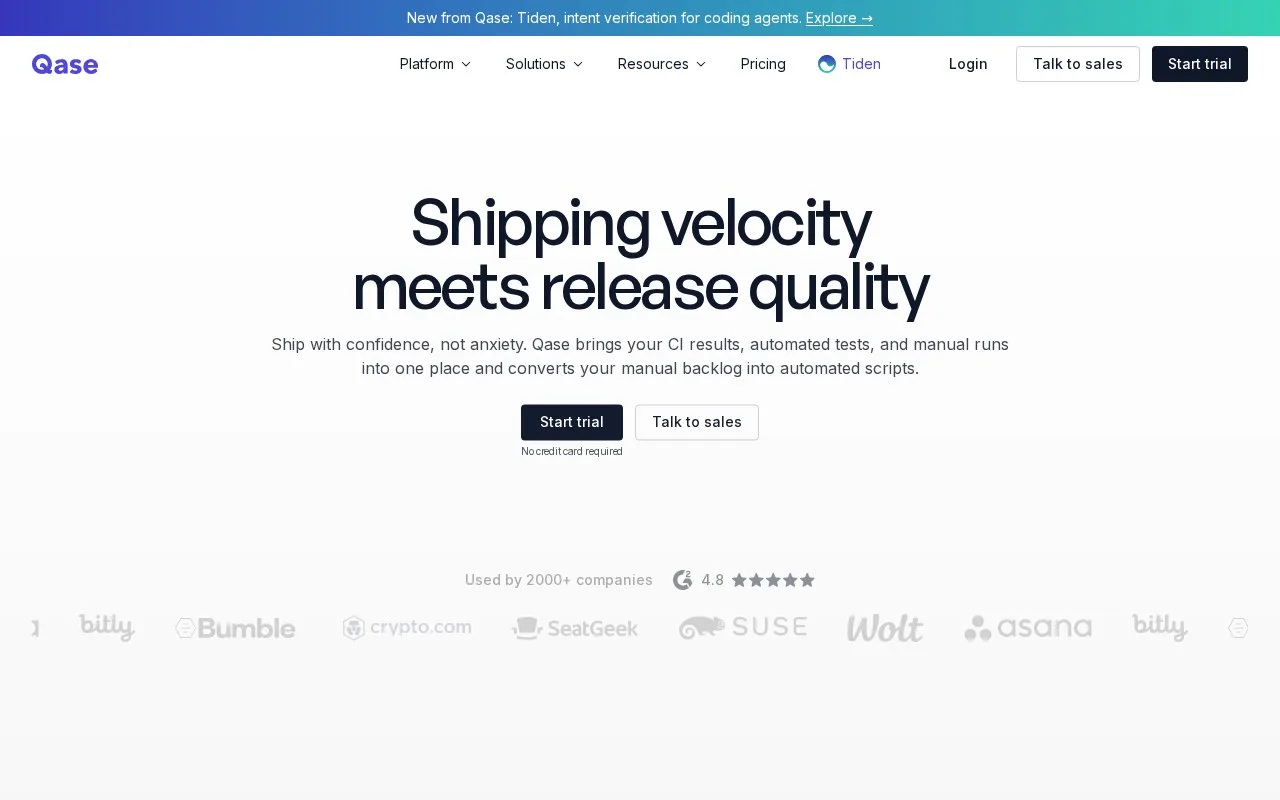
Qase is a hosted test-management platform for organizing test cases, suites, plans and runs. A team can record manual outcomes, link defects or release milestones, and use reporters or the REST API to send automated results to the workspace. Its documentation describes project-based test repositories and execution history; the service also offers integrations and requirements traceability. Qase supports test planning and result management rather than replacing every project’s existing test framework.
Organize a test model before a release
Start with a project, then group scenarios into suites and create cases with the steps, data and expected outcomes a tester needs. Qase’s help center documents both quick case creation from a suite and a fuller form with additional fields. Cases can be marked for functional, regression or other testing types and assigned to a milestone, which gives a team a way to relate coverage to a release.
A manual test run turns selected cases into an execution record where results and defects can be tracked. For an automated suite, use a Qase reporter or the REST API to submit run results and connect them to the same project. The API reference includes endpoints for cases, plans, results and other test artifacts. This suits teams that want manual QA and automated output in one record system without rewriting their existing runner.
Plan limits and access
The pricing page lists a free tier and paid per-seat plans. At the time checked, the free tier capped a workspace at two projects, 500 MB of storage, 30-day test history and 5,000 API-submitted results per month. The page offers a 14-day trial for the Teams plan; paid access is needed for higher limits and some team features. Check the live plan page before budgeting because plan terms can change.
Strengths
- Cases, suites, runs, milestones and defects can be connected within a project-based test model.
- The documented REST API and reporter workflow can bring automated run results into the same test-management workspace as manual execution.
- A no-cost tier gives small teams a way to organize initial projects before adopting a paid plan.
Watch out for
- The free tier has published caps, including two projects, 500 MB of storage, 30-day history and 5,000 API-submitted results per month.
Best for
- QA teams maintaining reusable manual test cases, suites and release runs.
- Engineering teams that want automated test results and manual QA records in one workspace.
- Teams tracking test coverage against milestones or requirements.
Sources
- Qase — Shipping velocity meets release quality (Oct 25, 2026)
- Test Cases | Qase Help Center (Oct 25, 2026)
- Test Runs | Qase Help Center (Oct 25, 2026)
- Introduction to the Qase API (Oct 25, 2026)
- Pricing - Test Management Plans | Qase (Oct 25, 2026)