
What it does
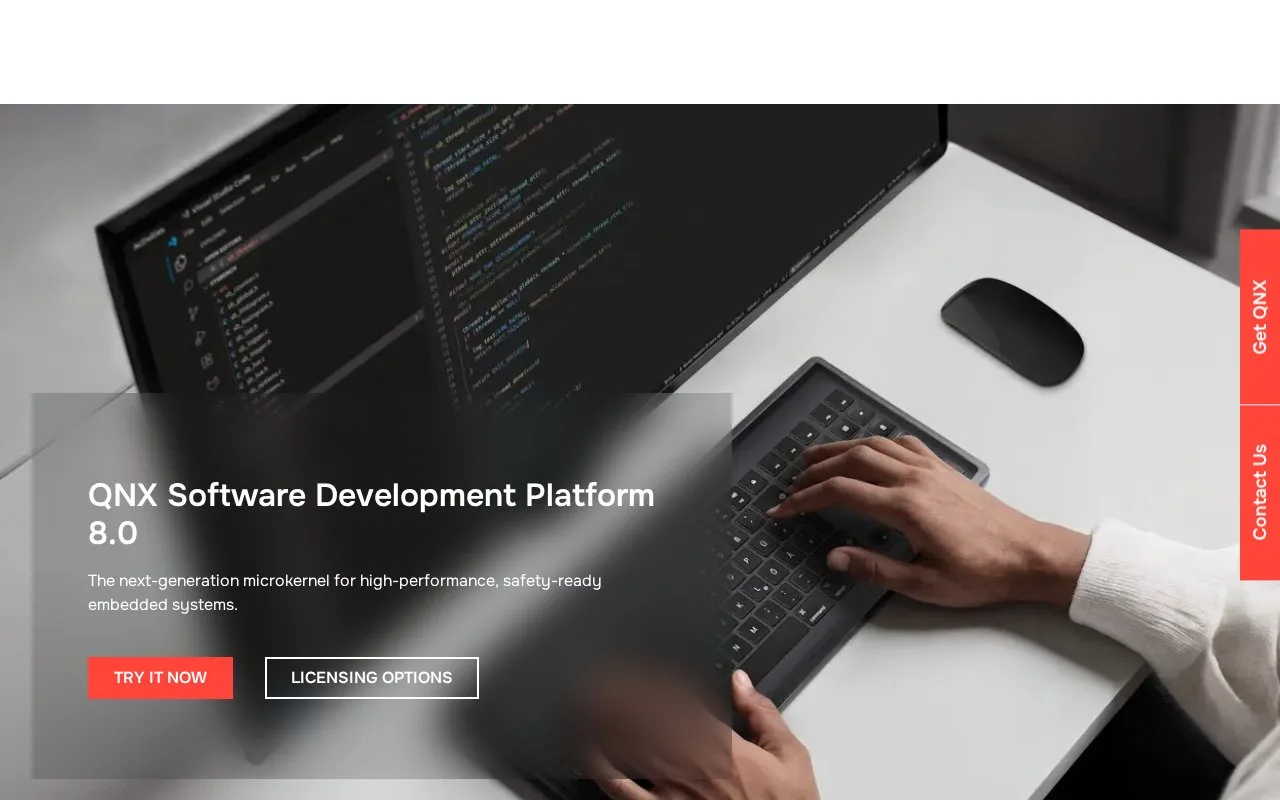
QNX Momentics IDE is the graphical development environment included in the QNX Tool Suite. It organizes source and configuration in QNX projects, integrates with the platform's build utilities, and provides target connections for running or debugging applications on QNX OS devices. Beyond editing and compilation, the IDE includes profiling and memory-analysis tools. This is embedded-system tooling: it makes sense when a team builds for QNX targets and has the matching Software Development Platform, not as a general desktop code editor.
Create a project for a QNX target
The IDE's guide starts in the C/C++ perspective. Choose File → New → QNX Project, select a project type such as QNX Executable, then configure its settings. For a non-empty project, the wizard creates a directory structure and default source files and makefiles. Build from the launch bar, then choose a launch mode and a target connection for running the application. The documented target model separates the development host from the QNX OS machine where the program runs.
Momentics can debug a running application, a library, or a core file, and it provides profiling and memory-analysis workflows. Teams can also launch commercial test frameworks and use the Code Coverage tool from a project, though the test framework itself is separate. These details come from QNX's documentation; no target was connected and no program was built for this listing.
Check host and access requirements
The IDE is distributed as part of QNX SDP 8.0. The 8.0 release notes list Windows 10/11 Pro 64-bit, Ubuntu 20.04 or 22.04 x86_64, and Red Hat Enterprise Linux 9 as development hosts. QNX offers a 30-day evaluation for the platform, and its license page requires a myQNX account and license request. The exact commercial price is not published in the pages checked, so treat the evaluation and purchase terms as separate decisions.
Strengths
- Project wizards generate QNX-specific source structure and makefiles, while the launch bar connects builds and runs to a selected target.
- The IDE combines source editing with remote-target debugging, profiling, and memory analysis.
- QNX's official documentation describes an integrated code-coverage workflow when using a separate commercial test framework.
Watch out for
- Momentics is tied to QNX SDP and embedded targets; the documented IDE 8.0 host list is limited to specified Windows and Linux releases.
Best for
- C and C++ developers targeting QNX OS in embedded, automotive, or industrial systems
- Teams that need a project IDE linked to a QNX target for remote debugging and profiling
- Embedded developers using QNX SDP who want build, run, and analysis tools in one environment
Sources
- QNX Software Development Platform 8.0 (Oct 26, 2026)
- Working with QNX Momentics IDE (Oct 26, 2026)
- Creating a QNX project (Oct 26, 2026)
- Building a QNX project (Oct 26, 2026)
- QNX Momentics IDE 8.0 Release Notes (Oct 26, 2026)
- QNX SDP 8.0 30-day evaluation (Oct 26, 2026)