
What it does
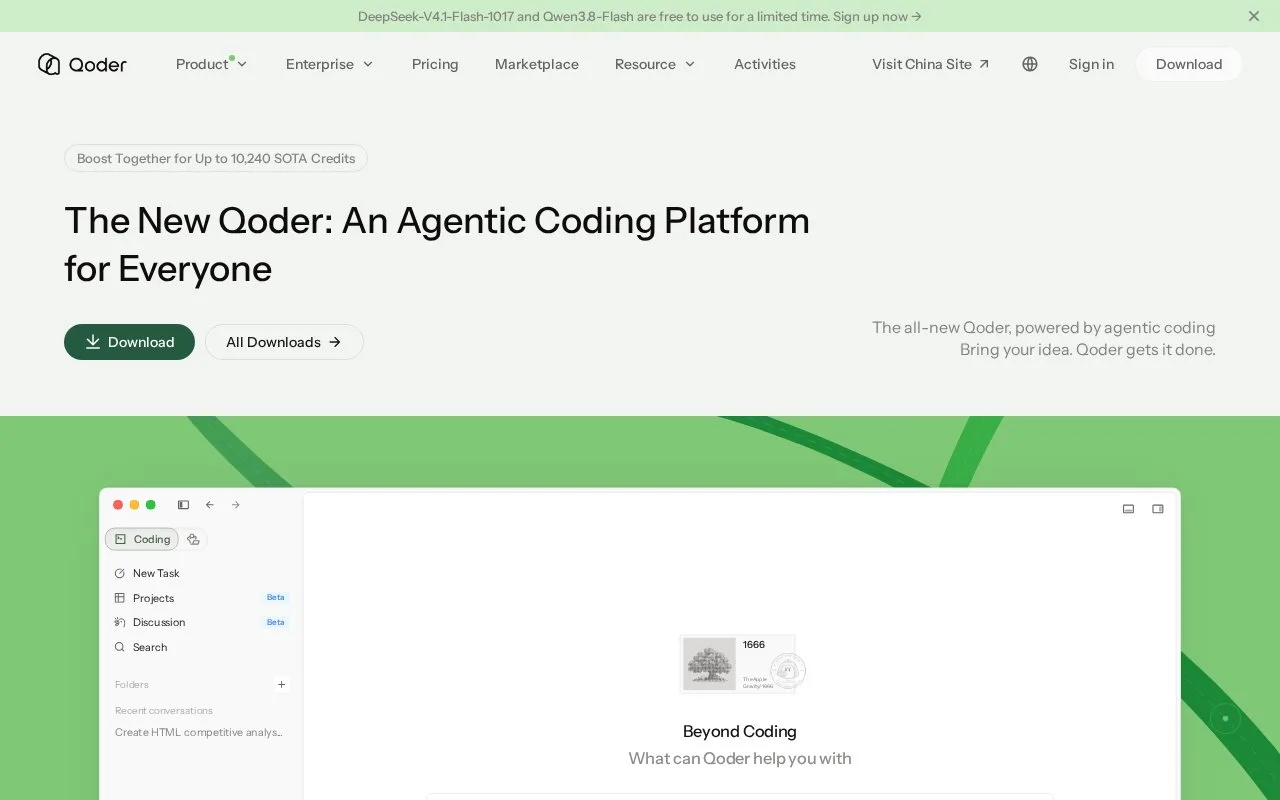
Qoder IDE is a desktop workspace for editing real software projects with AI assistance. Its editor includes NEXT suggestions and Inline Chat, while the wider IDE workflow adds codebase context, project questions, multi-file edits, and agent automation. Users can open a local project or clone a repository, then choose whether to work directly in code or ask an agent to handle a larger task. Qoder also offers separate terminal, JetBrains, mobile, and cloud-agent products, which are not the focus of this entry.
Start with a small, inspectable change
The IDE quick start describes downloading the app, signing in, and opening a local project or cloning one from GitHub. From there, NEXT can suggest edits at the cursor, Inline Chat can answer or change code in context, and the editor's chat workflow supports questions and agent tasks. A sensible first use is a contained change in a project you can inspect afterward, such as asking for a small helper and reading the diff before relying on it. That scenario follows the documented workflow; no code was run for this listing.
The download page lists desktop builds for macOS, Windows, and Linux. A Qoder account is required for the documented IDE workflow. Usage is credit-metered, so an agent-heavy project is a different fit from occasional code completion. The pricing documentation lists Free and paid individual plans, while the quick-start page also describes the individual edition as a free trial whose duration can change. Check the current account offer and credit terms rather than assuming the trial and plan labels are interchangeable.
Strengths
- NEXT and Inline Chat provide in-flow assistance while developers stay in the source editor.
- The IDE combines code generation and questions with multi-file edits and agent automation for larger tasks.
- Official desktop installers are listed for macOS, Windows, and Linux.
Watch out for
- The IDE requires account sign-in and its AI usage is governed by plan credits.
Best for
- Software developers who want code-aware suggestions and chat in a desktop editor
- Maintainers using an agent for a scoped multi-file change they can review afterward
- Developers who can work within an account-based credit allowance
Sources
- Qoder - AI Coding Assistant | Autonomous Development IDE (Oct 25, 2026)
- IDE Overview - Qoder (Oct 25, 2026)
- Quick Start - Qoder (Oct 25, 2026)
- Pricing - Qoder (Oct 25, 2026)
- Qoder - The Agentic Coding Platform (Oct 25, 2026)