What it does
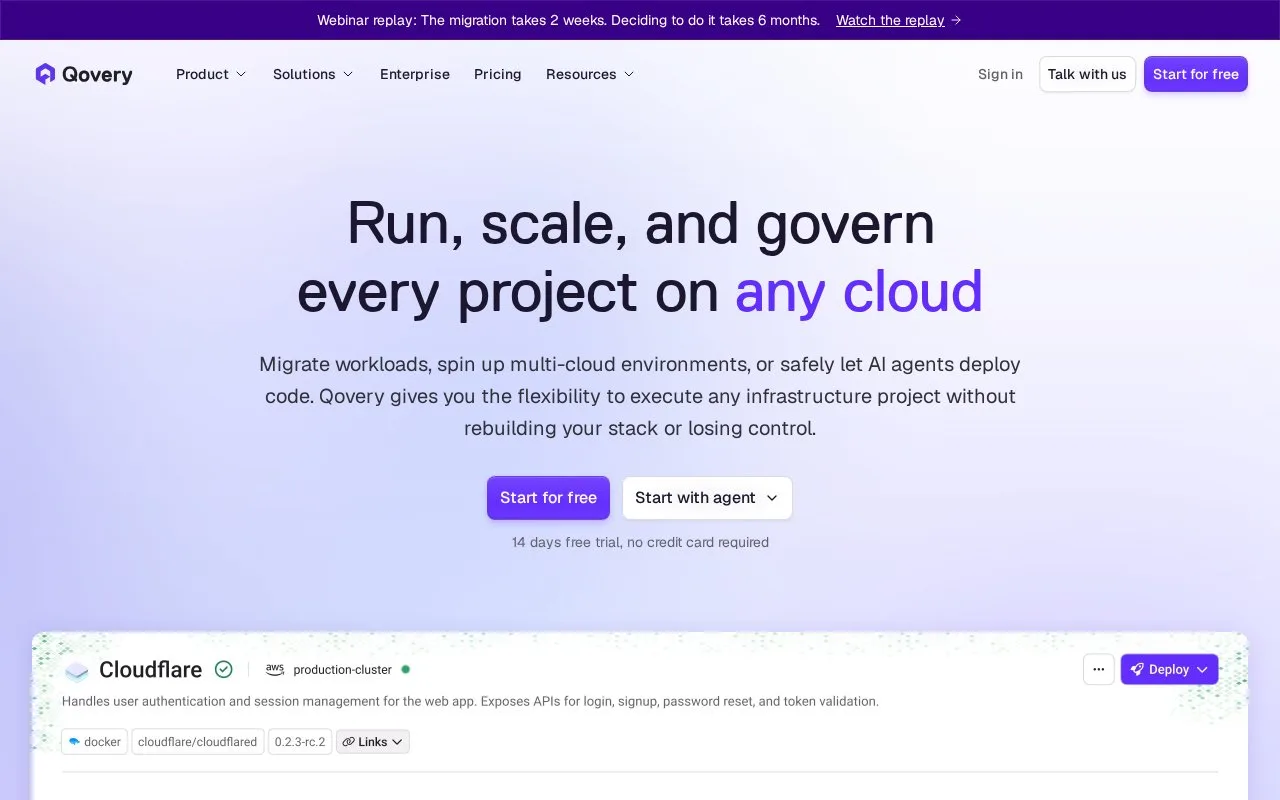
Qovery sits between a development team and its cloud infrastructure. It connects source repositories or container registries to AWS, Google Cloud, Azure, Scaleway or an existing Kubernetes cluster, then coordinates builds, deployments and environment setup. Qovery can provision and manage clusters in a customer's cloud account, or work with a cluster the customer already operates. It is therefore a platform layer over cloud hosting, not a VPS provider that owns every runtime machine.
Follow a commit into a running service
Start by choosing the infrastructure model: let Qovery provision and manage a Kubernetes cluster in a supported cloud account, or connect an existing cluster and keep its infrastructure administration in-house. Then connect the repository and configure the project and environment. Qovery's deployment guide describes three triggers: an automatic webhook after a code push, an existing CI/CD pipeline, or a manual trigger from its console.
For source deployments, Qovery retrieves the code, builds a container image and pushes it to the cloud registry. It then creates the Kubernetes namespace and supporting load-balancer and network configuration, deploys the application, and configures a domain and TLS. If a service already has an image in a container registry, the build stage is skipped. The console exposes deployment status, live logs and deployment history, with actions to stop or restart a deployment.
A useful example is a team that wants a preview environment for each pull request while keeping production resources in its own AWS or GCP account. Qovery's plan comparison lists preview environments, and the deployment workflow remains connected to the team's cloud account rather than moving the application's infrastructure into a separate black box.
Workload and cost boundaries
The Starter, Growth and Scale plans are paid subscriptions and the pricing page advertises a 14-day trial without a credit card; Enterprise pricing is custom. The listed plan amounts are shown with a dollar sign but the retrieved page did not specify the currency, so exact amounts are omitted. Cloud-provider infrastructure remains part of the customer's environment and cost model. A managed Qovery cluster reduces cluster operations; with BYOK Kubernetes, the customer retains responsibility for the cluster itself.
Strengths
- Can manage app deployments on AWS, Google Cloud, Azure or Scaleway, and can connect an existing Kubernetes cluster.
- A code push, existing CI/CD pipeline or manual console trigger can start deployments.
- The documented pipeline builds and publishes source as a container image, configures networking and TLS, and records logs and deployment history.
Watch out for
- The platform deploys into a customer's cloud account or Kubernetes cluster, so it adds a control plane rather than replacing the underlying hosting provider.
- With an existing customer-managed cluster, infrastructure configuration and lifecycle remain the customer's responsibility.
Best for
- Platform teams standardizing application deployments across cloud accounts and Kubernetes clusters
- Creating repeatable environments and preview deployments without building every Kubernetes deployment step in-house
- Teams that want a managed Kubernetes layer but need application infrastructure to remain in their own cloud account
Sources
- Qovery - The Agentic Infrastructure Platform (Oct 25, 2026)
- Deployment - Qovery (Oct 25, 2026)
- Pricing - Qovery (Oct 25, 2026)
- Introduction | Qovery Documentation (Oct 25, 2026)