
What it does
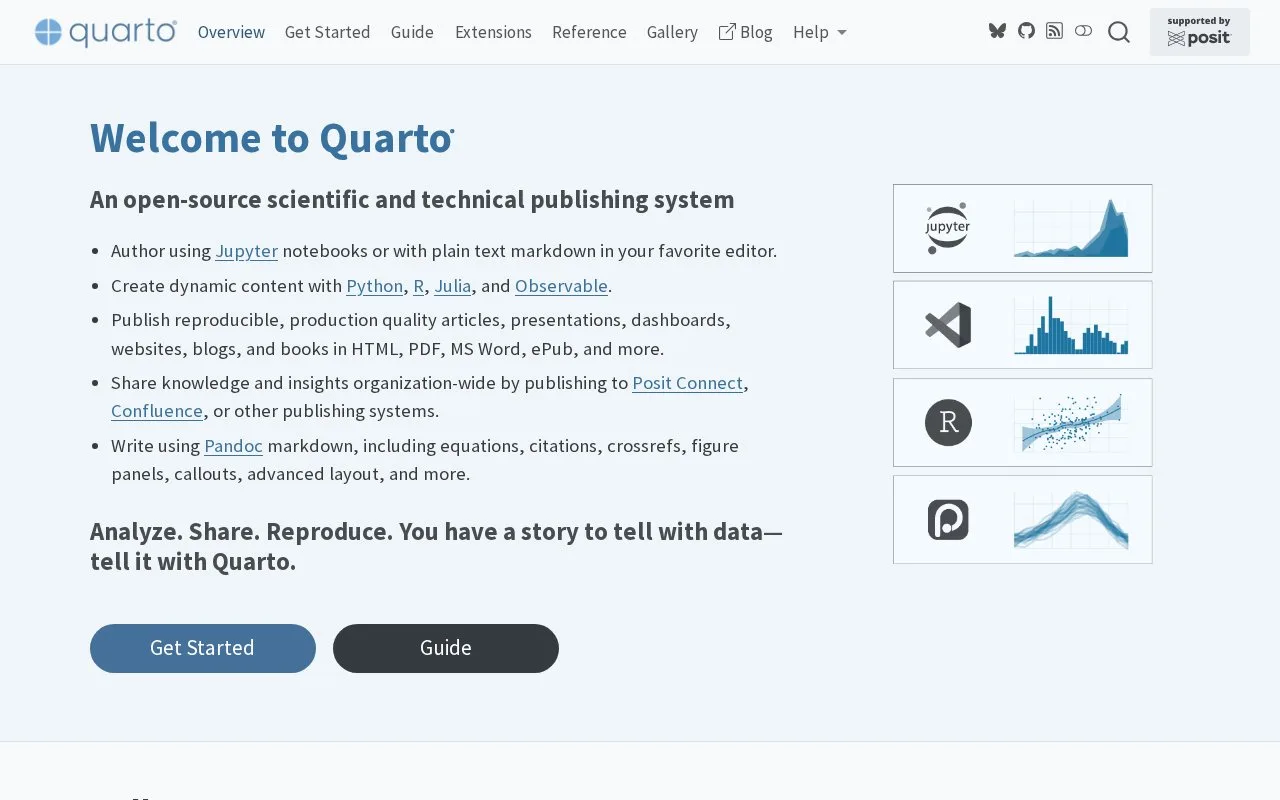
Quarto is an open-source publishing system and command-line tool for technical and scientific writing. Authors combine Markdown or notebooks with executable Python, R, Julia, or Observable JavaScript content, then render documents or grouped projects into formats such as HTML, PDF, Word, presentations, websites, and books. It works with familiar editors and notebooks rather than requiring a proprietary authoring environment. Quarto is a fit for teams that need a repeatable path from analysis or notes to shareable publications.
Quarto treats a document as source that can be rendered again when its text, code, or data changes. Start with a .qmd file in an editor and a small YAML header, for example:
---
title: Runtime report
format: html
---
Add Markdown and, when needed, executable code blocks. The official tutorial uses quarto preview report.qmd while authoring so the rendered view updates as the source changes; quarto render report.qmd --to html creates a final HTML output. The CLI also supports other targets, including Word documents. These are documented commands, not commands run for this listing.
Quarto can render code with supported computational engines, including Jupyter for Python and knitr for R, and then combine the results with the narrative. That is useful for a report whose figures and values should be regenerated from its source rather than copied by hand. Executable Python examples need a suitable Python/Jupyter environment and any libraries the document uses, so account for those dependencies when sharing a project.
Rendering is not the hosting plan
Quarto creates standard output files and supports publishing workflows for destinations such as GitHub Pages, Netlify, Posit Connect, and other services. Choose and configure that destination separately; Quarto itself is the authoring and rendering layer, not a general-purpose hosting provider.
The FAQ describes Quarto as free to use. The CLI is under MIT from version 1.4 onward; version 1.3 and earlier use GPL v2. The official license page also lists different licenses for associated components, so review those terms when redistributing software or bundled dependencies.
Strengths
- Combines narrative writing with executable Python, R, Julia, or Observable content in one source document.
- Renders individual documents and multi-document projects into common document and publication formats.
- Supports an authoring loop with a browser preview and a separate final render command.
Watch out for
- Executable code requires its corresponding language engine, environment, and project dependencies; Quarto does not supply every analysis package a document may use.
- Publishing destinations such as GitHub Pages or Posit Connect are separate services that need their own setup.
Best for
- Reproducible technical and scientific reports that combine explanation, code, and output
- Publishing one source project as a website, book, presentation, or multi-format document
- Teams authoring in Markdown, Jupyter, RStudio, VS Code, or another supported editor
Sources
- Quarto (Oct 25, 2026)
- Get Started with Quarto (Oct 25, 2026)
- Tutorial: Hello, Quarto with a text editor (Oct 25, 2026)
- Quarto Command Line Reference (Oct 25, 2026)
- Publishing Basics (Oct 25, 2026)
- Frequently Asked Questions (Oct 25, 2026)
- Open Source License (Oct 25, 2026)
- quarto-dev/quarto-cli official repository (Oct 25, 2026)