
What it does
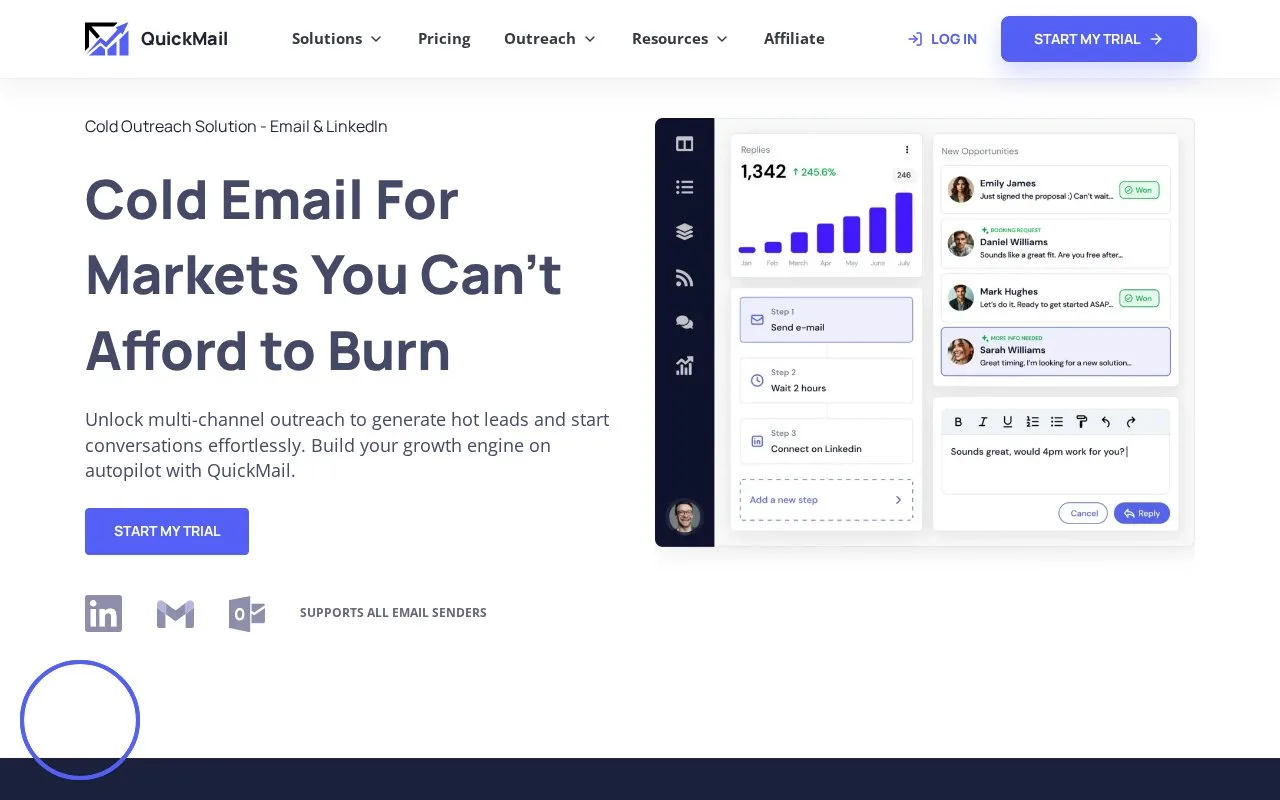
QuickMail supplies outbound campaigns with a shared inbox for email and LinkedIn conversations. The same view holds tasks, calls and manual drafts, with filters for responsibility and conversation state.
Opening a bold QuickMail reply leaves it Active. Sending a response marks it Pending; change that status directly when no reply is needed. Won and Lost archive the conversation, while filters retrieve it later. Snooze hides it until the chosen time or a new reply.
Replies normally belong to the receiving email account's owner. Invite-linked accounts can leave them Unassigned, so set the Inbox Owner. Tasks, calls and manual drafts share the queue with conversations.
Monthly plan capacity
| Plan | Workspaces | Contacts | Email sends/month |
|---|---|---|---|
| Starter | 1 | 1,000 | 5,000 |
| Growth | 1 | 25,000 | 100,000 |
| Agency | 2 | 100,000 | 500,000 |
Users and connected senders are unlimited within those allowances. The fourteen-day trial requires account and card details, but ends without automatically subscribing or charging the account. If a sending account is deleted, earlier replies remain available; choose another From account when responding.
Strengths
- Reading and handling a reply are distinct queue states
- Earlier replies remain available after their sending account is deleted
Watch out for
- Invite-linked accounts can leave conversations unassigned until ownership is configured
Best for
- Sales teams combining reply handling with scheduled tasks and personal follow-up
Sources
- QuickMail official product and access information (Oct 27, 2026)
- QuickMail inbox handling (Oct 27, 2026)
- QuickMail - Get hot leads on LinkedIn & cold email like a pro (Oct 26, 2026)