
What it does
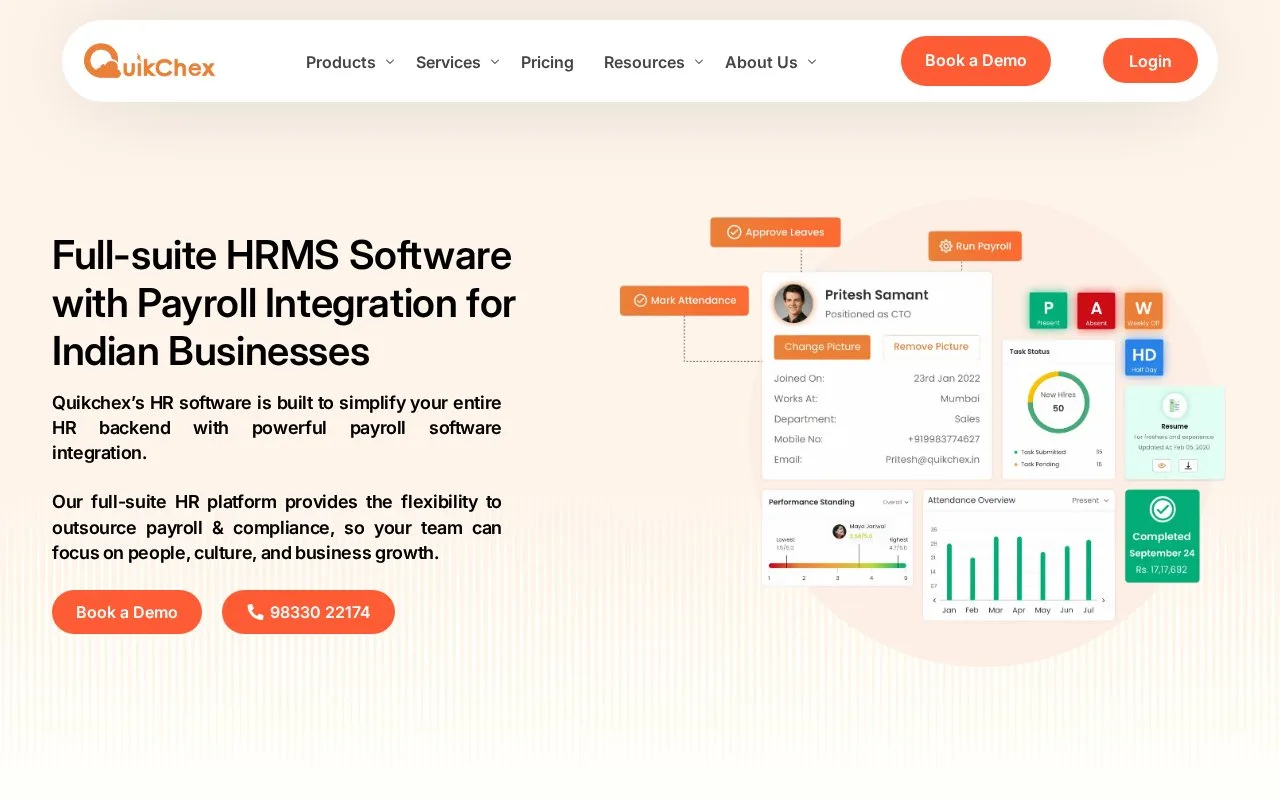
Quikchex joins employee records, leave, attendance and payroll. Its attendance sync asks administrators which unprocessed employees should receive loss-of-pay days. Self Service supplies the software, while Full Service adds payroll operations support.
Sign in as an administrator and open Attendance Process. Choose Sync to Payroll, then review the list of employees whose attendance is unprocessed. Everyone is selected for loss-of-pay creation by default. Uncheck anyone who should not receive those days before choosing Create LOP. Only the remaining selected names are affected; an unprocessed attendance record still needs a human decision.
Monthly plan prices
Amounts are INR. Each cell shows the monthly base plus the monthly rate per employee.
| Tier | Self Service | Full Service | Main difference |
|---|---|---|---|
| Starter | 4,500 + 45/employee | 7,500 + 75/employee | Core HR, payroll, attendance and leave |
| Growth | 5,500 + 55/employee | 8,500 + 85/employee | Adds custom fields, documents, loans and roster shifts |
| Enterprise | 10,000 + 100/employee | 13,500 + 135/employee | Adds advanced employee workflows, reports and access controls |
Full Service includes a dedicated account manager and payroll-processing support. Expense, performance and timesheet tools are separate add-ons. Choose the service level according to who will carry out payroll each month, then compare the same headcount across tiers.
Strengths
- Administrators can exclude specific employees before creating deductions
- Software-only and managed payroll packages have distinct prices
Watch out for
- Unprocessed employees are selected for loss-of-pay creation by default
Best for
- Payroll teams reconciling attendance before salary processing