What it does
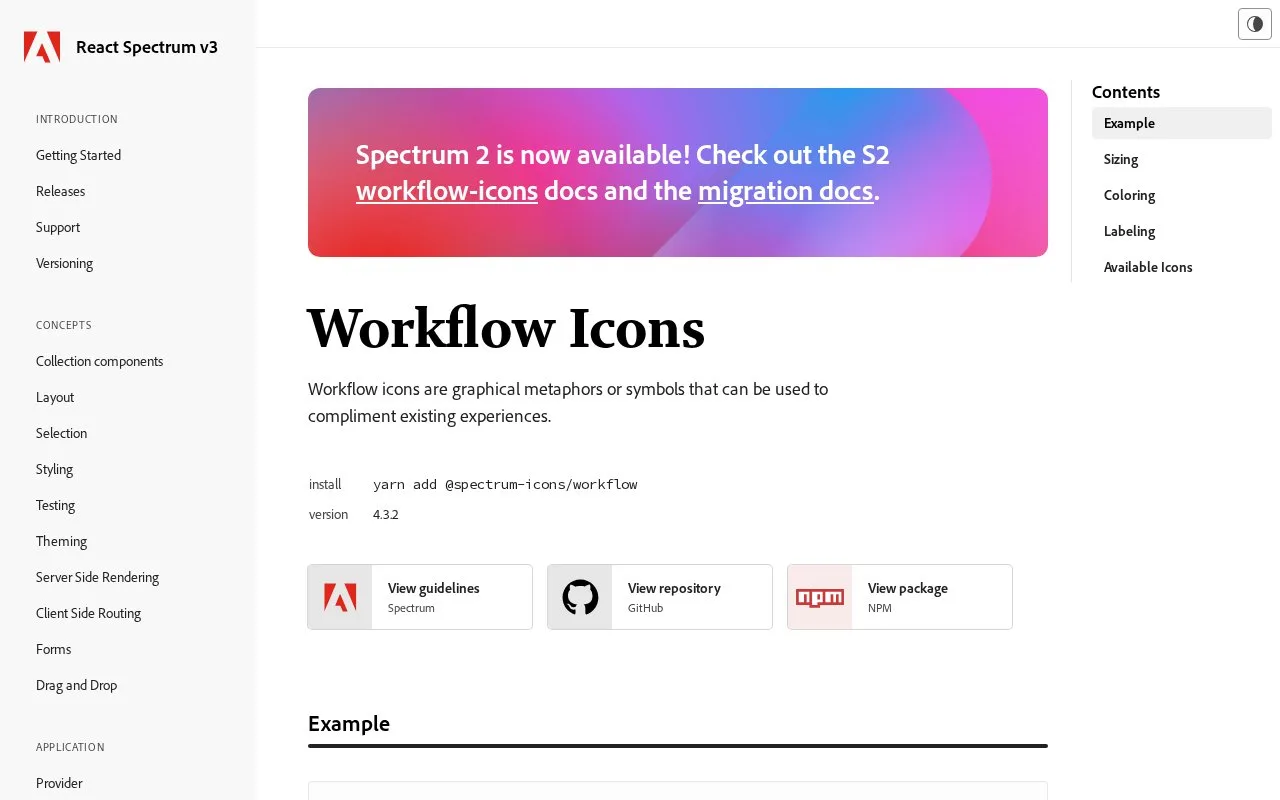
Spectrum Workflow Icons supplies named React components for Adobe's interface icon family. The V3 package provides sizing, semantic colours and accessible-label handling, while Spectrum 2 has its own implementation route. The published V3 packages use Apache 2.0 terms.
A V3 project installs @spectrum-icons/workflow, then imports an icon through its named path, such as @spectrum-icons/workflow/Airplane. These components already have the Icon wrapper. Inside another React Spectrum component they generally inherit the appropriate sizing; a standalone icon exposes a size property and four semantic colour choices: negative, notice, positive and informative.
Accessibility depends on the role. A decorative icon is hidden from assistive technology by default. Put aria-label on an otherwise unlabelled parent button, or on the icon itself when it conveys information alone. The default standalone size is M for desktop scale and L for mobile scale.
Spectrum 2 uses a different artwork generation and integration route. Its design guidelines specify separate desktop and mobile canvases, so keep a V3 implementation aligned with the V3 package. The published V3 workflow package and its underlying Adobe artwork package identify Apache 2.0 terms; retain the required licence and notices when redistributing them.
Strengths
- Standalone components expose size and semantic colour properties.
- Label guidance distinguishes parent controls from standalone symbols.
- Individual icon paths make the selected assets explicit.
Watch out for
- V3 and Spectrum 2 follow different artwork and integration conventions.
Best for
- React Spectrum V3 application teams
- Developers implementing labelled status and action icons
Sources
- Workflow Icons | React Spectrum V3 (Oct 27, 2026)
- Using Icons | Spectrum (Oct 27, 2026)
- Spectrum Workflow package manifest (Oct 27, 2026)
- React Spectrum Apache License (Oct 27, 2026)
- Adobe workflow artwork package metadata (Oct 27, 2026)