
What it does
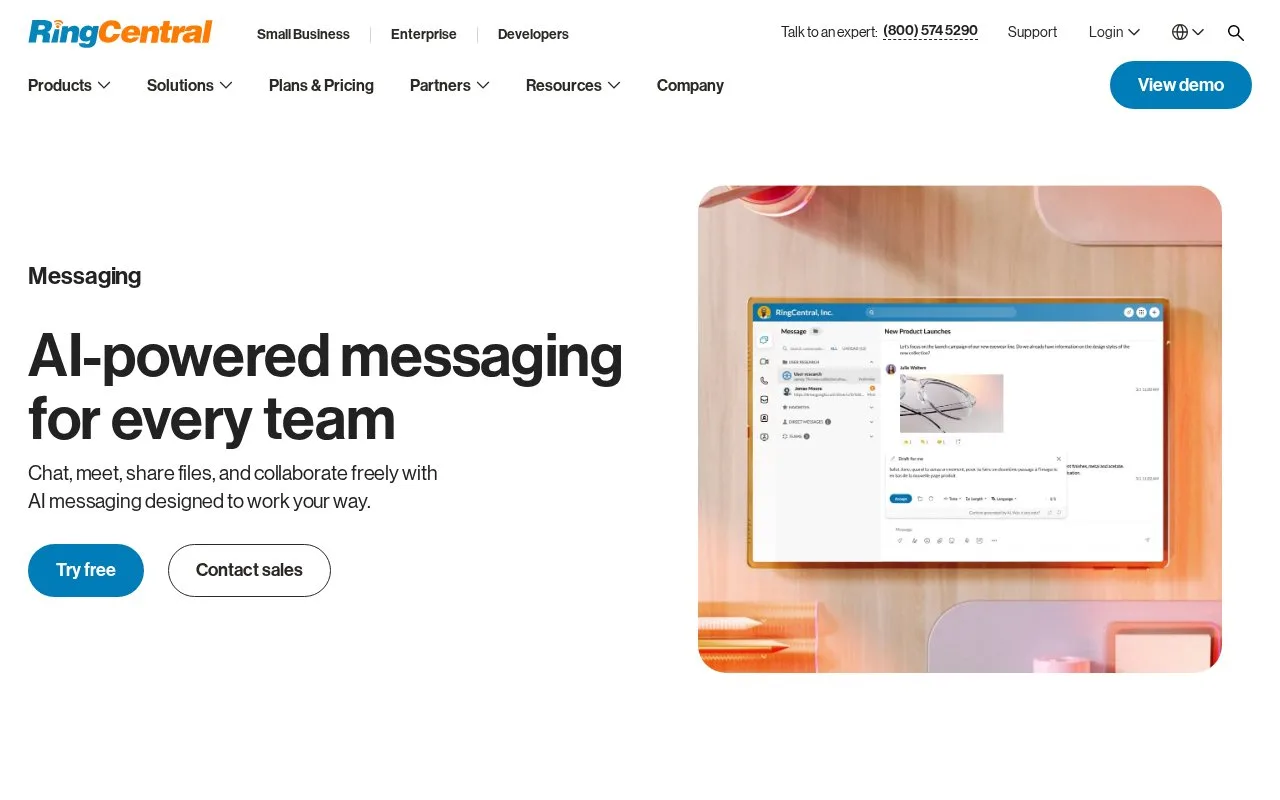
RingCentral Team Messaging provides one-to-one and group conversations with file sharing, audio and video messages, tasks, and private or public groups. The official page describes switching chats into calls or video meetings and organizing conversations by project or topic.
RingCentral positions team messaging inside a unified communications app: teams can chat, share files, start calls or video meetings, organize private and public groups, and manage task reminders. The page also describes access controls for who can join groups and conversations, guest access in a browser, and AI-assisted message drafting, translation, and summaries.
The product page offers a “Try free” entry point, but no plan, price, or trial terms were visible in the source reviewed. No communication account or group was created.
Strengths
- Combines messaging with calls, video meetings, file sharing, and task reminders.
- Supports private and public groups with centralized membership controls.
- Offers browser-based guest access, according to the product page.
Watch out for
- Messaging is part of a broader calling and meeting product, not a stand-alone chat-only service.
Best for
- Organizations that want chat connected to phone, video, and file-sharing workflows
- Teams already using RingCentral’s unified communications tools
Sources
- AI-Powered Team Messaging & Collaboration Platform (Oct 25, 2026)