
What it does
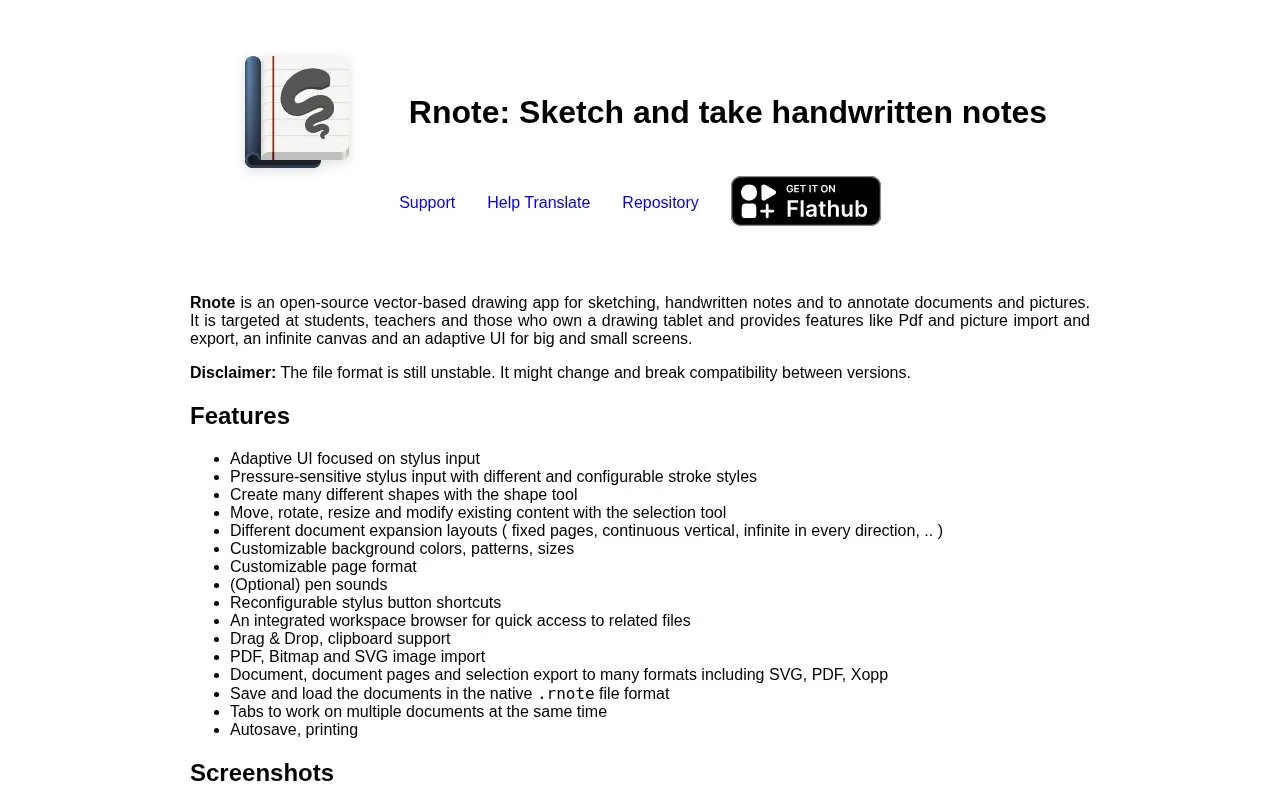
Rnote combines pressure-sensitive vector sketching, handwritten notes and document annotation. Page layouts range from fixed sheets to a canvas that expands in every direction.
An explanatory drawing can begin beside an imported PDF, bitmap or SVG. Use configurable pen strokes for the sketch, shape tools for clean geometry and the selection tool to move, rotate or resize existing content. Background patterns and page dimensions can be set around the intended handoff.
Export scope matters. Whole documents can become SVG, PDF or Xopp; individual pages and selections can become SVG, PNG or JPEG. A selected diagram can therefore leave a larger notebook without exporting the surrounding notes.
Keep the native Rnote file for continued editing and an exchange-format copy for readers. The project warns that its native format can change between versions. Linux users should also account for the project's unsupported X11 environment, where stylus and touch input are unreliable.
Rnote is free GPL software with Linux, Windows and Mac distributions.
Strengths
- A diagram can be exported separately from surrounding notes
- Page layout and stylus settings adapt the drawing space
Watch out for
- Native-file compatibility may change between versions
- X11 is not supported
Best for
- Explanatory sketches beside notes and reference documents
Sources
- Rnote features, downloads and licence (Oct 27, 2026)
- Rnote official repository, recovered capture (Oct 27, 2026)