
What it does
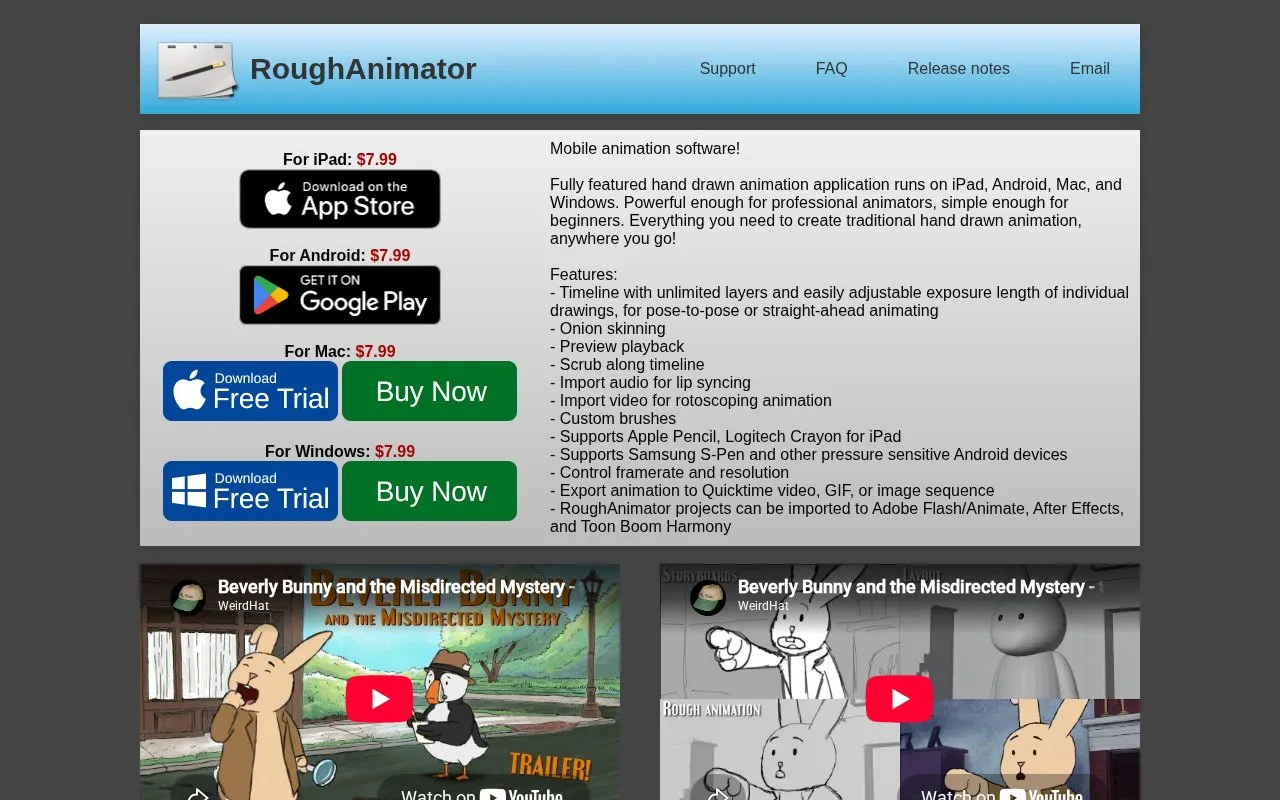
RoughAnimator is a bitmap animation app for iPad, Android, Mac and Windows. It provides hand-drawn frames, adjustable exposure timing, onion skins and audio or video reference. Each platform is a separate one-time purchase.
Set the timing as you draw
Create a project with the required resolution and frame rate. Draw on the first layer, then adjust the Drawing Duration slider or the drawing’s timeline edge to change its hold. Add another drawing, compare neighbouring poses with onion skins and play the preview.
Export offers QuickTime video, GIF or PNG sequences. Audio files appear as waveform layers, while imported video supplies a drawing reference. Projects can continue in Animate, After Effects or Harmony through the documented import routes.
A focused bitmap stage
Every pose must be drawn: RoughAnimator has no automatic tweening. Scaling and rotating bitmap artwork can reduce quality, and the app is not a complete compositing or video-editing suite. Platform purchases are separate, although project files can move between them. The developer says desktop updates may follow mobile improvements later.
Strengths
- Drawing holds can be adjusted directly in the timeline
- Audio waveform layers help align drawn action with sound
- Project files transfer between mobile and desktop editions
Watch out for
- No automatic tweening
- Bitmap transformations can reduce image quality
- Each operating system requires a separate purchase
Best for
- Hand-drawn animation studies
- Drawing and timing sequences before finishing in another application
Sources
- RoughAnimator features and platform prices (Oct 27, 2026)
- RoughAnimator purchase and bitmap limitations (Oct 27, 2026)
- RoughAnimator iOS user guide (Oct 27, 2026)