What it does
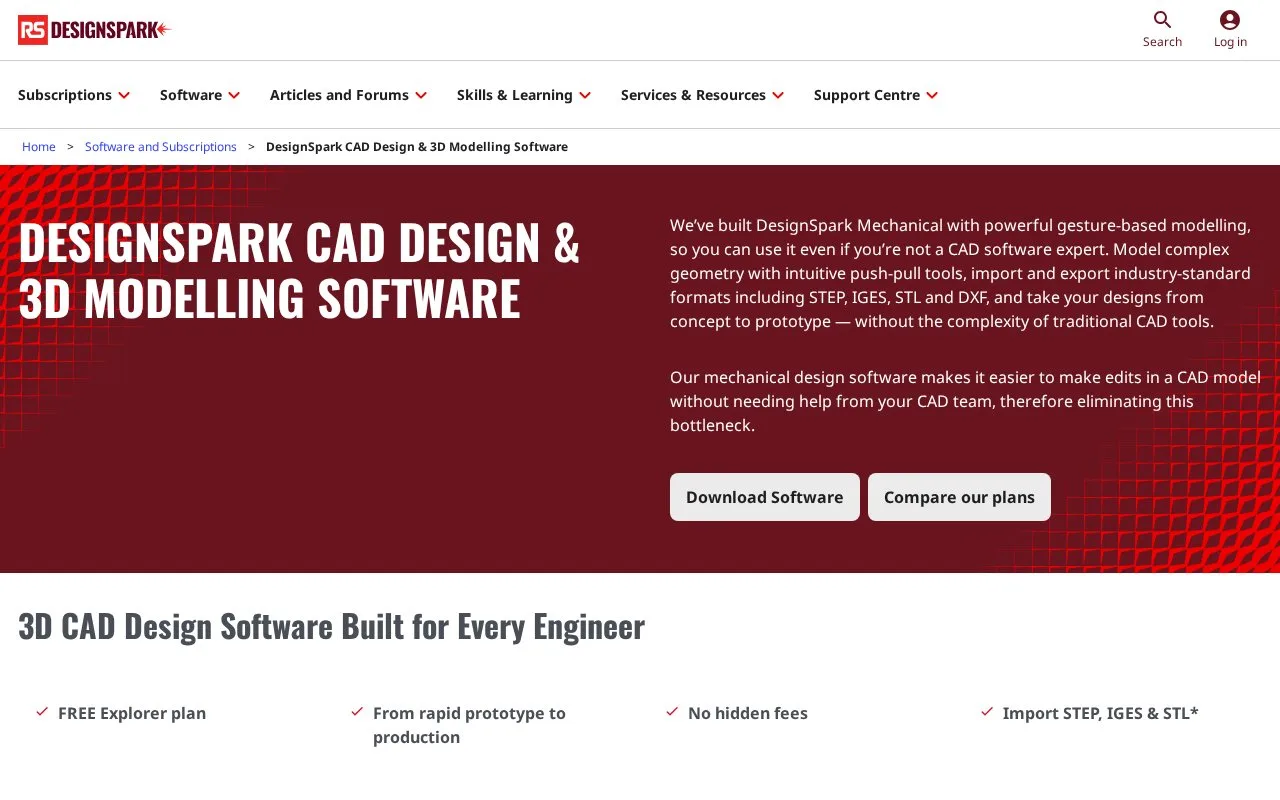
DesignSpark Mechanical is Windows CAD software for direct solid modelling, constrained sketches and measurement. The free Explorer plan covers core modelling; Creator and Engineer add exchange, detailing and other tools.
The official pin-cube exercise makes the Pull tool's role clear. Create a new design and sketch a 25 mm square in Plan view, using Tab to enter the second dimension. Switch to Home view, select Pull and give the square a 25 mm height. Disable Smart and Faces in the selection filter, select the cube's edges and pull them to a 2 mm round.
Sketch a circle with a 10 mm diameter at a face's centre and pull it 7 mm to form a pin. Repeat on the other faces, round each pin end to 1.5 mm and save the design as PIN CUBE. Sketch dimensions set the starting profile, while selected faces and edges determine what Pull changes. Finished geometry can also be exported as STL for a printing workflow.
Pull, Combine, Blend, sketch constraints and measurement are available across the plans.
| Plan | Access and additional tools |
|---|---|
| Explorer | Free for personal and commercial work; an account is required to download |
| Creator | Paid monthly or annual subscription; adds STEP, IGES, DWG and DXF exchange, 3D Mirror and drawing-detailing tools |
| Engineer | Paid monthly or annual subscription; the assembly tool is reserved for this plan |
Strengths
- The same Pull tool can extrude faces and round selected edges.
- Explorer includes core modelling and measurement for personal or commercial projects.
Watch out for
- STEP/IGES exchange and detailed drawing tools require a paid plan.
- The assembly tool is available only with Engineer.
Best for
- Prototype parts shaped through direct face and edge edits
- Mechanical geometry intended for STL printing workflows
Sources
- DesignSpark Mechanical | Product and Plan Comparison (Oct 28, 2026)
- DesignSpark Mechanical | Pin Cube: Sketch, Select and Pull (Oct 28, 2026)
- DesignSpark Mechanical | Learning and STL Output (Oct 28, 2026)
- DesignSpark | Creator Subscription (Oct 28, 2026)
- DesignSpark Mechanical | Download and Installation (Oct 28, 2026)