
What it does
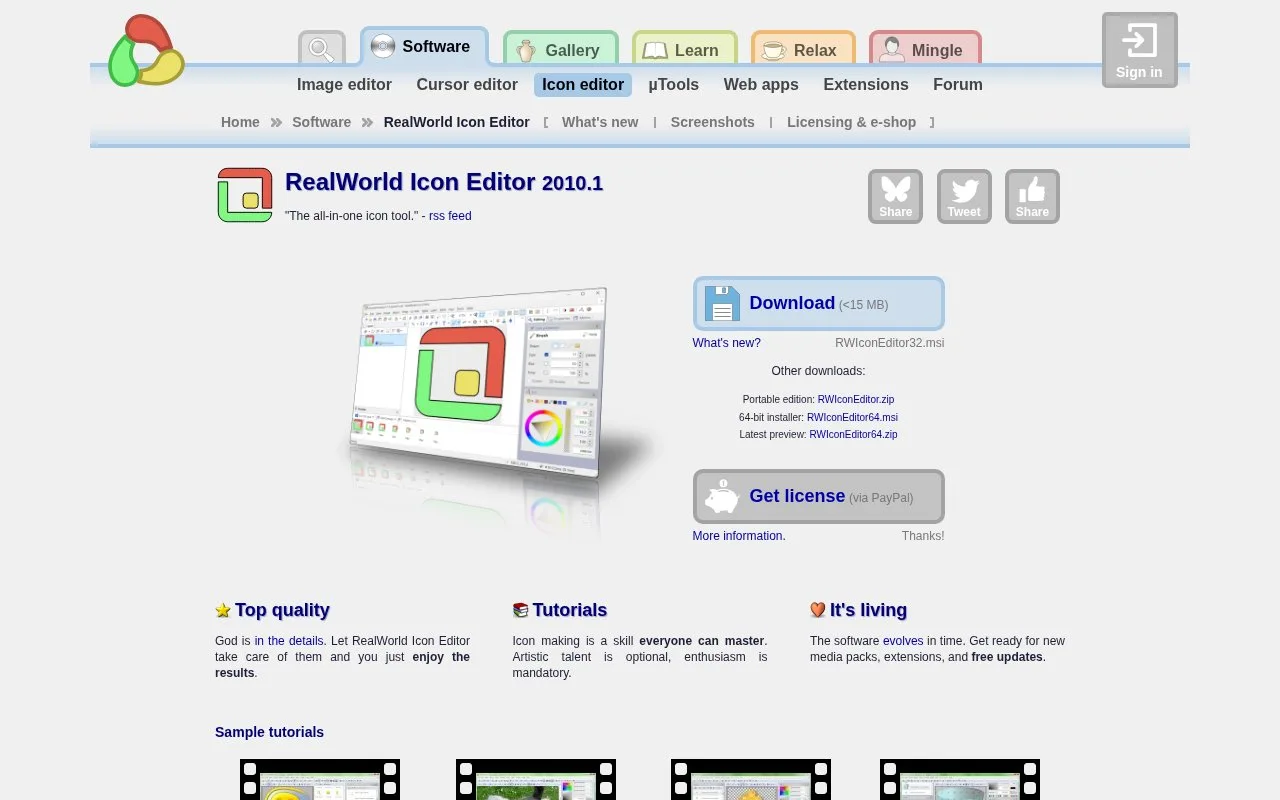
RealWorld Icon Editor combines layered image editing, icon-library management and built-in 3D modeling. It can turn images or assembled components into icons with configurable sizes and colour depths. Paid Standard and Professional licences differ mainly in batch processing and workstation-use options.
The starting material determines the route: import a PNG or PSD, assemble prepared parts, or render a 3D model for a shaded icon. The image workflow opens the file, optionally selects a region with Transform, then uses Create icon to produce an editable result. Output sizes and colour depths can be changed, while layers and per-image effects support further adjustment. Images with an existing alpha channel avoid the extra work of separating a background.
Standard is a one-time USD 47 licence for commercial or noncommercial use. Professional costs USD 89 and adds batch processing, all downloadable content and an optional workstation mode for multiple users sharing one computer. A licence is required beyond evaluation; each includes at least five years of free upgrades. An account is recommended when buying, rather than required by the store. The advertised release is 2010.1.
Strengths
- Image, model and component-based creation routes are documented.
- The editor supports layers and icon-library management.
Watch out for
- Batch processing requires the Professional licence.
Best for
- Desktop projects creating icons from existing images or 3D models
Sources
- RealWorld Icon Editor 2010.1 (Oct 27, 2026)
- RealWorld Icon Editor licence and store (Oct 27, 2026)
- How to create icons from images (Oct 27, 2026)