
What it does
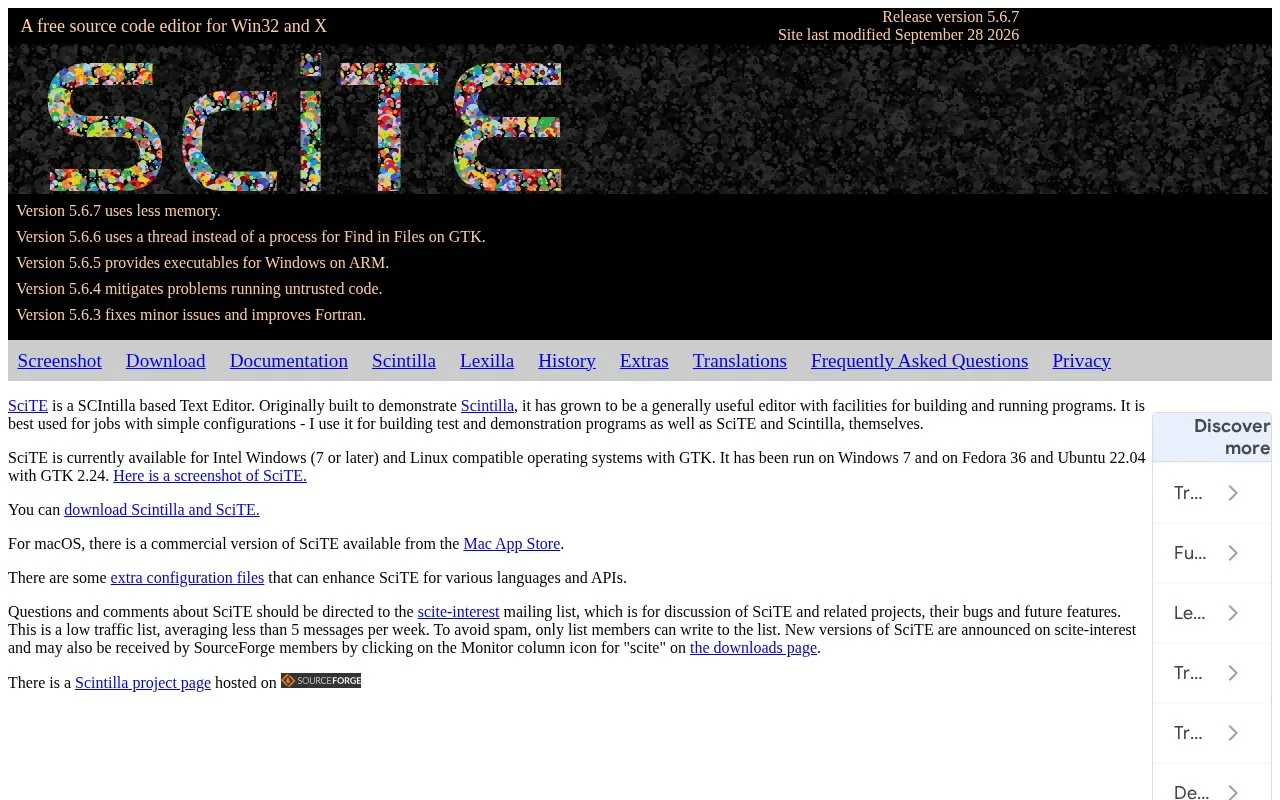
SciTE is a source editor built on the Scintilla editing component. Its appeal is a compact workspace for syntax-styled files and simple build or run commands, with command output and error navigation inside the editor. The official free distribution targets Windows and GTK-based Linux systems; the project site identifies a separate commercial macOS version.
SciTE is oriented toward direct editing and simple tool commands rather than a large project model. Open or save a source file, let the extension select syntax styling, and use the Tools menu to compile or run a configured command. The manual shows a Python example where Tools | Go runs the file and displays its output in the output pane; the Tools | Next Message command can then move between diagnostics reported by supported compilers and interpreters. Those are manual examples, not commands run for this listing.
The same pane is useful for a small C, Python, or demonstration program when you want to see both the source and compiler output without arranging a terminal yourself. SciTE is configurable through properties files, and its documentation describes editor behavior, commands, scripting, and regular expressions. It is a better fit for straightforward builds than a fully managed IDE with project-wide refactoring and debugging workflows.
The Scintilla project publishes a no-fee permission to use, copy, modify, and distribute SciTE subject to the stated notice conditions. The main site calls the Windows and Linux editor free; users on macOS are directed to a commercial App Store build, whose price was not established in the page opened here.
Strengths
- The output pane can show build or run commands, program output, and diagnostic messages beside the edited file.
- The official manual documents a configurable command workflow and navigation to the source line associated with an error message.
- The project license permits use, modification, and distribution without a fee when its notice conditions are met.
Watch out for
- The official site presents free builds for Windows and Linux but points macOS users to a separate commercial App Store version.
Best for
- Editing small source files and running straightforward compiler or interpreter commands
- Developers who prefer a compact editor with visible command output over a project-heavy IDE
Sources
- Scintilla and SciTE (Oct 25, 2026)
- SciTE Documentation (Oct 25, 2026)
- License for Lexilla, Scintilla, and SciTE (Oct 25, 2026)
- SciTE for macOS (Oct 25, 2026)