
What it does
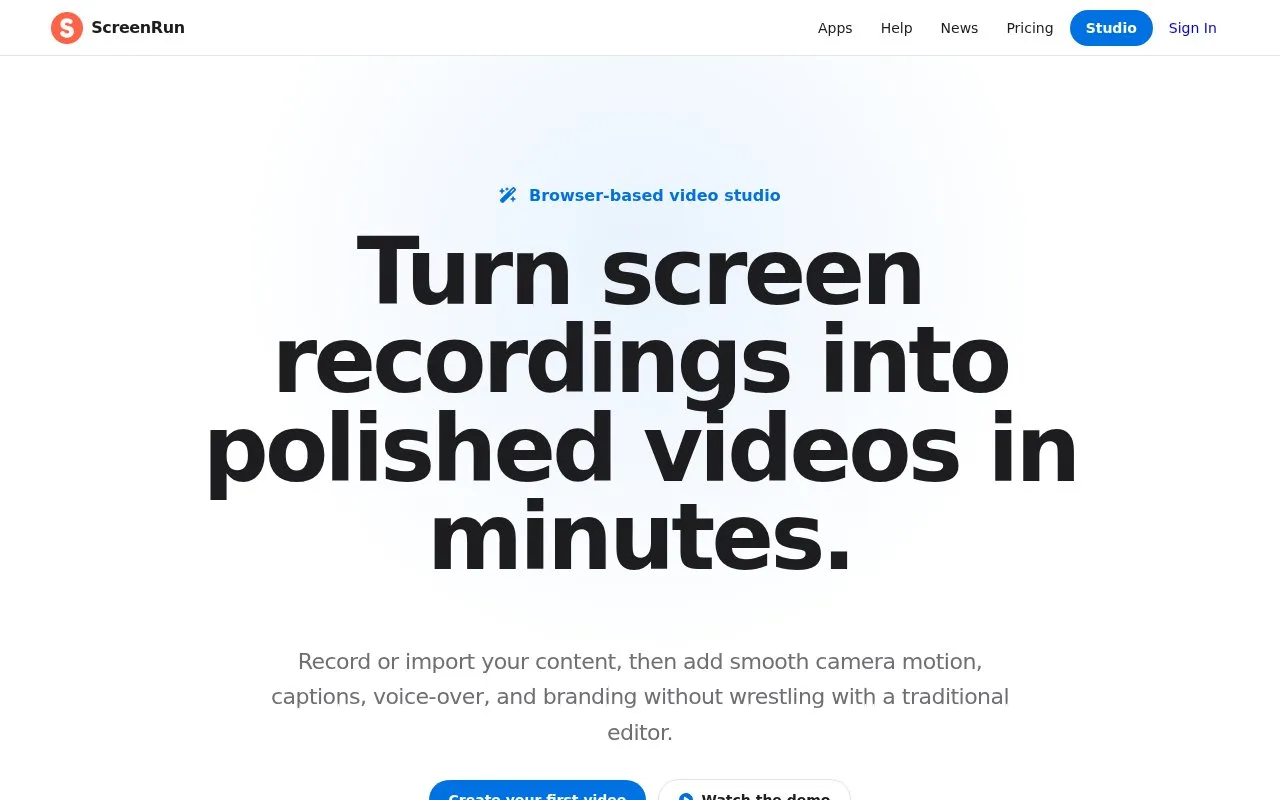
ScreenRun is a browser video studio for recordings, screenshots, PDFs and other media. It adds pans, zooms, captions, voice-over, backgrounds and webcam overlays, then exports MP4 or GIF. The site offers a fifteen-day trial without a card.
Import a screen recording, screenshot, PDF or image, or record directly in the browser. Click the stage to add zoom points, then drag them into position. A point can also carry a label or keyboard shortcut. When working over video, scrub to the action first and use the arrow keys for precise positioning.
Camera motion, captions, narration and music can accompany the sequence. Choose the output format and resolution to export an MP4 or GIF. The paid plan includes unlimited videos and 1080p output, with the same features available through monthly, annual or lifetime payment. New accounts receive a 15-day trial without a payment card.
Recent projects autosave in browser storage. Use Save to download an SRP project file before clearing browser data or moving to another machine; Load reopens that file and also supports handing a project to a colleague. ScreenRun states that source media and generated videos are processed in the browser, without uploading project media to its servers. The account uses email authentication. Chrome, Edge, Arc or another Chromium browser is recommended for recording and export.
Strengths
- Several media types can be combined in one browser project.
- Camera motion, captions and branding support explanatory videos.
Watch out for
- Free access lasts 15 days.
- Clearing browser storage can remove projects unless an SRP backup was saved.
Best for
- Teams creating browser-based product walkthroughs
Sources
- ScreenRun (Oct 27, 2026)
- ScreenRun Pricing (Oct 27, 2026)
- ScreenRun Help (Oct 27, 2026)
- ScreenRun Privacy (Oct 27, 2026)
- ScreenRun Terms of Service (Oct 27, 2026)