
What it does
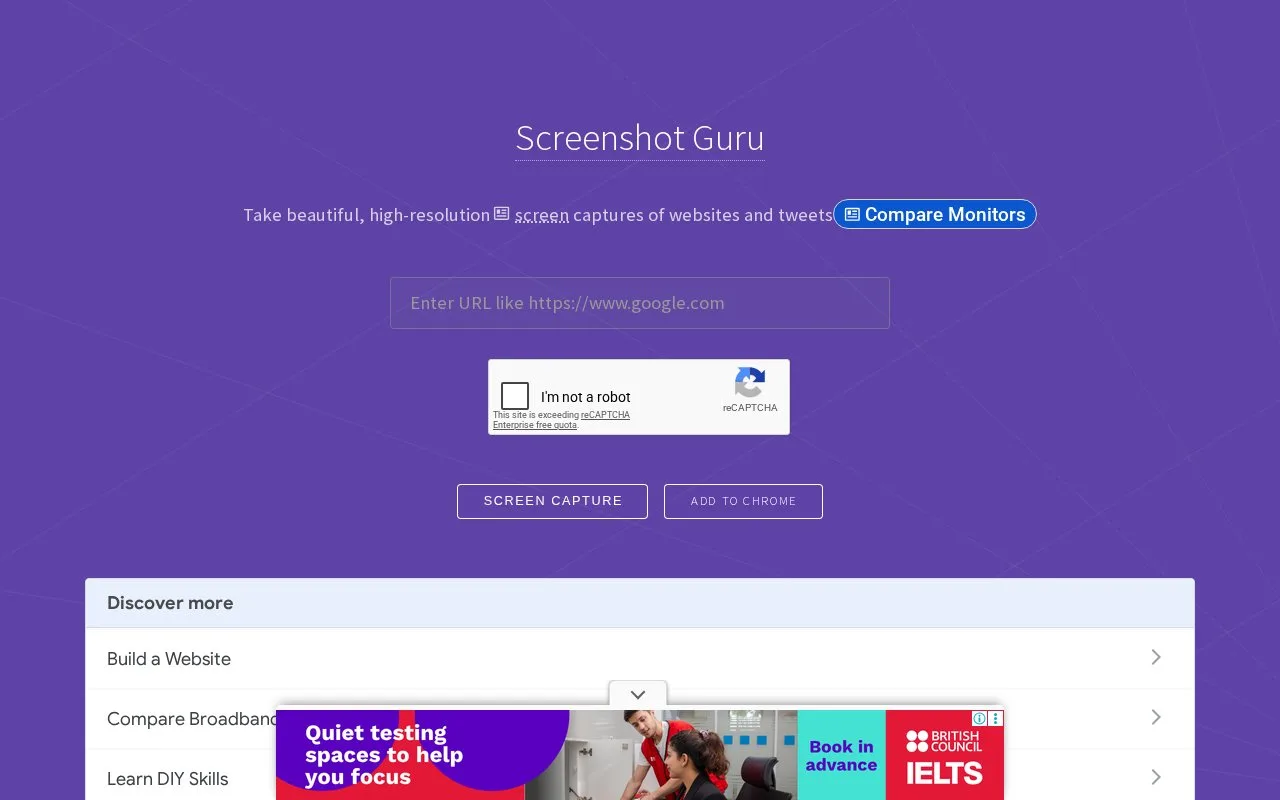
Screenshot Guru converts a public web-page address into a PNG image, including content below the initial viewport. The browser form requires a CAPTCHA. It is intended for public pages and does not capture login-protected content.
Enter the complete page URL, solve the CAPTCHA and select Screen Capture. Download the resulting full-page PNG. Take Another Screenshot returns to the capture form.
A public announcement or long landing page can be captured without first saving it locally or installing an extension. The page must be reachable by Screenshot Guru: it cannot use your signed-in Gmail or dashboard session.
The service excludes Flash embeds and AJAX-based pages such as Google Maps. The separate device-frame resource linked from the site is an additional tool, rather than a setting in this capture form.
Strengths
- Long-page capture includes material beyond the first screen.
- The creator’s guide provides a direct browser-to-download workflow without software installation.
Watch out for
- Login-protected pages and some interactive content are unsupported.
Best for
- Captures of public landing pages and articles
Sources
- Screenshot Guru: Online Screen Capture for Websites (Oct 27, 2026)
- Save Web Pages As An Image with Screenshot Guru (Oct 27, 2026)