
What it does
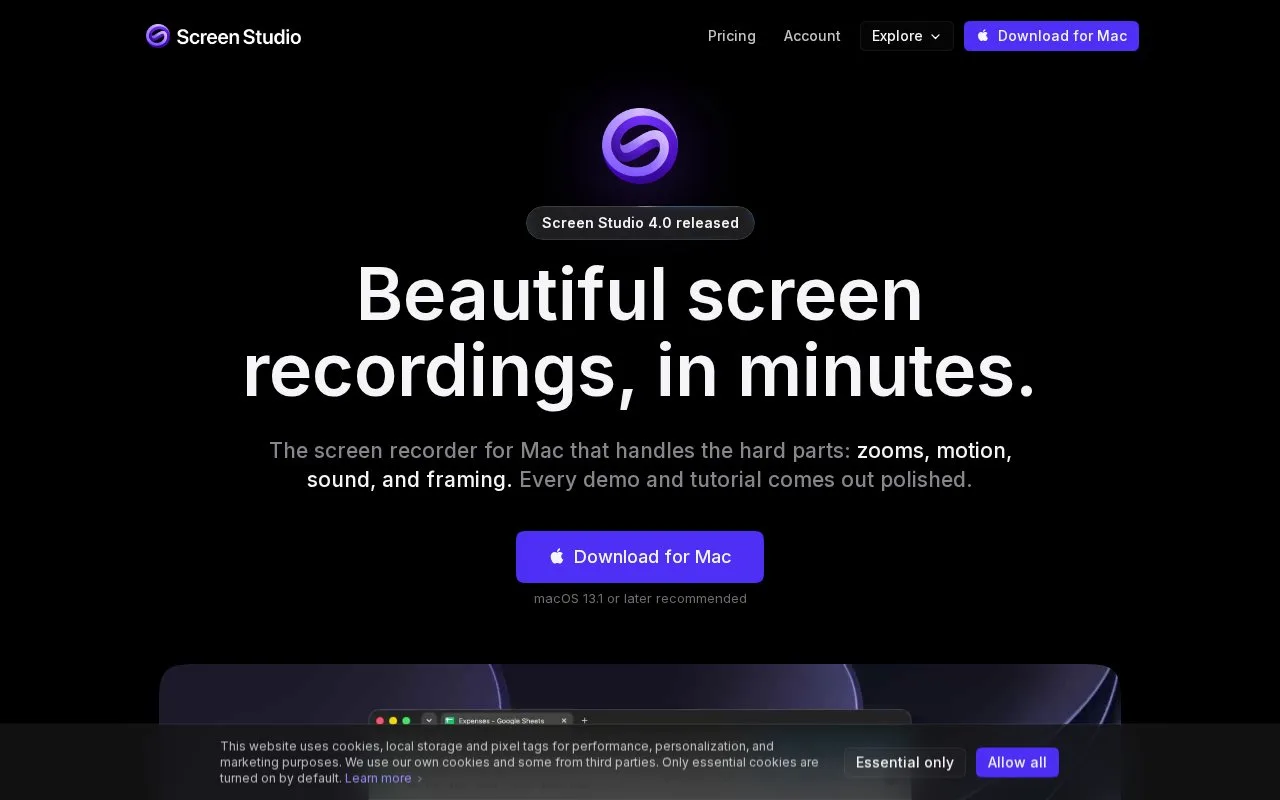
Screen Studio is a Mac screen-recording tool focused on presentation. It adds automatic or manually placed zooms and adjusts framing around recorded actions, with camera and editing controls for product demos, tutorials and social videos.
Screen Studio records cursor movement separately from the picture, so its size, shape and smoothness can be changed after recording. Automatic zooms follow activity, while manually placed zooms let you emphasise a particular control. A camera overlay, background and crop can then be adjusted for the intended video layout.
Open a new recording from the menu bar or with Option-Command-Enter, capture a focused sequence and review the zoom timing before exporting. MP4 output reaches 4K at 60 frames per second; GIF output reaches 1080p. Hosted share links have a separate limit of 1080p at 60 frames per second and 30 minutes. iPhone and iPad capture uses a USB connection and can add a matching device frame.
Recording and editing can be explored without an active plan, but exporting video files requires payment. New purchases are monthly or annual subscriptions, activated with a code sent to the purchase email. Existing one-time licences remain valid. The app is for macOS, with version 13.1 or later recommended.
Recordings stay local unless an upload-based feature is chosen. Sharing links or projects uploads them; cloud transcription sends audio for processing, and AI voiceover sends the supplied script. On-device transcription is also available.
Strengths
- Automatic and manual zooms support guided demonstrations.
- Framing and recording edits share a focused workflow.
Watch out for
- New users need a subscription to export video files.
- Hosted share links are limited to 1080p and 30 minutes.
- The application is available only for macOS.
Best for
- Creators preparing focused product demonstrations and tutorials
Sources
- Screen Studio — Professional screen recorder for macOS (Oct 27, 2026)
- Download Screen Studio for macOS | Screen Studio (Oct 27, 2026)
- Activating screen studio | Screen Studio (Oct 27, 2026)
- New recording | Screen Studio (Oct 27, 2026)
- Terms of service | Screen Studio (Oct 27, 2026)